Getting Started
Configuring the Agent
Set the operatorId and collectorURL configuration parameters in the ViewController.swift file. You may also configure the samplingInterval or the reportingInterval, amongst other parameters. Check the documentation for additional details.
AppleScript
/// ------------------
/// ViewController.swift
/// ------------------

	///
	/// Insight Agent Initialisation
	///

	// Insight Configuration Check the documentation for all possible parameters
	#if os(tvOS) 11 let config = InsightConfig(
		collectorURL: "https://collector.insight-stats.com/api/v1/",
		deviceId: "AppleTVTestDeviceId", operatorId: "yourOperatorToken", samplingInterval: 30, reportingInterval: 300, deviceType: DeviceType.stb, 	osName:"TVOS")
 	#elseif os(iOS)
	let config = InsightConfig(
		collectorURL: "https://collector.insight-stats.com/api/v1/",
		deviceId: "iOSTestDeviceId", operatorId: "yourOperatorToken", samplingInterval: 30, reportingInterval: 300, deviceType: DeviceType.handheld, osName:"iOS")
	#endif
	// User Information. Check documentation for additional parameters.
	let userInfo = UserInfo(userId: "refUserId", accountId: "refAccountId")
		InsightAgent.shared.initialise(config: config, userInfo: userInfo)
Running the Application
Start the application, and select Play. The demo video will begin to play.
Viewing the raw report
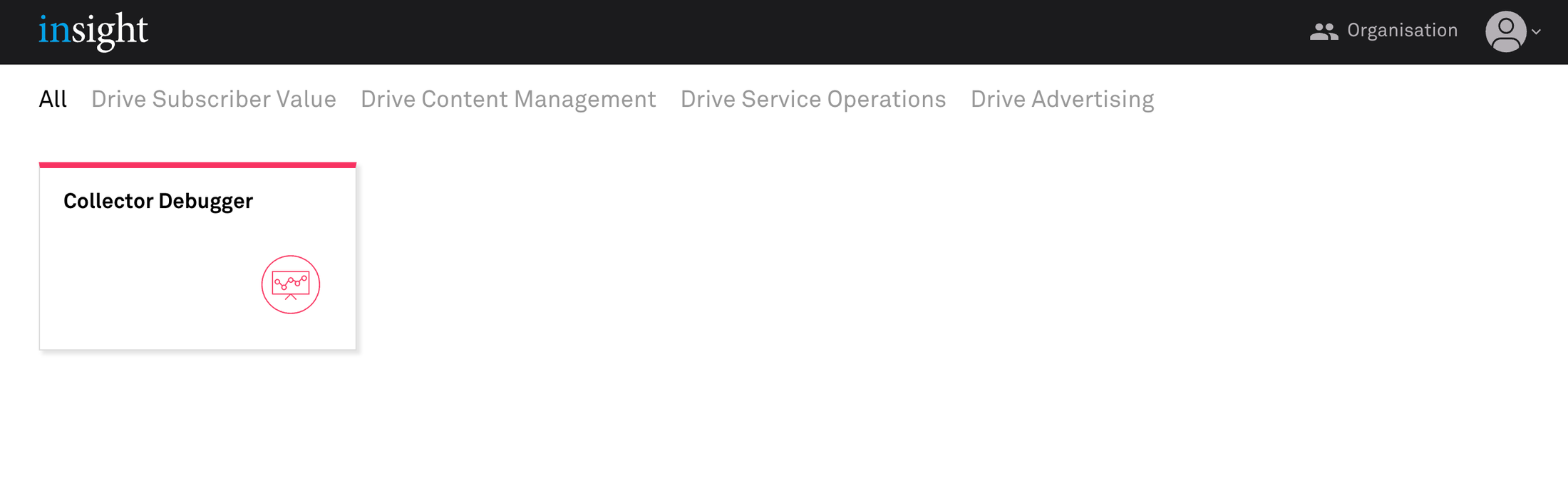
Log into the product with the URL provided.
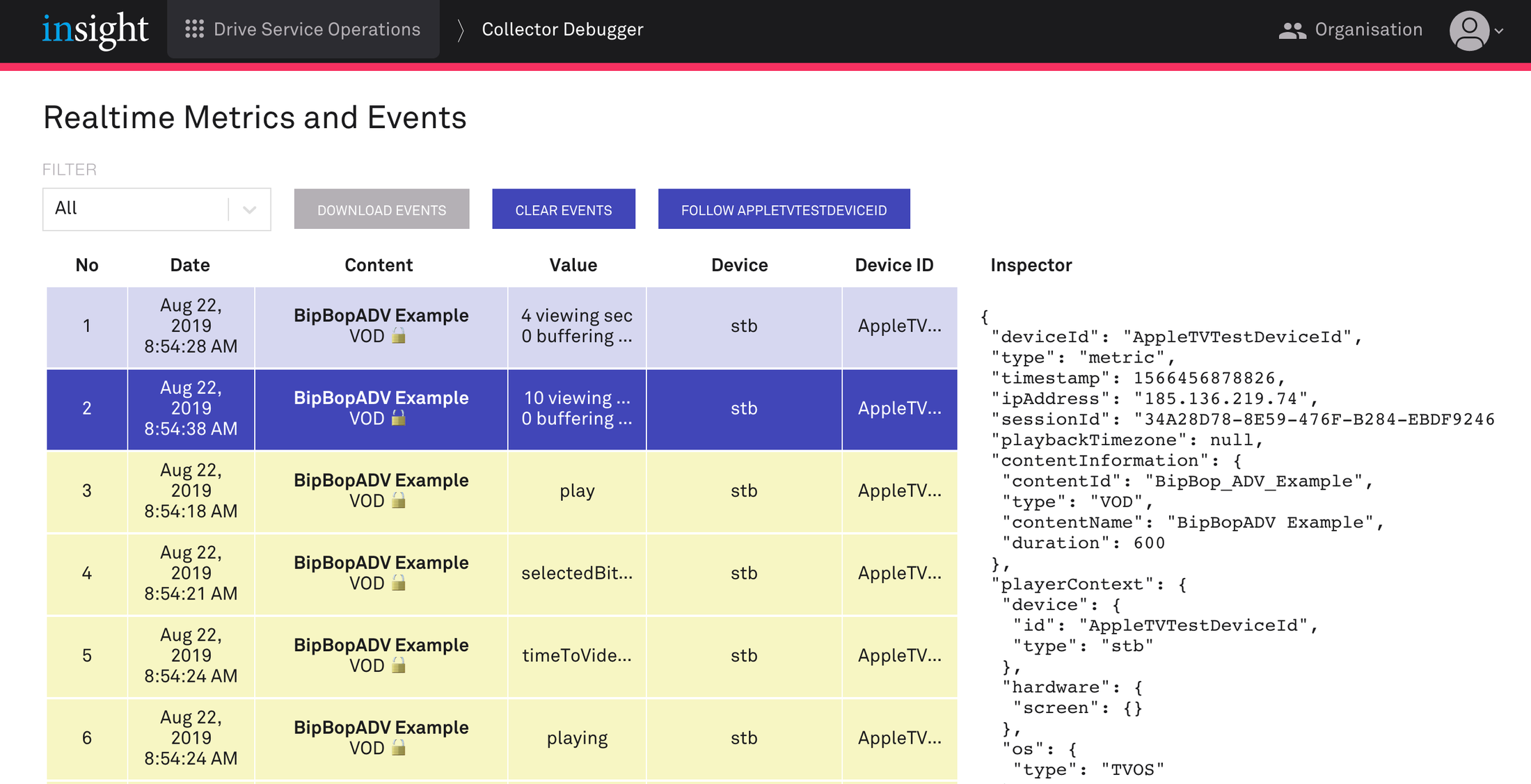
Open the Collector Debugger module. The raw Events and Metrics will be shown.