The TVDemo application can generate Event Timeline data to visualise how a stream in a particular environment on your choice of platform performs. This can be done in two ways:
-
TVDemo embedded with the Visual Timeline running on a Smart TV you wish to analyse.
-
Visual Timeline running in a Browser paired with a TVDemo instance on a SmartTV.
The second option is covered in these pages; further information on the TVDemo App can be found in the CONNECT Player TVDemo documentation.
Timeline Sockets companion service
A Socket.io service has been created to enable Events to be extracted from the SmartTV under test.
The distributable code for this service is included in the deliverables for this product so that you can self-host it in the environment of your choice.
When the TVDemo is launched, it will connect and register with the Socket.io service. This generates a random five-character Session Id allowing emitters and receivers within unique sessions to be paired. You can enter the Session Id into the form and an alternative URL if you are self-hosting the Sockets.io service.
The alternative configuration is restricted to the host path having a timeline-sockets/ suffix; there is no need to include this in what you enter here.
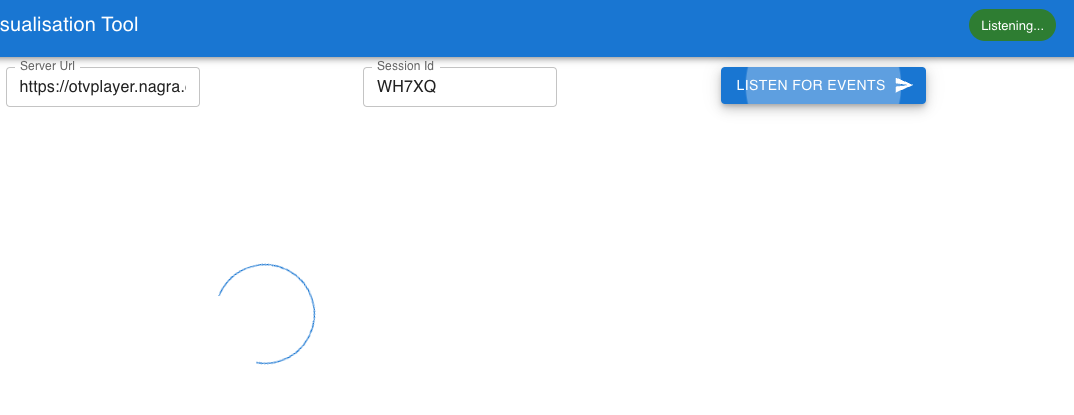
When you click the Listen For Events button, the App clears any previous waterfall and will listen for events generated by the session.
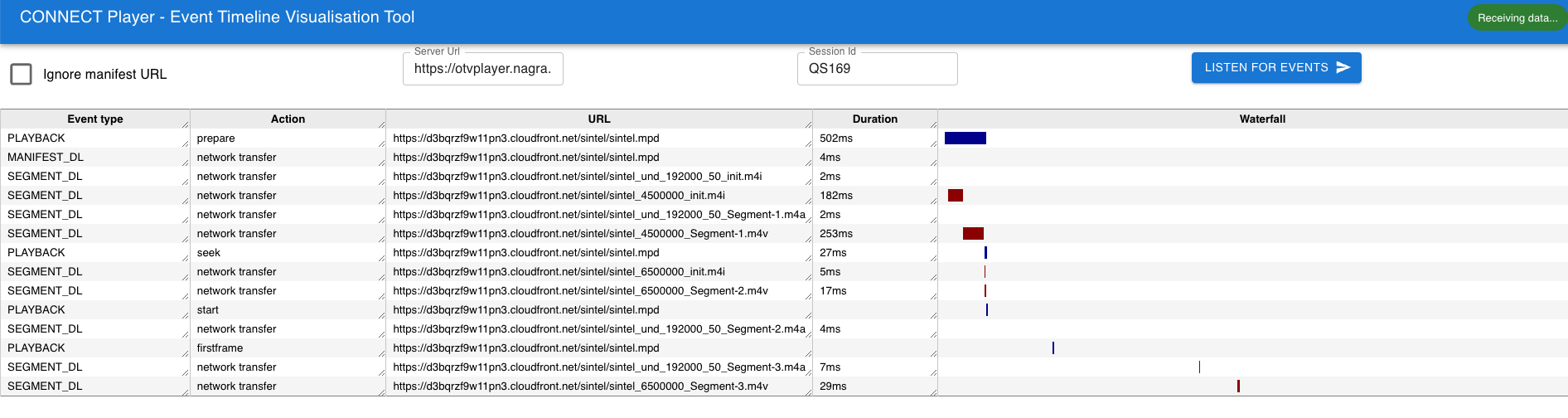
Events received will be rendered accordingly on arrival.
If for some reason the Visual Timeline loses contact with the Socket.io service, an alert will be shown: