
The Common Reference Application for the Web and Handheld implementations of DAS React Native Client SDK is described here.
Click here to see the Web version.
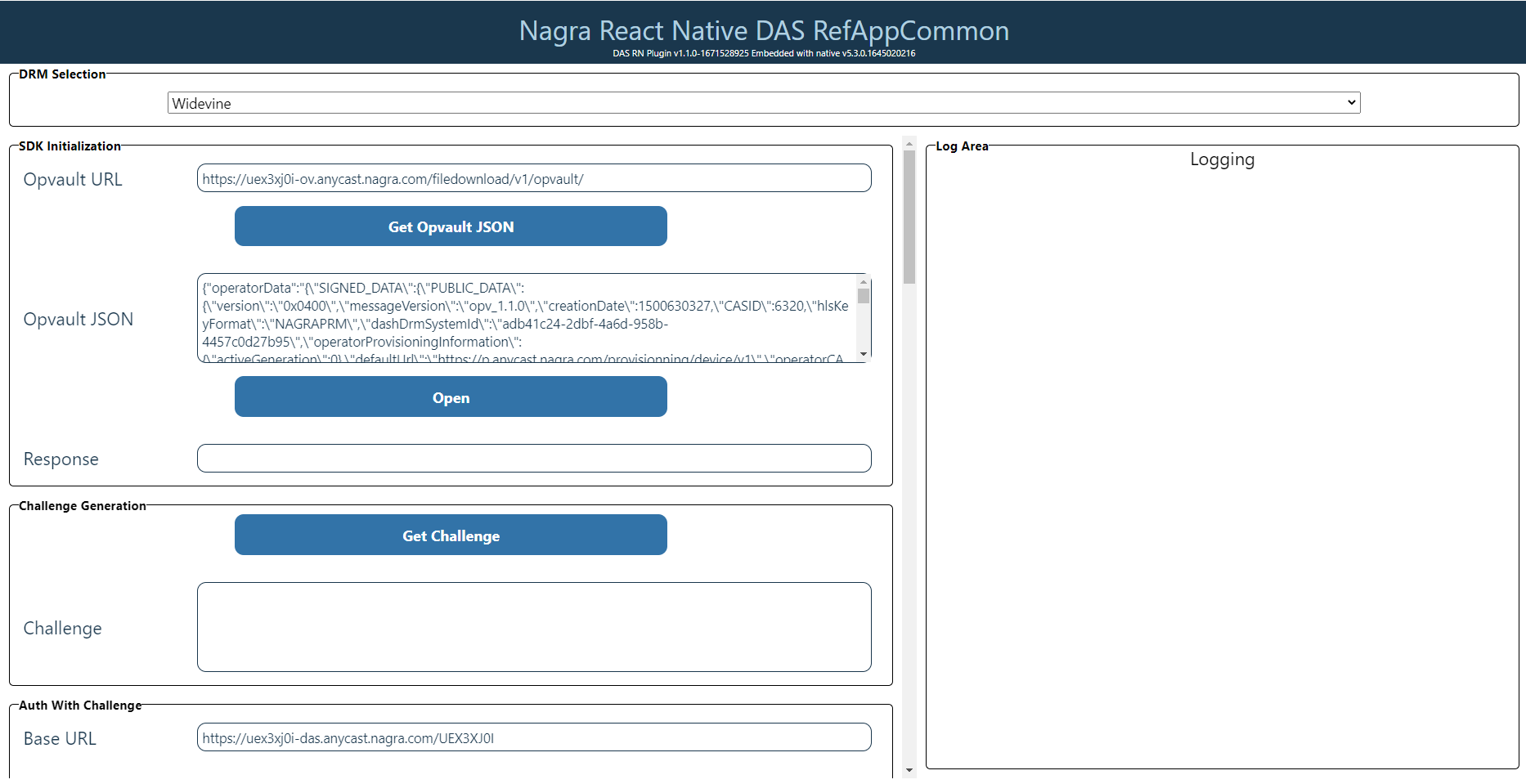
The Log Area is not displayed for handheld devices.
Click here to see the handheld version.
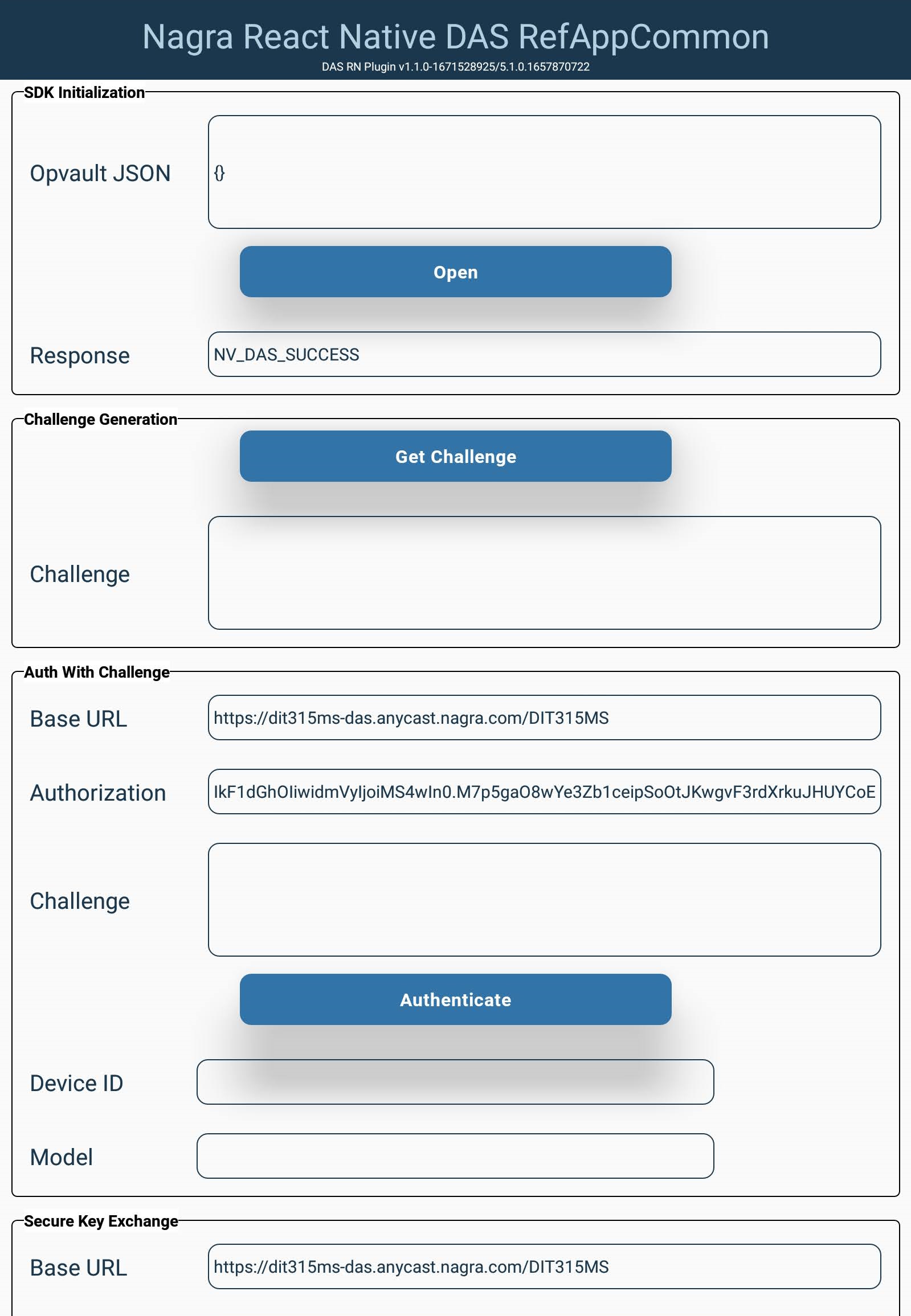
Some fields In the Reference Application will be pre-populated, and some are platform-dependent.
Select the relevant DRM from the drop-down:
Click here to view the image.

Initialization and Session Management
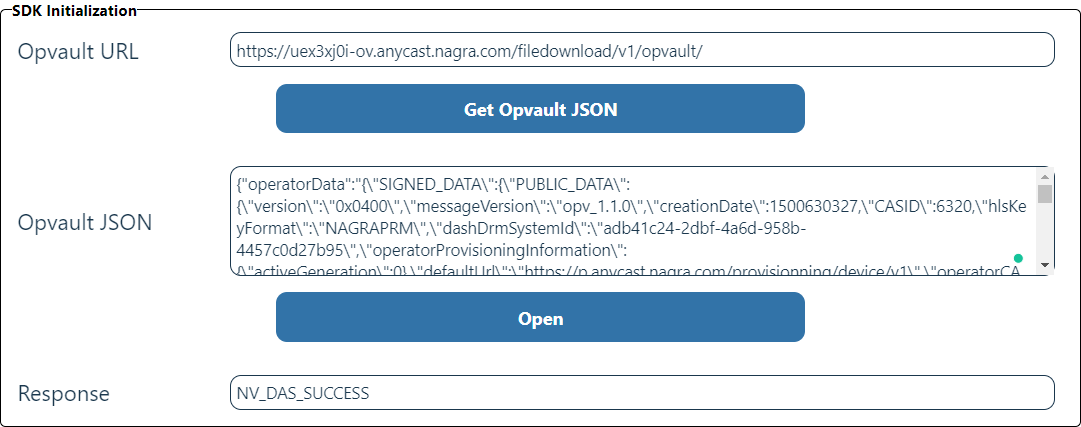
To create a new Session that can be used in subsequent operations, in the SDK Initialization section, enter the URL or the contents of the OpVault and click Open.
Click here to view the image.
Challenge
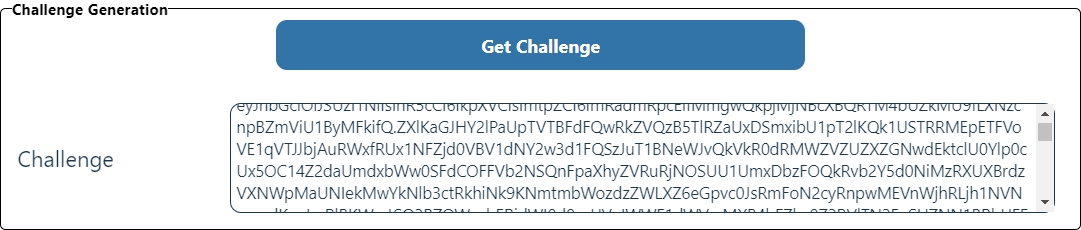
To obtain the challenge that secures communication with the backend, in the Challenge Generation section, click Get Challenge.
Click here to view the image.
Authentication with the Messaging Gateway
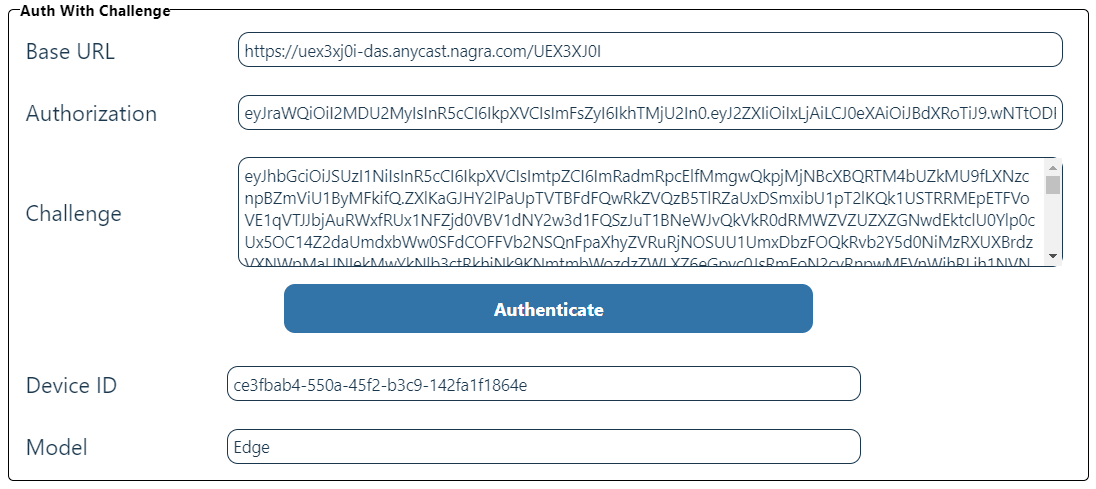
The URL of the Gateway, the authorization token, and the previously obtained token are displayed. In the Auth With Challenge section, click Authenticate to confirm the Device Id and Model are authenticated correctly.
Click here to view the image.
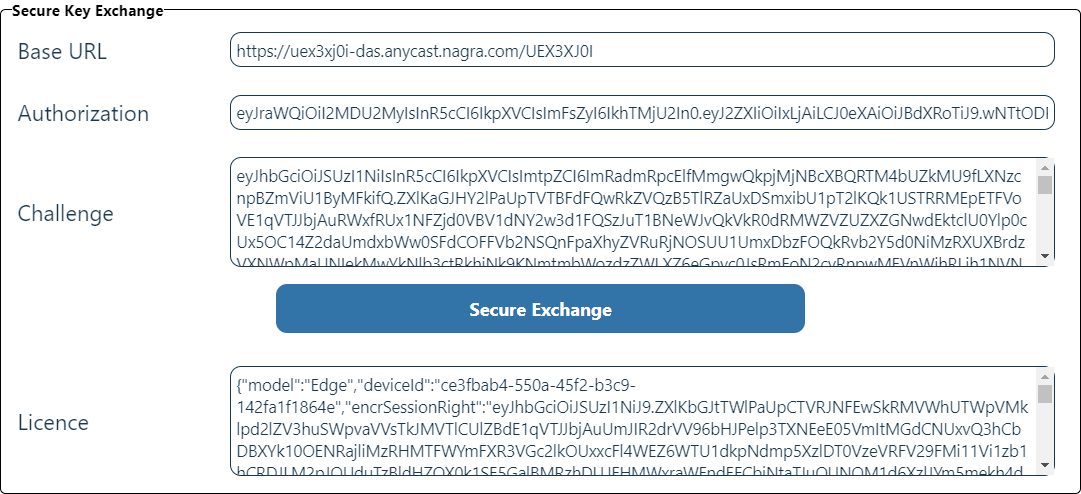
Secure Key Exchange
Once authorized, in the Secure Key Exchange section, click Secure Exchange to perform key exchange via the Gateway on behalf of the DAS service.
Click here to view the image.
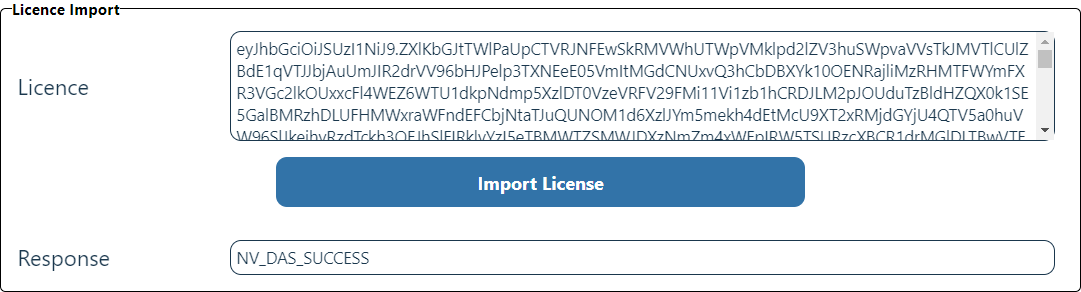
Importing the Licence
To import the encrypted session rights obtained from the key exchange, click Import License in the Licence Import section.
Click here to view the image.
Preparing for Encryption
To produce an Initialization Vector to use with the encryption functions:
-
In the IV Generation area, click Generate IV.
-
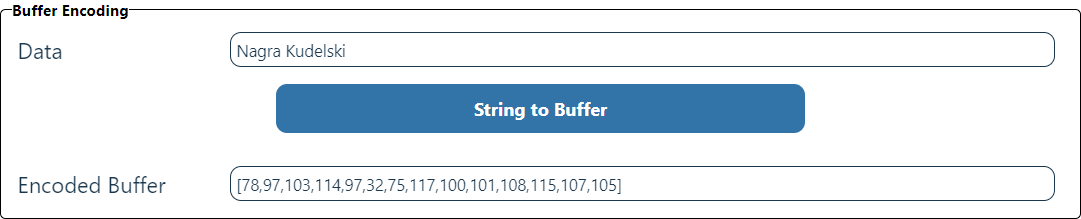
In the Buffer Encoding section, enter the characters of the message to be encrypted to turn them into an
ArrayBufferand click String to Buffer.
The details are displayed in the Encryption Parameter section.
Click here to view the images.


Encryption and Decryption
To obtain the encrypted ArrayBuffer, in the Buffer Encryption section, click Encrypt It.
To decrypt it back to the original input, in the Buffer Decryption section, click Decrypt It.
Click here to view the images.


Signature and verification
To generate the signature, in the Buffer Signature section, click Sign It.
To prove the signature is correct, in the Signature Verification section, click Verify It.
Click here to view the images.


Closing the session
To close the session, in the Session Cleanup section, click Close Session.
Click here to view the image.
