OpenTV ENTera & OpenTV Platform Documentation
25.52_Q4 25.26_Q2 25.12_Q1 24.50_Q4 24.38_Q3 24.26_Q2 23.50_Q4 23.24_Q2 23.12_Q1 22.50_Q4 22.38_Q3 22.24_Q2

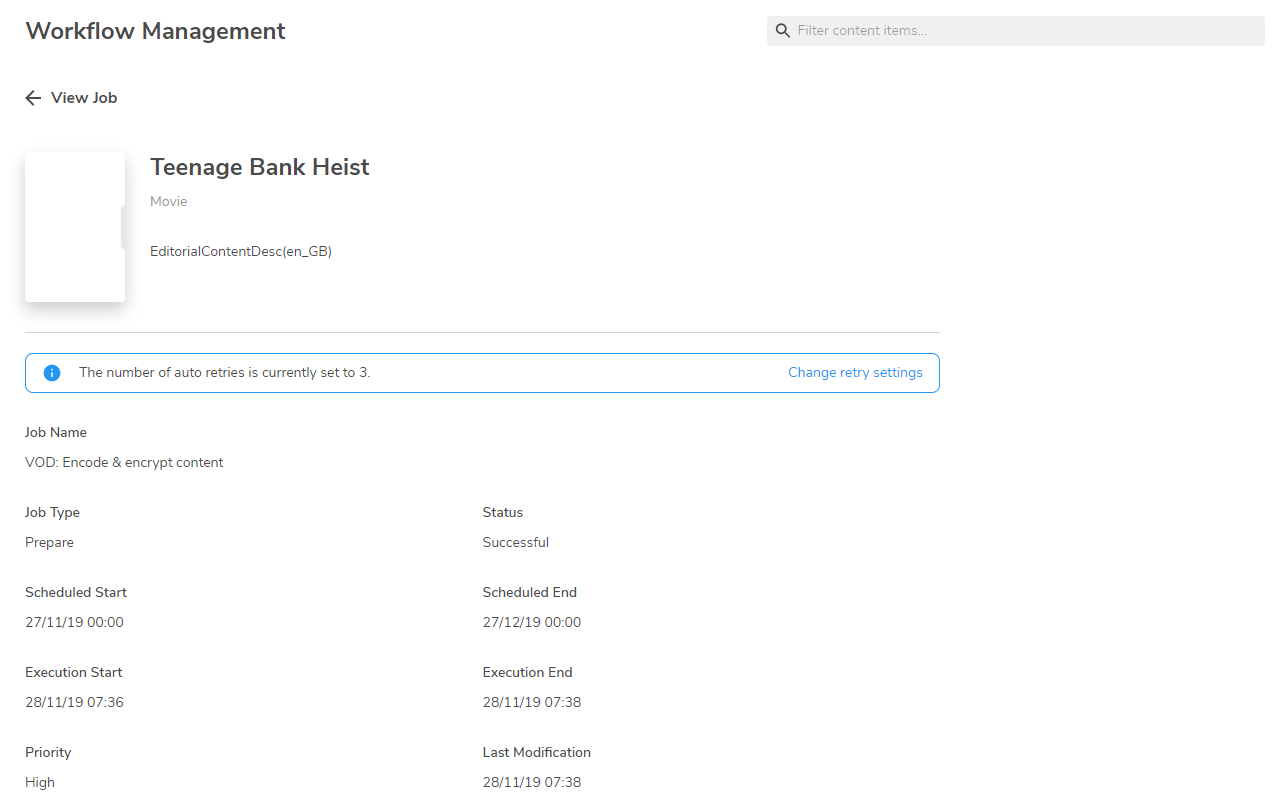
Viewing workflow details

To view details of a workflow, click the event row in the Workflow Management list page or select  visibility_black.png  View more from the  menu_black.png menu.

workflows_4.png

Failed workflows have  a red banner at the top of the page, and the error code is displayed. To re-run a failed workflow, see Re-running failed workflows.
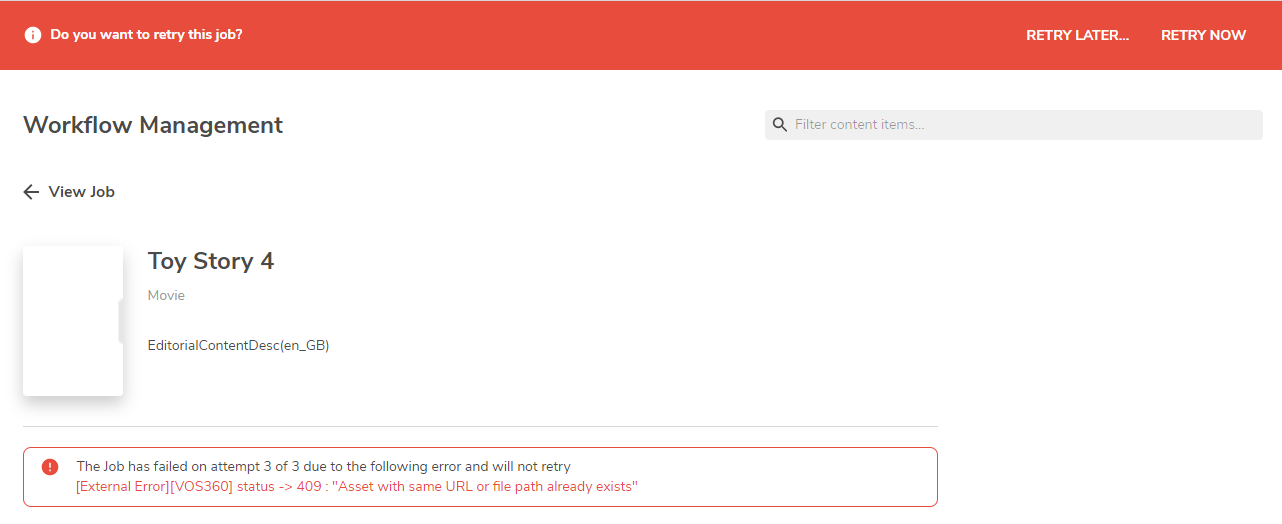
workflows3_3.png