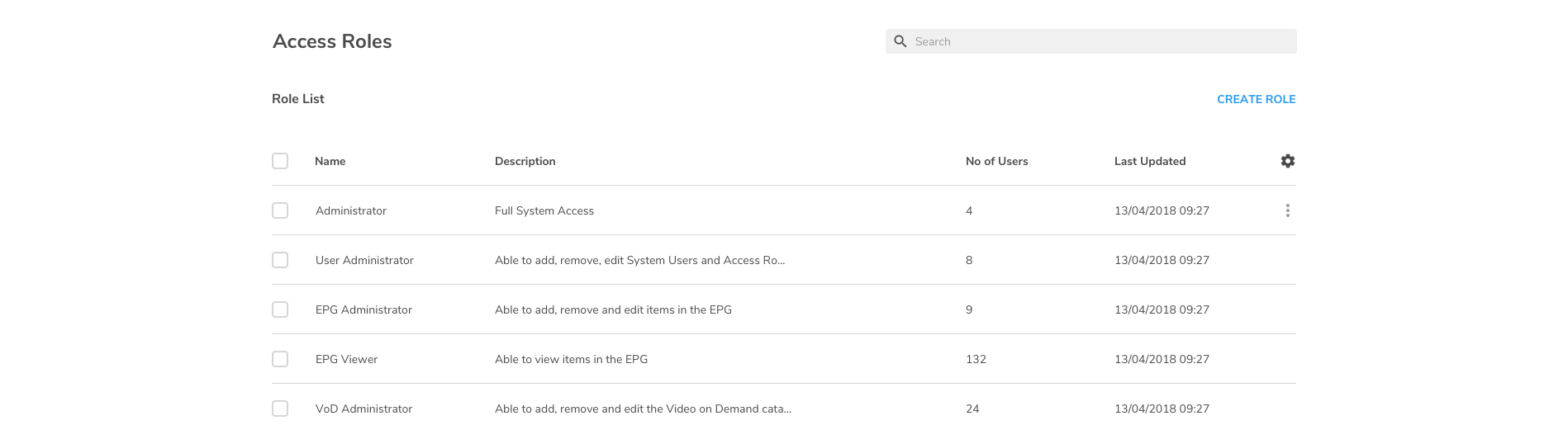
Users
To display the User Admin page, from the top menu, select ADMIN and USER MANAGEMENT.
On the user admin pages you can:
-
View user accounts
-
Create user accounts
-
Lock and unlock user accounts
-
Reset a user's one-time password
-
Assign roles to users
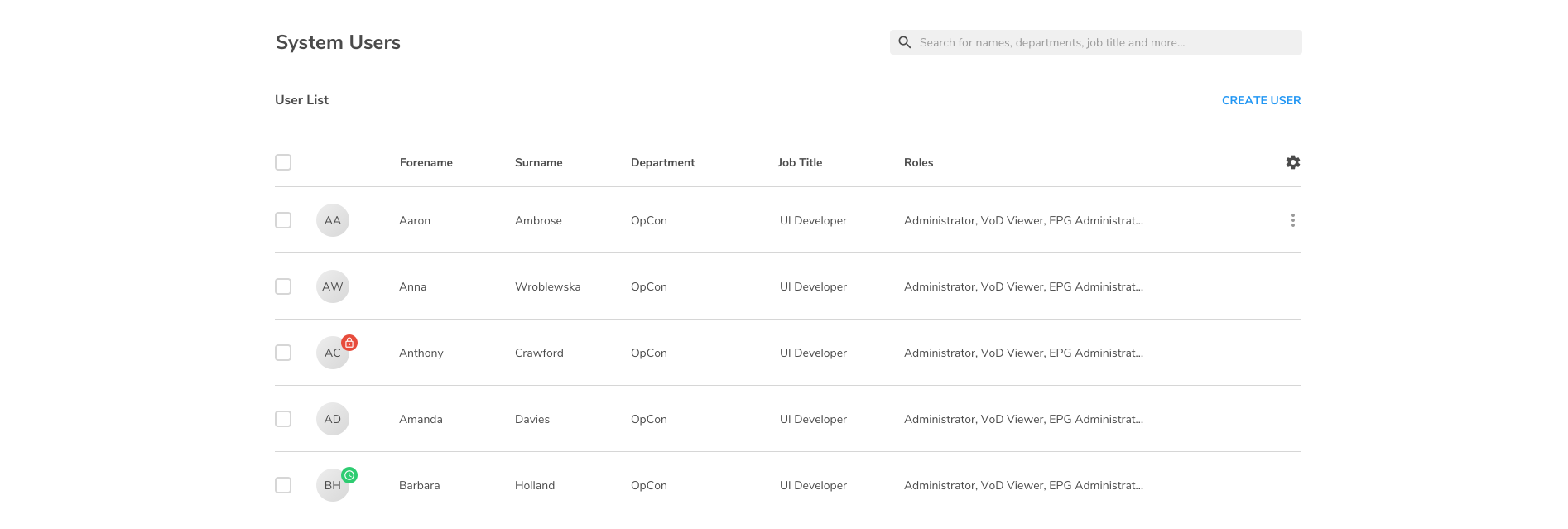
Roles
To display the Role Admin page, from the top menu, select ADMIN and ROLE MANAGEMENT.
On the role management pages, you can: