
To view the roles available for a service:
-
Open the Permissions Management app.
-
Select the Roles tab.
-
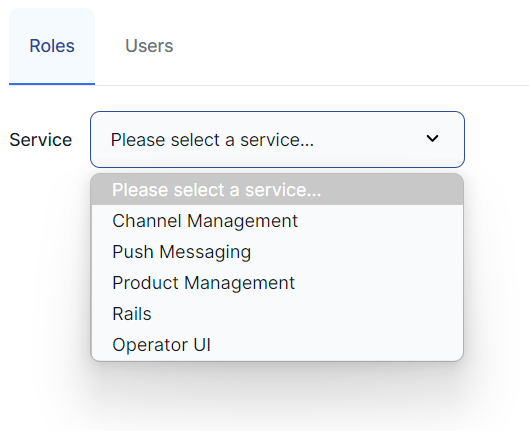
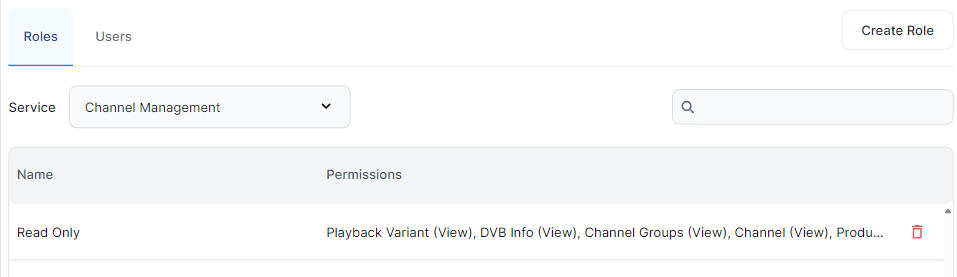
Select the required service from the Service dropdown list to view a list of roles available.
-
Click on a role to view its details.