
Workflows are created automatically when content and metadata are ingested. To display the Workflow Management page, from the top menu, select CONTENT and WORKFLOW.
Jobs
The Jobs tab page lists all the current VoD workflows and enables you to check if the content is ready for transmission. Here, you can:
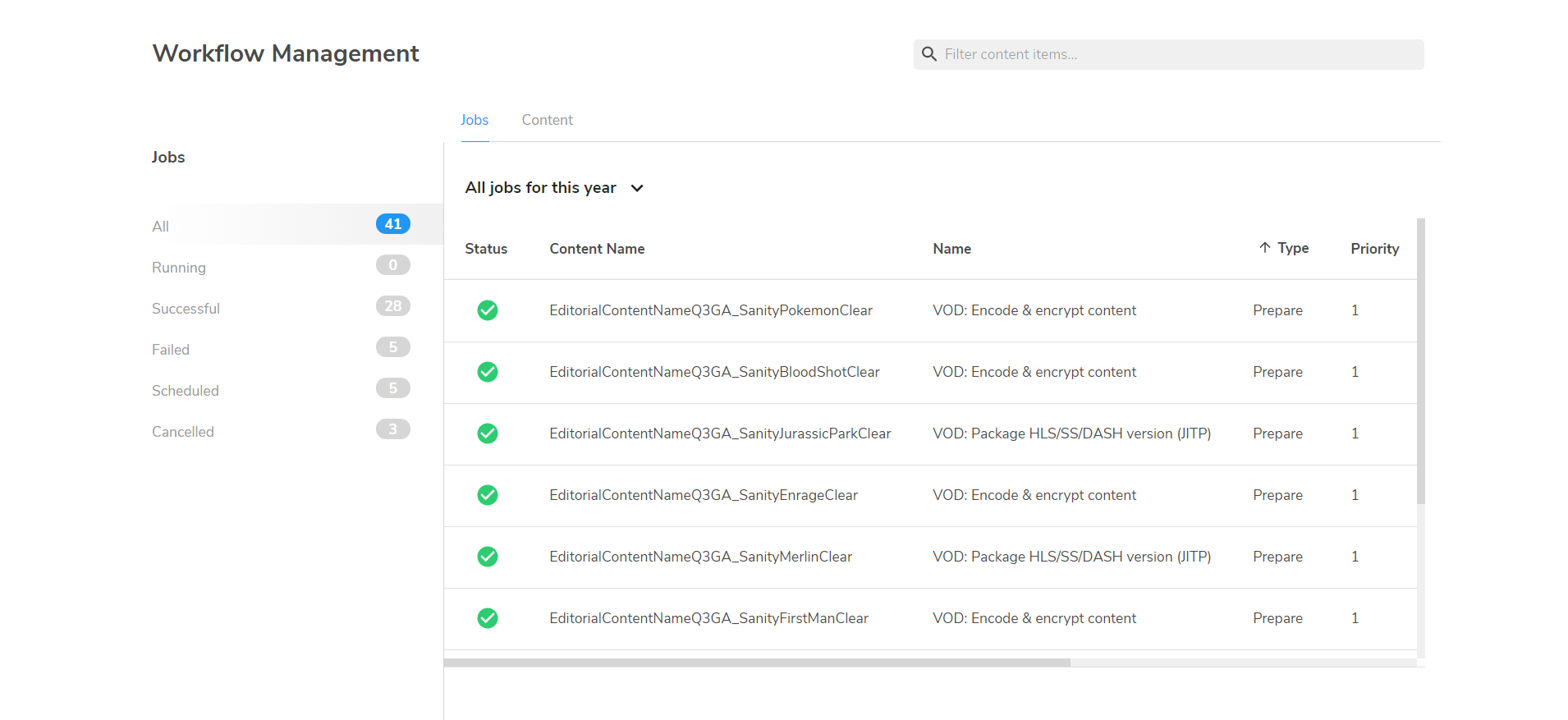
The right-panel lists all the workflow jobs for the selected period. The columns displayed depend on the chosen jobs.
The following icons indicate the current status.


Content
The Content tab lists all the content items which have completed successfully. You can re-run workflows for these content items, see Re-running workflows (Redo).
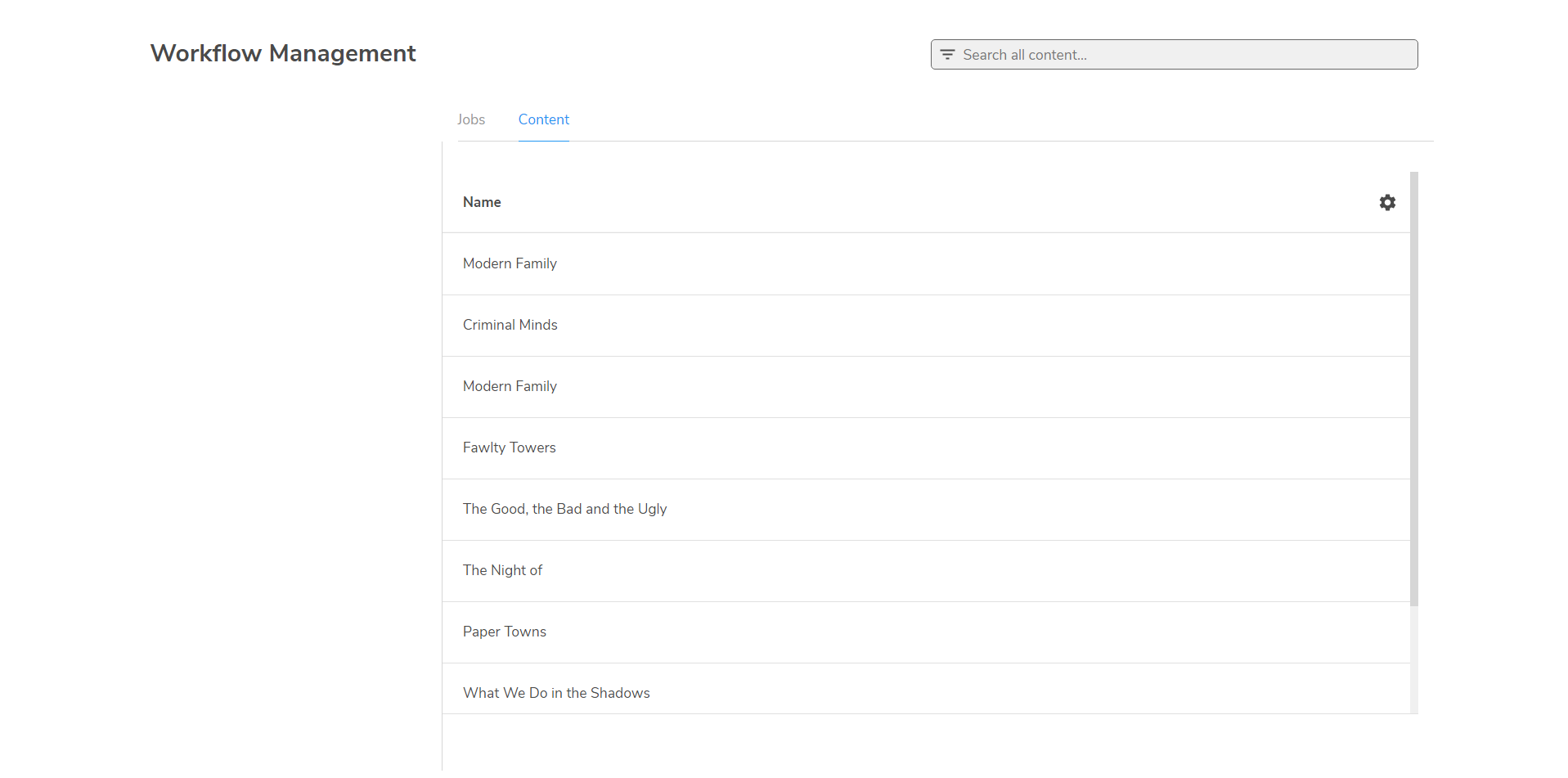
You can also see the status of content items within workflows on the Content pages; see Workflow status.
Workflow search
On the Jobs tab, the basic search lets you search on Job name and type, or advanced searches can be created based on the following criteria:
-
Executed End
-
Executed Start
-
Last Modification End
-
Priority
-
Scheduled End
-
Scheduled Start
-
Status
On the Content tab you can search for content items.
For details of the workflow search, see Search facility.