
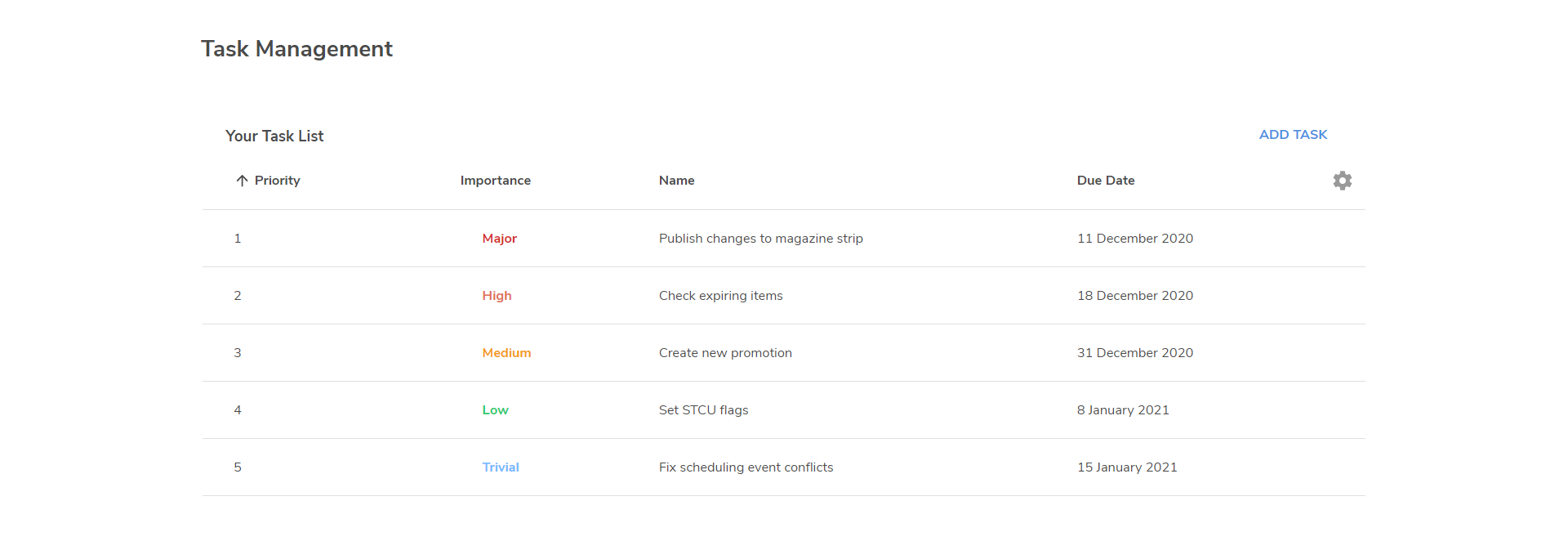
On the Task Management list page, you can create your own 'To Do' list, where you can add tasks and give them a priority.
To display the Task Management page, from the dashboard page, select Tasks.
Creating tasks
To create a task:
-
Click ADD TASK to create a new task row.
-
Enter a Priority for the task and select the Importance level.
-
In the Task Name field, enter the details of the task.
-
Select the Due Date when the task should be completed.
-
Click the Confirm selection icon to save the task.
Editing tasks
To edit a task:
-
Select


-
Change the details as required and click the Confirm selection

Marking tasks as complete
To mark a task as complete, select 
The task details will be crossed-out, but the task is not removed from the view until you delete it.
Deleting tasks
To delete a task, select 
Reordering tasks
To reorder the tasks, click and drag a task up or down the list as required.