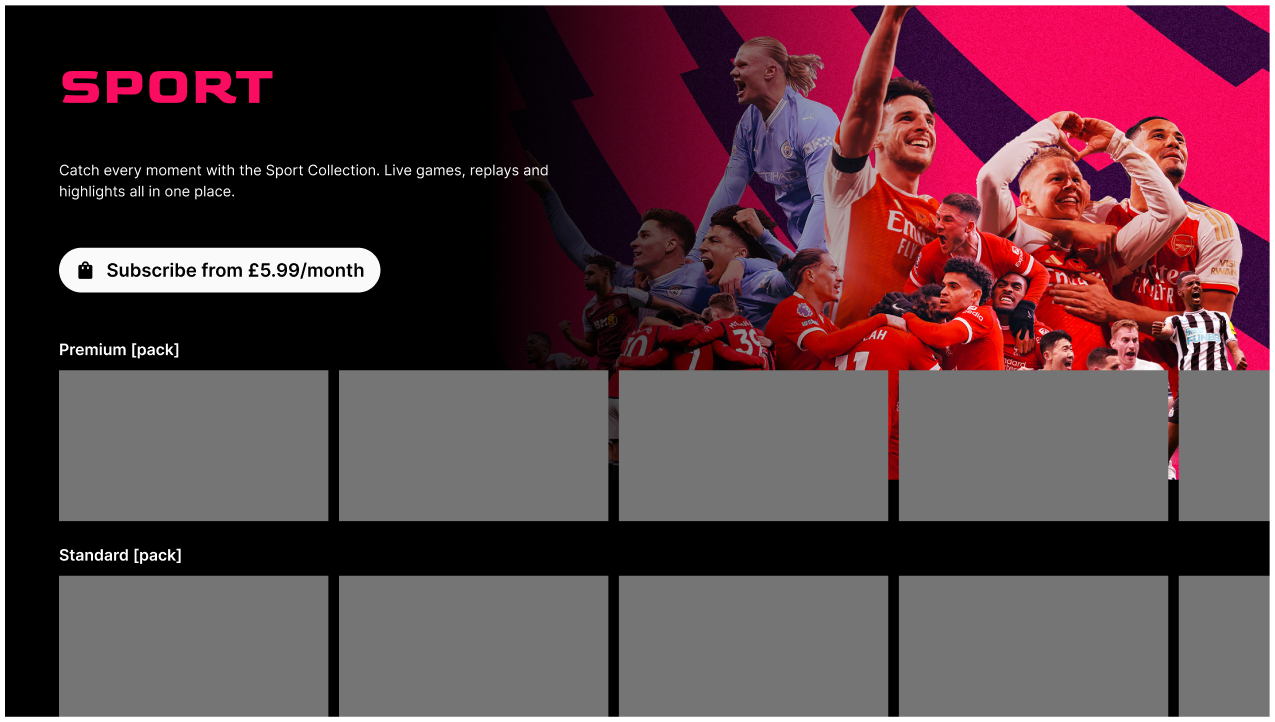
Skip table of contents

Add a pack collection header to layout

To add a pack collection to a layout:

  1. View the layout in Edit mode and select Add Pack Collection Header from the sidebar menu.

  2. Choose a pack collection and click Select Pack.

  3. The pack collection header appears in the layout, together with the subscribe button as default.
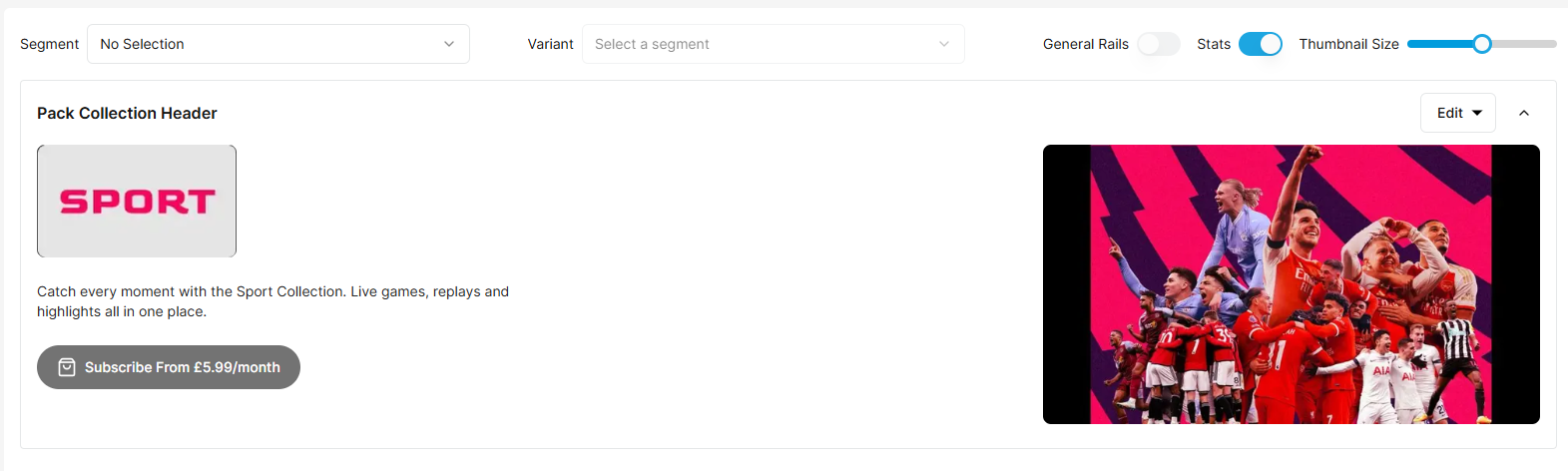
image-20260129-160959.png

image-20260129-161630.png

Example of pack collection displayed in the TV app

JavaScript errors detected

Please note, these errors can depend on your browser setup.

If this problem persists, please contact our support.