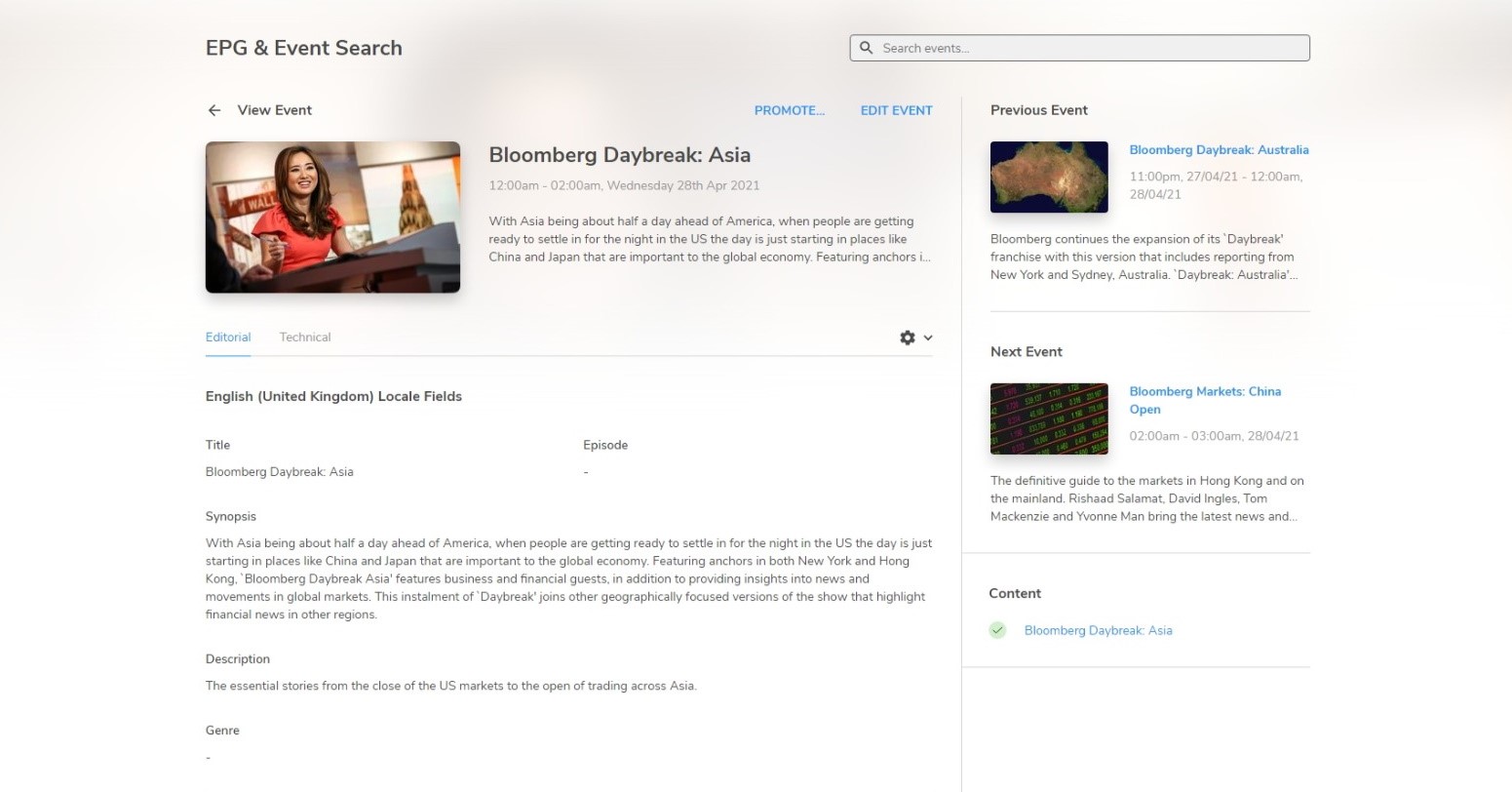
Select the required channel, then in the event list, click the event row, or select View more... from the 
Displaying event page fields
To show or hide fields on the Editorial tab:
-
Select Manage Fields from the Settings

-
In the popup window, select and deselect the fields to be displayed.
-
Click out of the window to save the changes.
Changing the locale
You can change the locale without having to edit the page. Select the required locale from the Settings
Content targeting
You can set Geo-Filtering and Geoblocking for individual events.
Platform URL Builder
You can apply rules to dynamically replace or remove content and insert adverts; see URL Builder.
ReplayTV
On the Technical tab, you can set Timeshifting and Network Recording for the event; see Enabling and disabling Replay TV for individual events.
Content
The Content section in the right panel displays any linked content for the event. Clicking the link takes you to the associated content page.