Overview
Rails Builder enables operators to build and control the TV app user experience. You can define the pages of the TV app and the rules for the content and promotions within them, using a mixture of editorial curation, personalized segmentation and personalized recommendations.
Templates
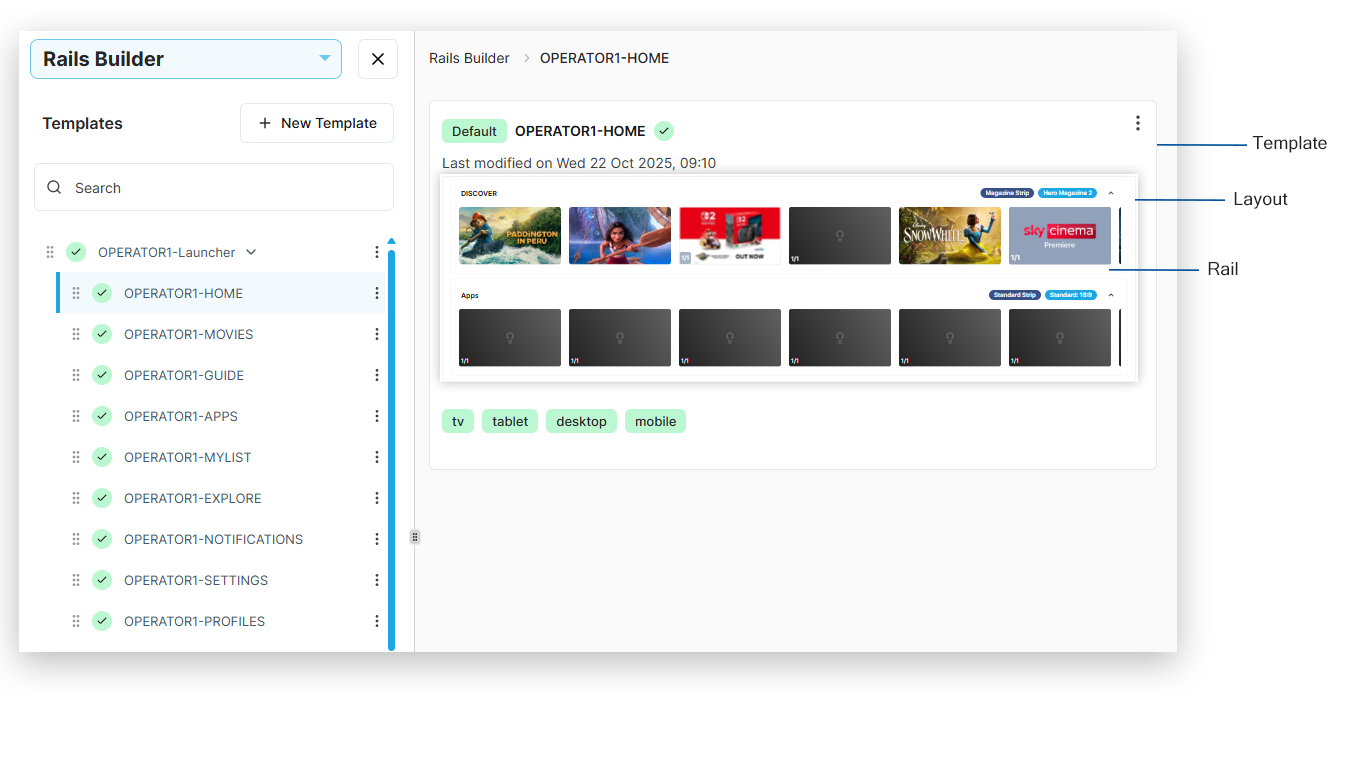
Templates are used to create the pages of the TV app and can be defined in a hierarchy that represents the service navigation structure. For example:
-
Home
-
Movies
-
Guide
-
Explore


Template layout
A template layout can contain one or more rails. You can apply certain settings to the rails within at layout level.
Although Rails Builder allows you to add more than one layout to a template, you should not do this.
If you need to target content to different device types, use segment targeting at the rail level.
Rails
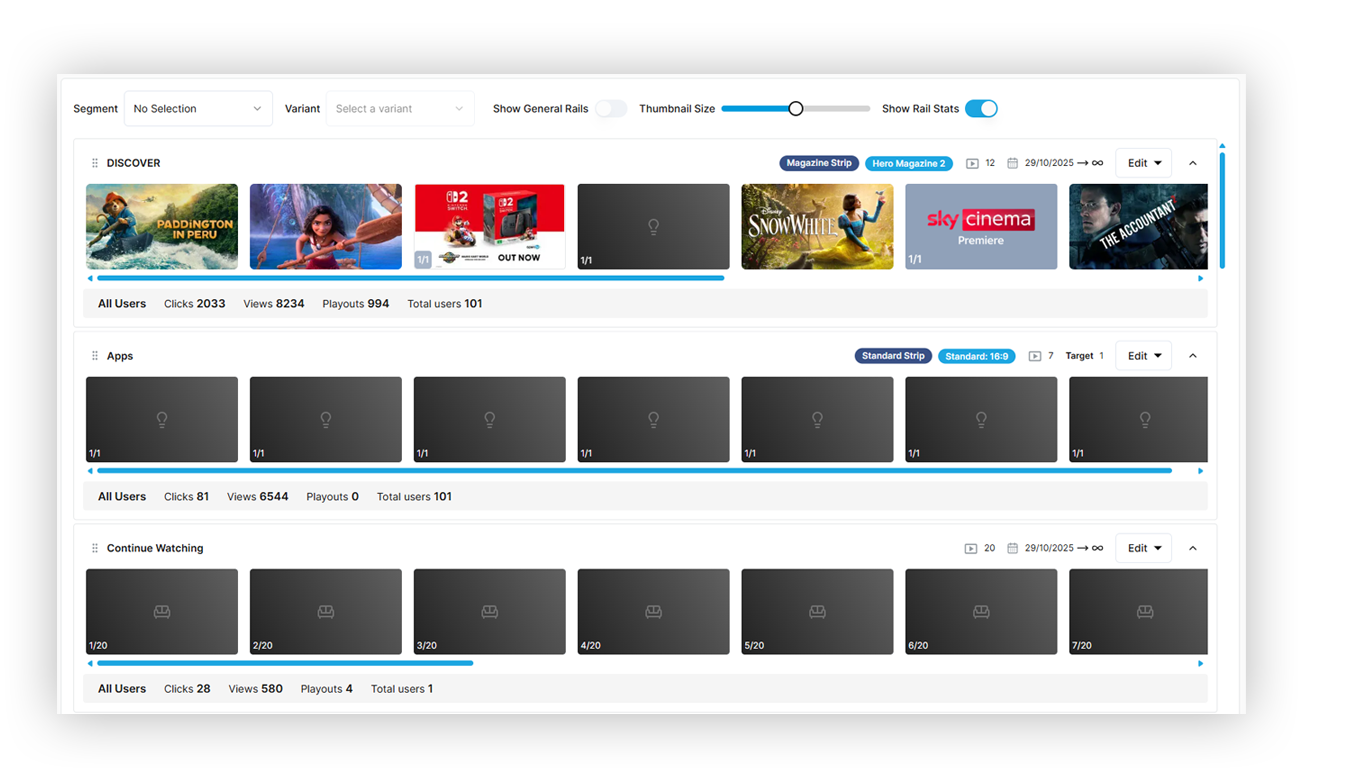
Rails define the strips visible to users on the TV app. You can add and configure rails as required using the library of predefined rail blueprints, create your own variants, or alternatively design and build your own custom rail blueprints.
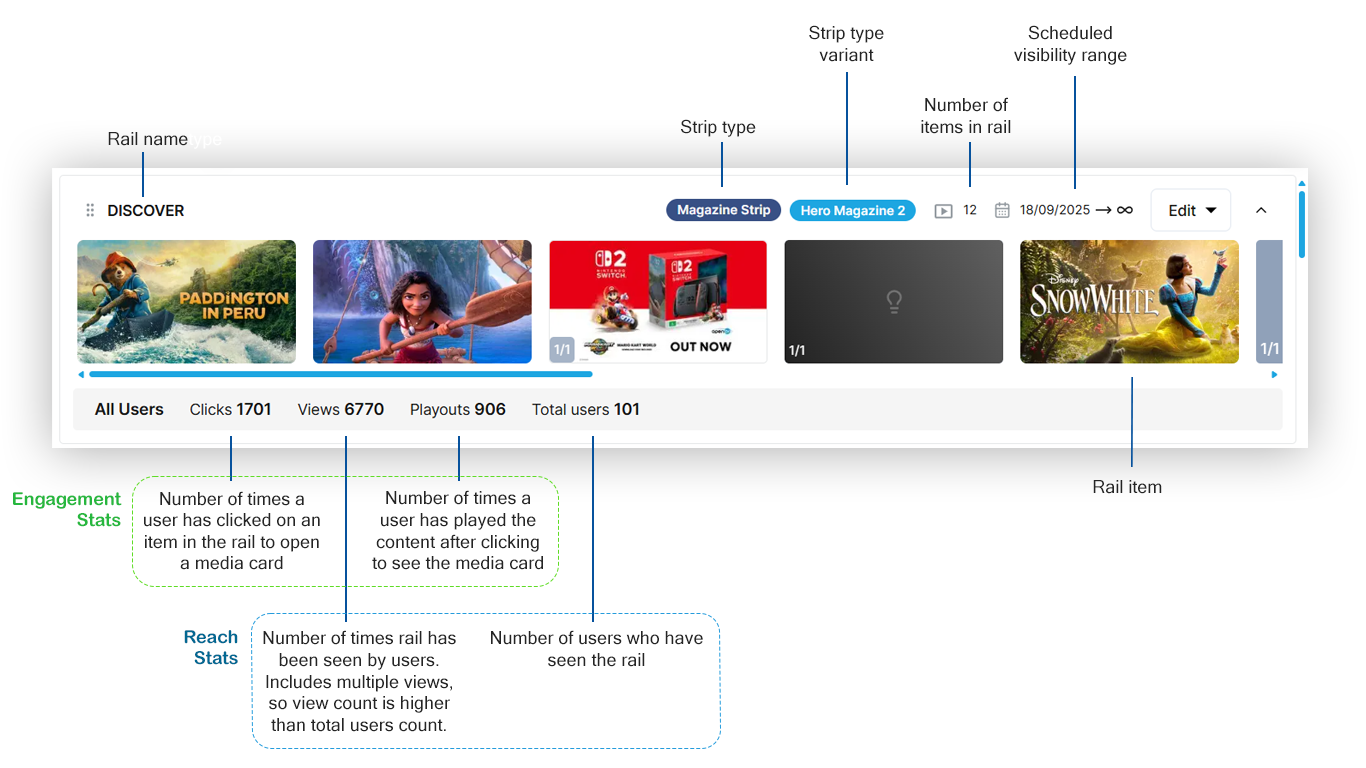
The top and bottom of each rail in Rails Builder provides rail information and statistics at a glance.
Rail items
You can build the content of each rail by curating a variety of individual rail items, including:
-
Content
-
Banners
-
Launchers
Rails sections
A rail can also contain one or more sections of rail items, for example:
-
One promotional banner
-
Twenty recommended content items
-
Three curated content items
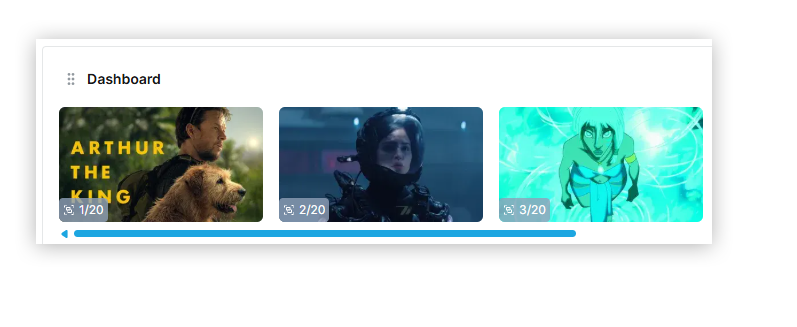
The number in the lower left corner of each rail item shows its position within its section and the total number of items in that section, for example 1/20, 2/20, 3/20.