
Stream selection
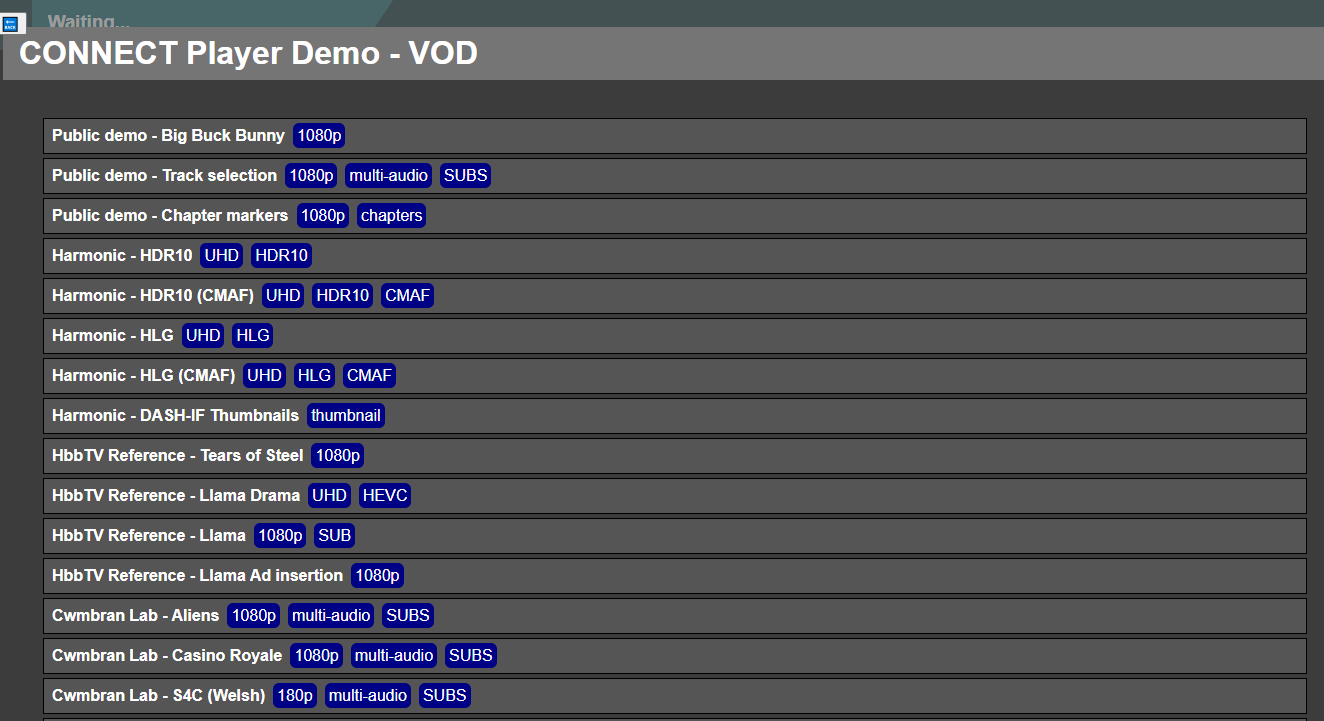
The first view of the TVDemo App renders a title bar and a list of the configured selectable streams. Each stream has tags highlighting the specific features exercised by the stream. Using the remote control ⬆️ / ⬇️ buttons, a user can highlight the stream they want to play.
Video Playback
When ready, the remote control 🆗 button makes the selection and plays the stream.
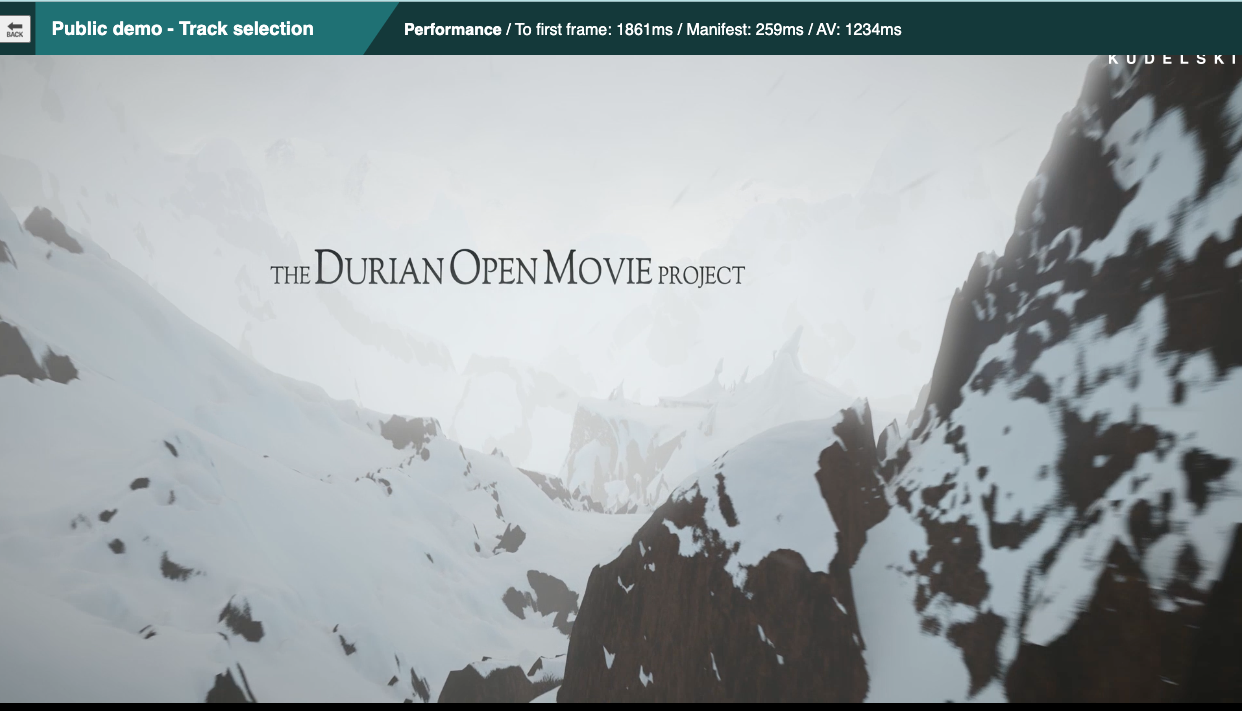
Key performance event timings are displayed on the title bar.
The title bar will be red if an error has been observed.
Remote Control Key operations during playback
-
red Toggles the visibility of the stream list overlay.
-
green Cycles through subtitle tracks if available.
-
yellow Cycles through audio tracks if available.
-
blue Toggles low latency mode which will take effect on the next zap to a live stream.
-
⬆️ / ⬇️ Zaps to next/previous stream or navigates the stream list menu.
-
⬅️ / ➡️ or ⏪ / ⏩ Seek ±30 seconds
-
⏸ / ▶️ Pause/Resume