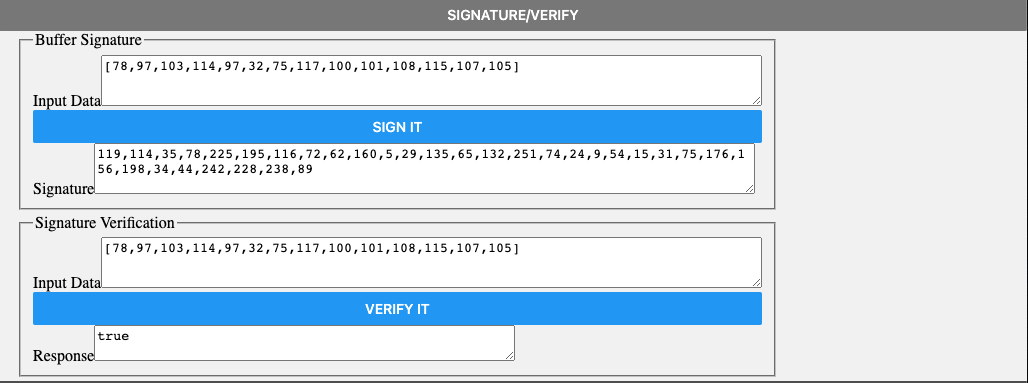
The Web Reference Application for the DAS React Native Client SDK looks like this:
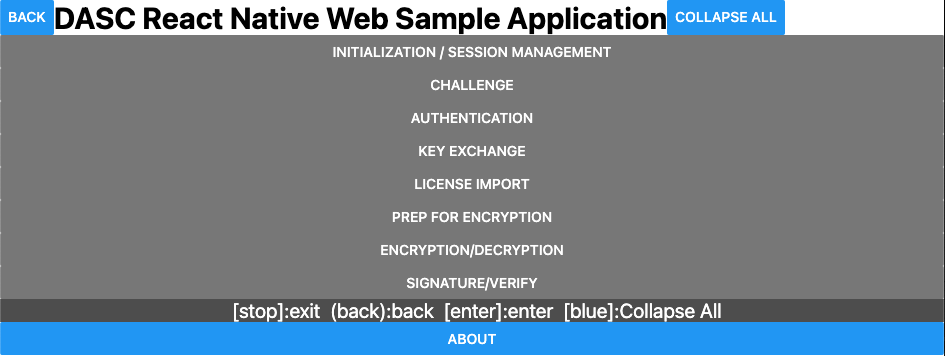
Click the headings to expand and collapse the different sections to focus on the sections of relevance. Each section prepares for or performs a function with the DAS Client SDK or to the DAS service via the Gateway.
Initialization and Session Management
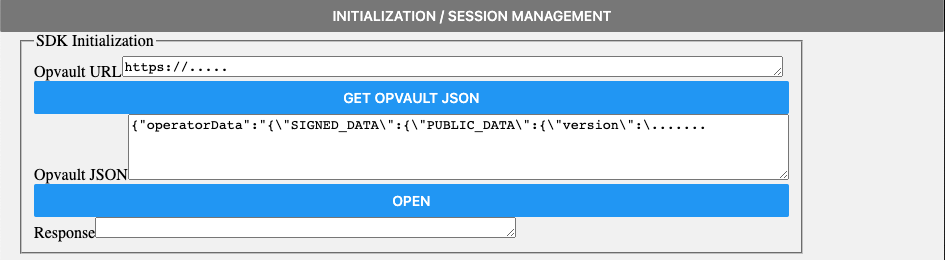
To create a new Session that can be used in subsequent operations, enter the URL or the contents of the OpVault and click OPEN.
Challenge
To obtain the challenge that secures communication with the backend, click GET CHALLENGE.

Authentication with the Messaging Gateway
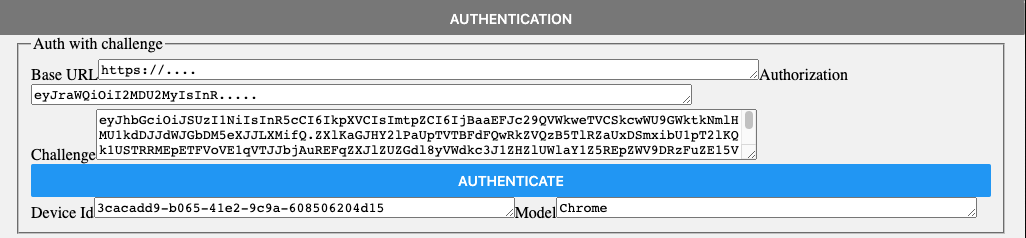
The URL of the Gateway and the authorization token along with the previously obtained token are displayed; click AUTHENTICATE to confirm the Device Id and Model are authenticated correctly.
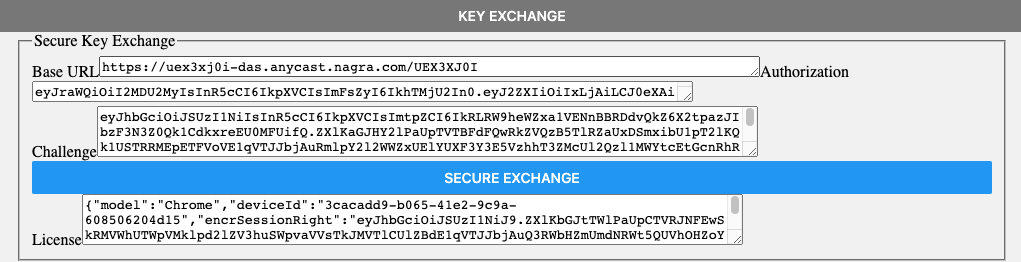
Secure Key Exchange
Once authorized, click SECURE EXCHANGE to perform key exchange via the Gateway on behalf of the DAS service.
License import
To import the encrypted session rights obtained from the key exchange, click IMPORT LICENSE.

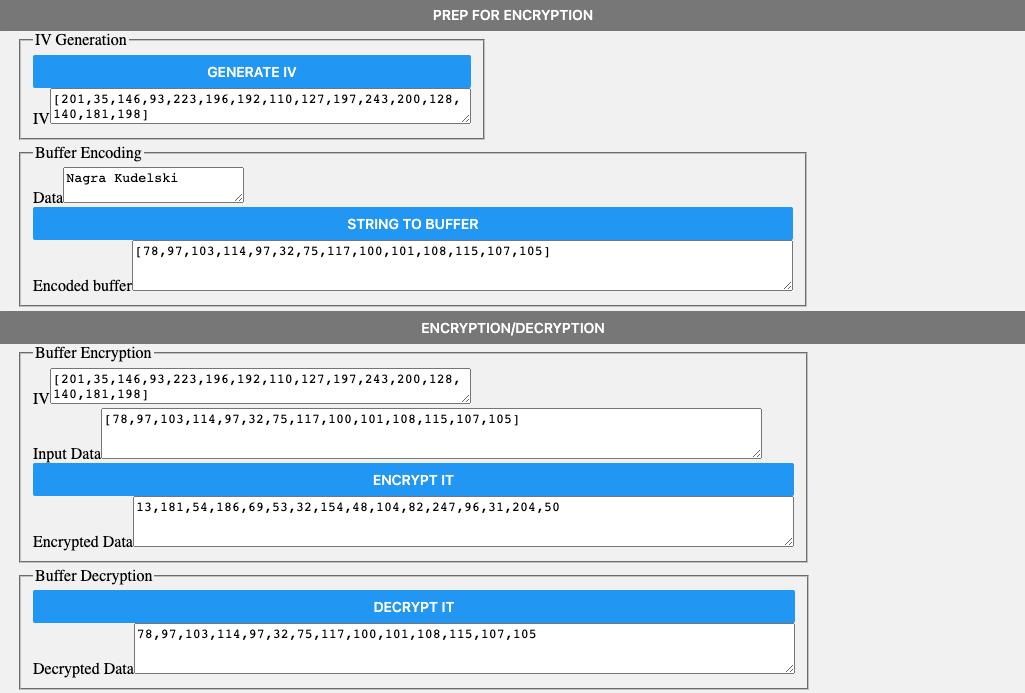
Preparing for Encryption
To produce an Initialization Vector to use with the encryption functions, click GENERATE IV. Enter the characters of the message to be encrypted to turn them into an ArrayBuffer and click STRING TO BUFFER.
-
To obtain the encrypted
ArrayBuffer, click ENCRYPT IT. -
To decrypt it back to the original input, click DECRYPT IT.
Signature and verification
To generate the signature click SIGN IT, and VERIFY IT to prove the signature is correct.