Point your browser to the demo application URL https://otvplayer.nagra.com/demo/dasc/web/release/5.0.2.1619621446/sample_application/ and load it.
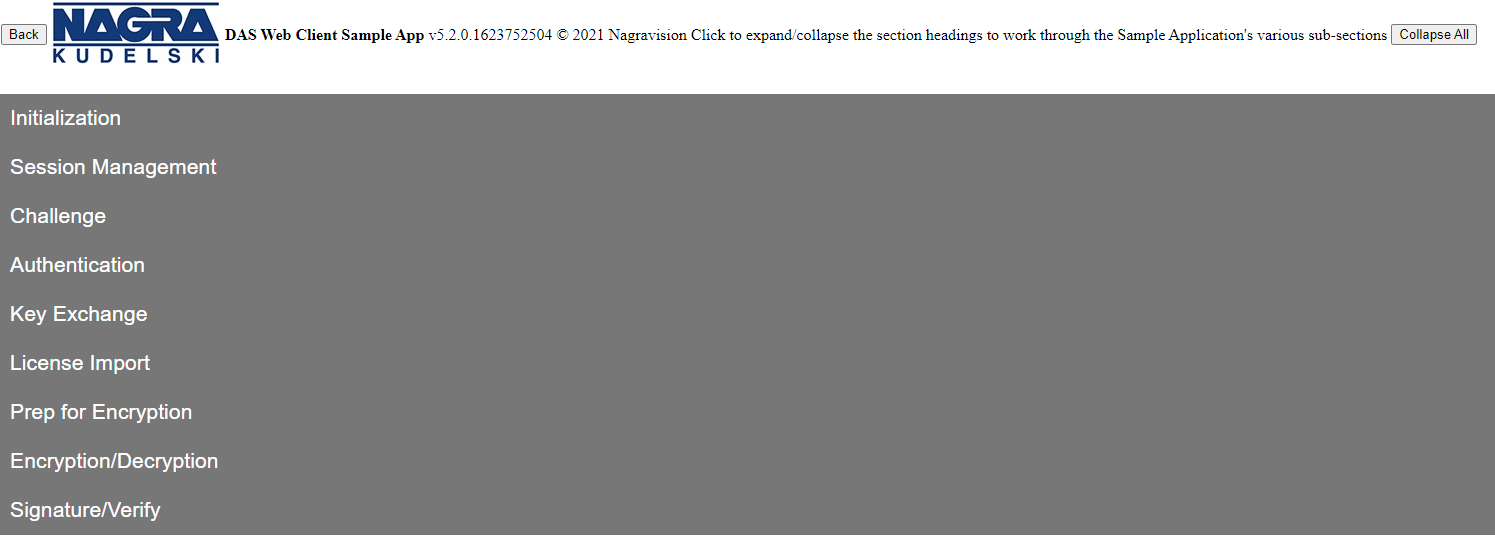
Click the headings to expand and collapse the different sections to focus on the sections of relevance.
Initialization
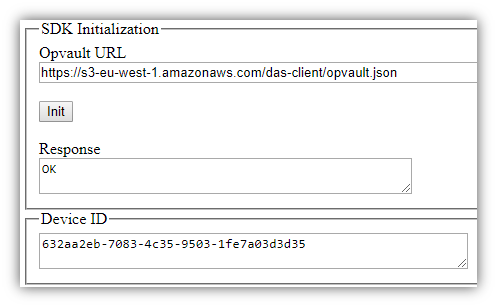
Enter the Opvault and click Init. This will call dasWebSDK::init() method and will return a deviceUniqueId if the SDK cac be initialized correctly.
Session Management
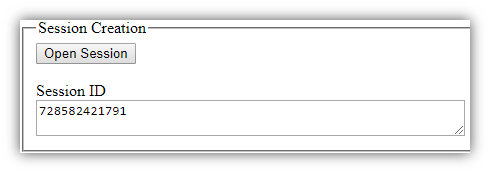
To create a new Session, click Open Session. This is done by calling the dasWebSDK::openSession() method and will return a Session ID that can be used in subsequent operations.
Challenge
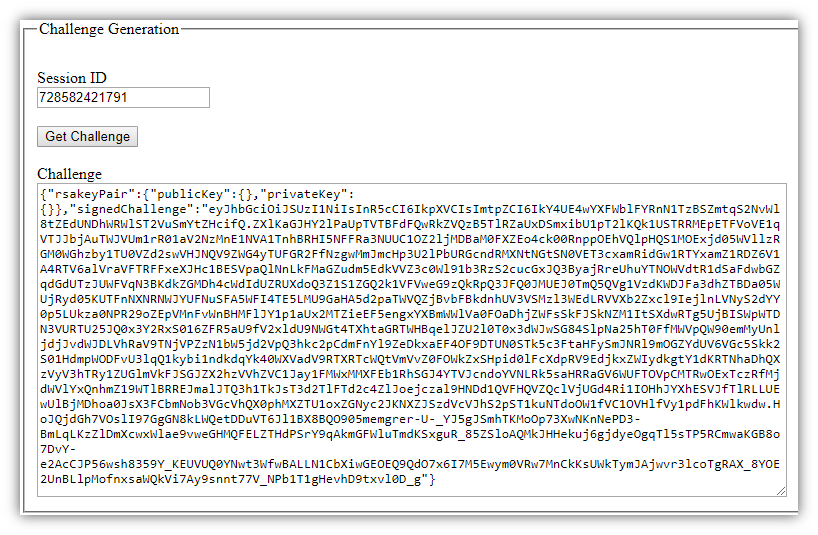
To Get a Challenge that will be needed to securely communicate with the backend, use Session ID. This is done by calling the dasWebSDK::getChallenge() method.
Authentication
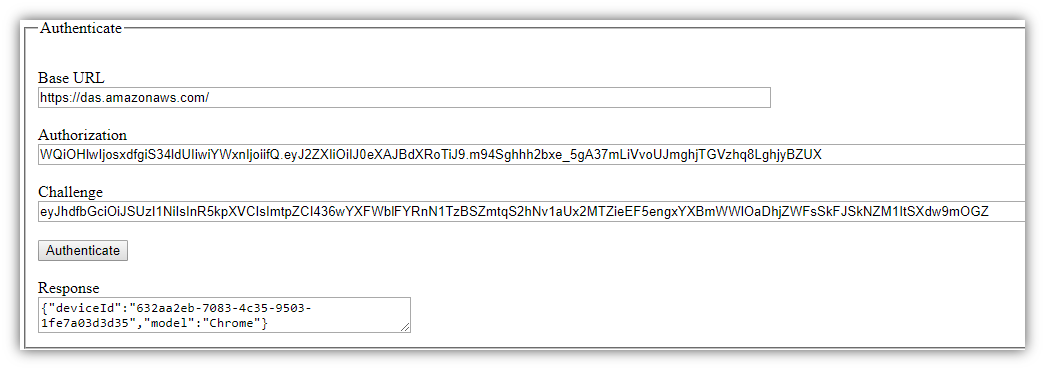
You can now call the backend to authenticate the device. The exact backend URL is tenant-specific and will be provided by NAGRA.
An SSP Authorization is required to perform the request, the previously requested challenge is to be provided in the request.
The Authenticate call allows the backend to securely authenticate web-based clients, returning authenticating information to the calling device.
Key Exchange
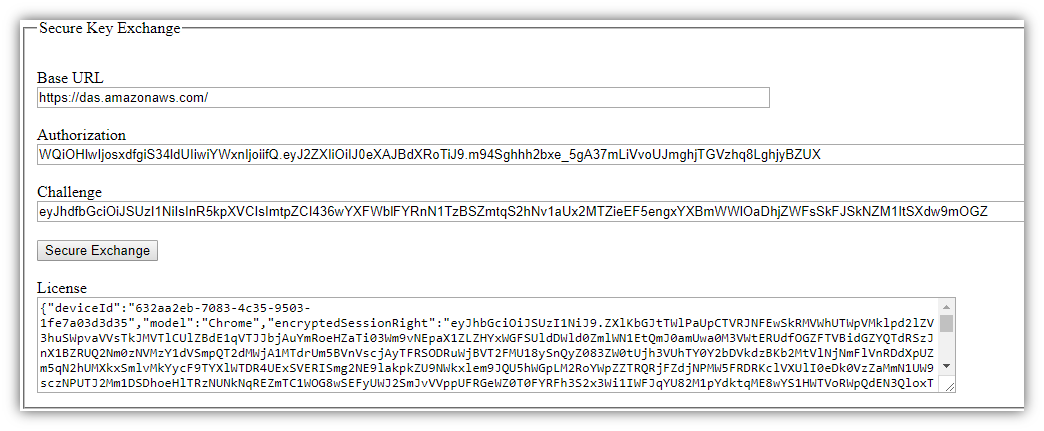
The Secure Key Exchange call provides a set of secure keys to be used by the web-client application on the device.
License Import
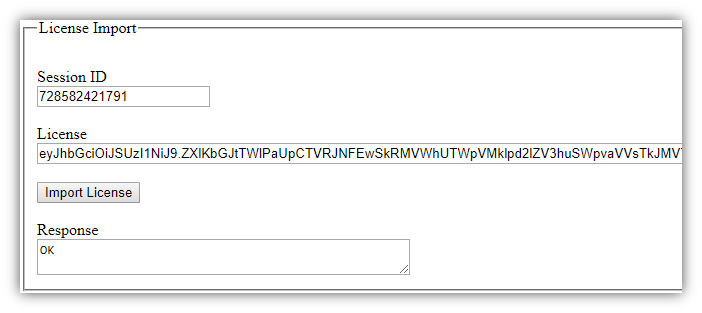
The license provided by calling Secure Key Exchange can be ingested via the dasWebSDK::importLicense() method.
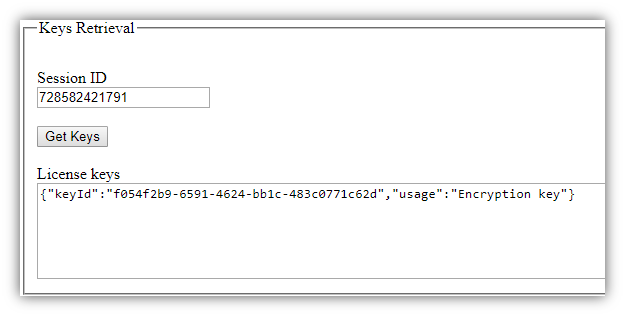
The keys related to any given session can be retrieved with dasWebSDK::getKeys() method. It returns a json object listing each keyId and its intended usage.
Prep for Encryption
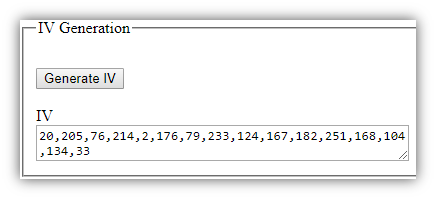
The sample client application includes some code showing how an IV can be generated. This will be needed for the different crypto methods.
Some additional utility code to transform a string into a ByteArray, which is the data type crypto methods expect.
Encryption/Decryption
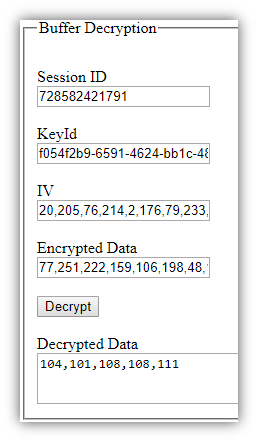
dasWebSDK::encrypt() allows to encrypt any ByteArray buffer using the specified keyId.
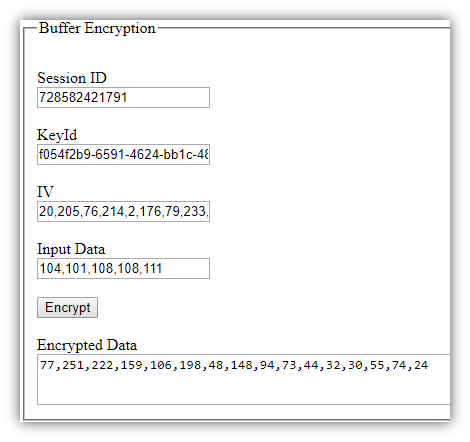
dasWebSDK::decrypt() allows to decrypt an encrypted ByteArray buffer using the specified keyId.
Signature/Verify
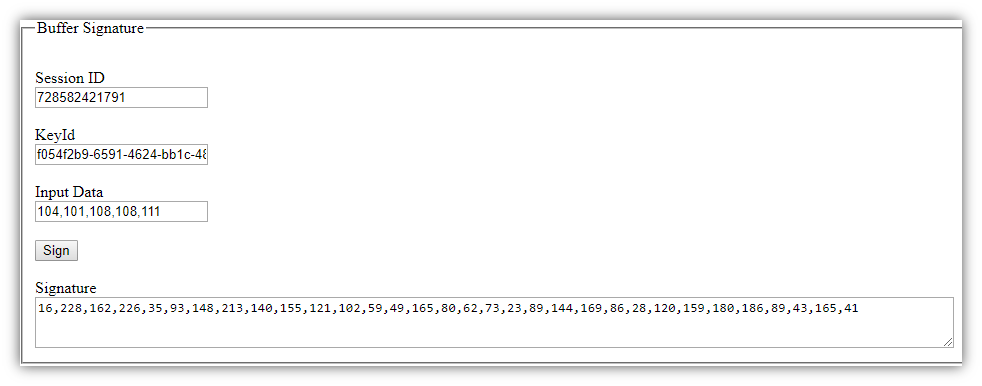
dasWebSDK::sign() will sign a ByteArray buffer using the specified keyId.
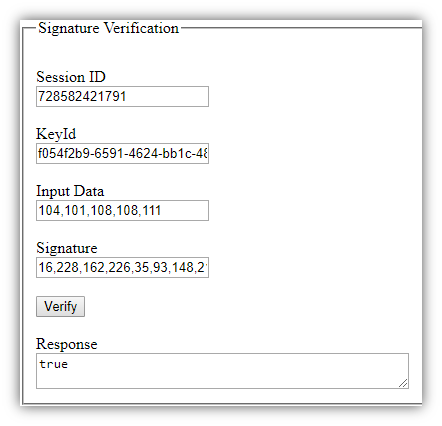
dasWebSDK::verify() will verify that the provided signature is consistent with a given ByteArray buffer and signing keyId.
Session Management (again)
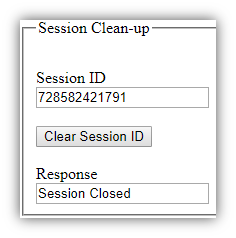
dasWebSDK::closeSession() will clean up a Session from the SDK, removing all keys associated with it.