
Some pages, such as the EPG or Workflow Management lists, let you change the date, narrow the time range, or expand the date range to cover multiple dates. Events for the current day are displayed by default.
To display the calendar, click the date field at the top of the page.
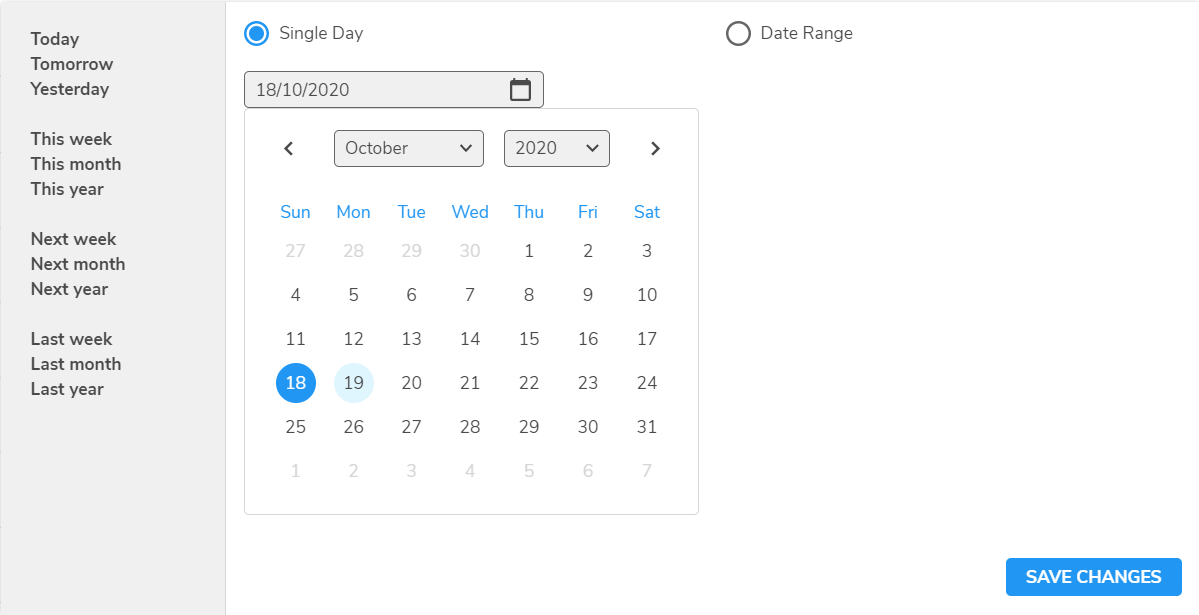
You can select the day from YESTERDAY, TODAY or TOMORROW on the left, or select the Single Day radio button and choose the required date.
-
To display events for a range of dates, select the Date Range radio button and choose the start and end dates.
-
To edit the time range, select the required start and end times from the Time From and Time To spin-boxes.
On completion, click the SAVE CHANGES button to save the changes.