
The EPG and Event Search list page displays the events for a selected channel for a specific day or date range and allows you to view the details of an event, edit it, or delete it.
To view the EPG Management page, from the top menu, select LIVE and EPG & EVENT SEARCH.
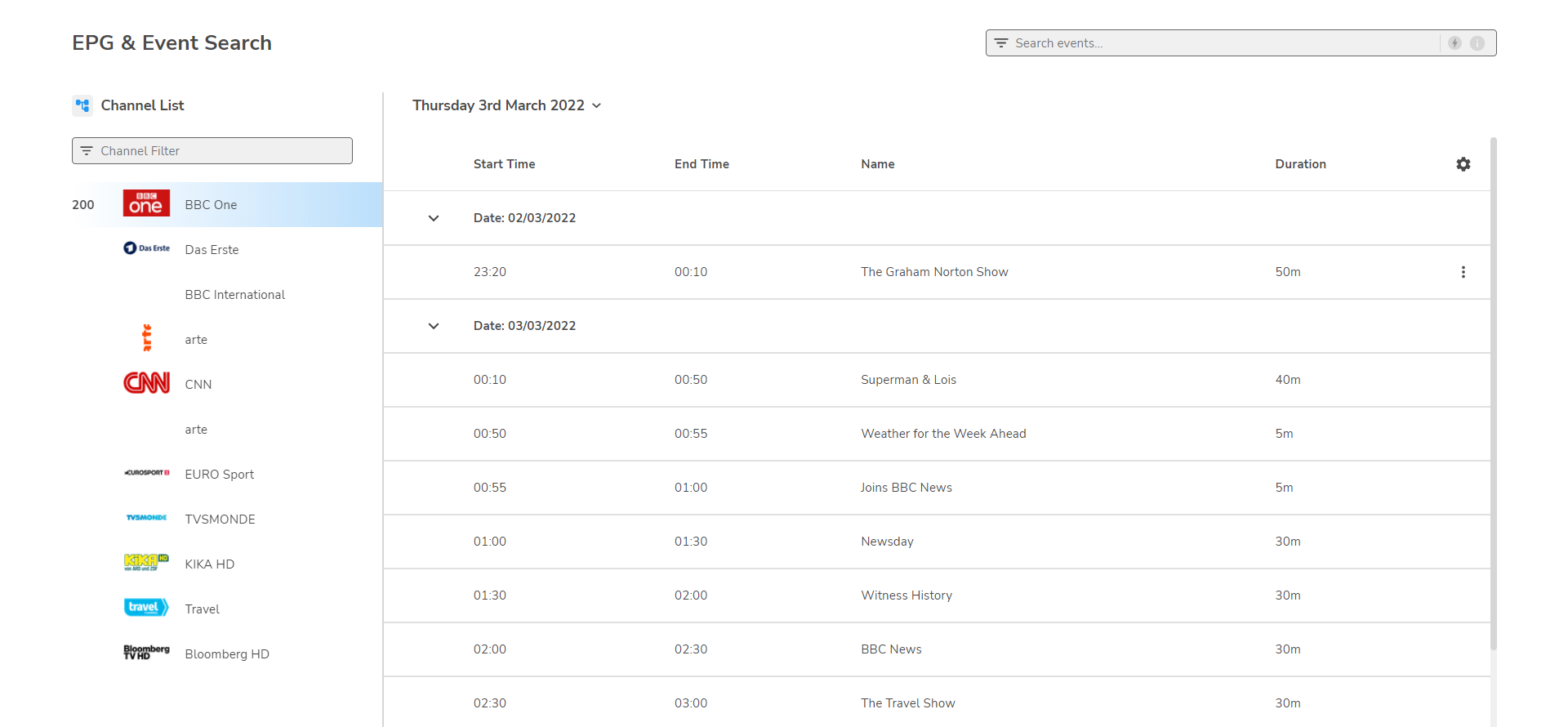
Selecting channels
In the Channel List on the left of the page, locate and select the required channel. You can filter the list by typing the name of the channel in the text box.
-
To change the date or time range, see Changing the date or time range.
-
To view descriptions of the event, see Viewing event details.
-
To edit details of an event, see Editing event details.
-
To delete details of an event, see Deleting event details.
-
To search for events, see Event search.