When a node is selected, its content items are displayed in the right-panel; click a content item to view the details.
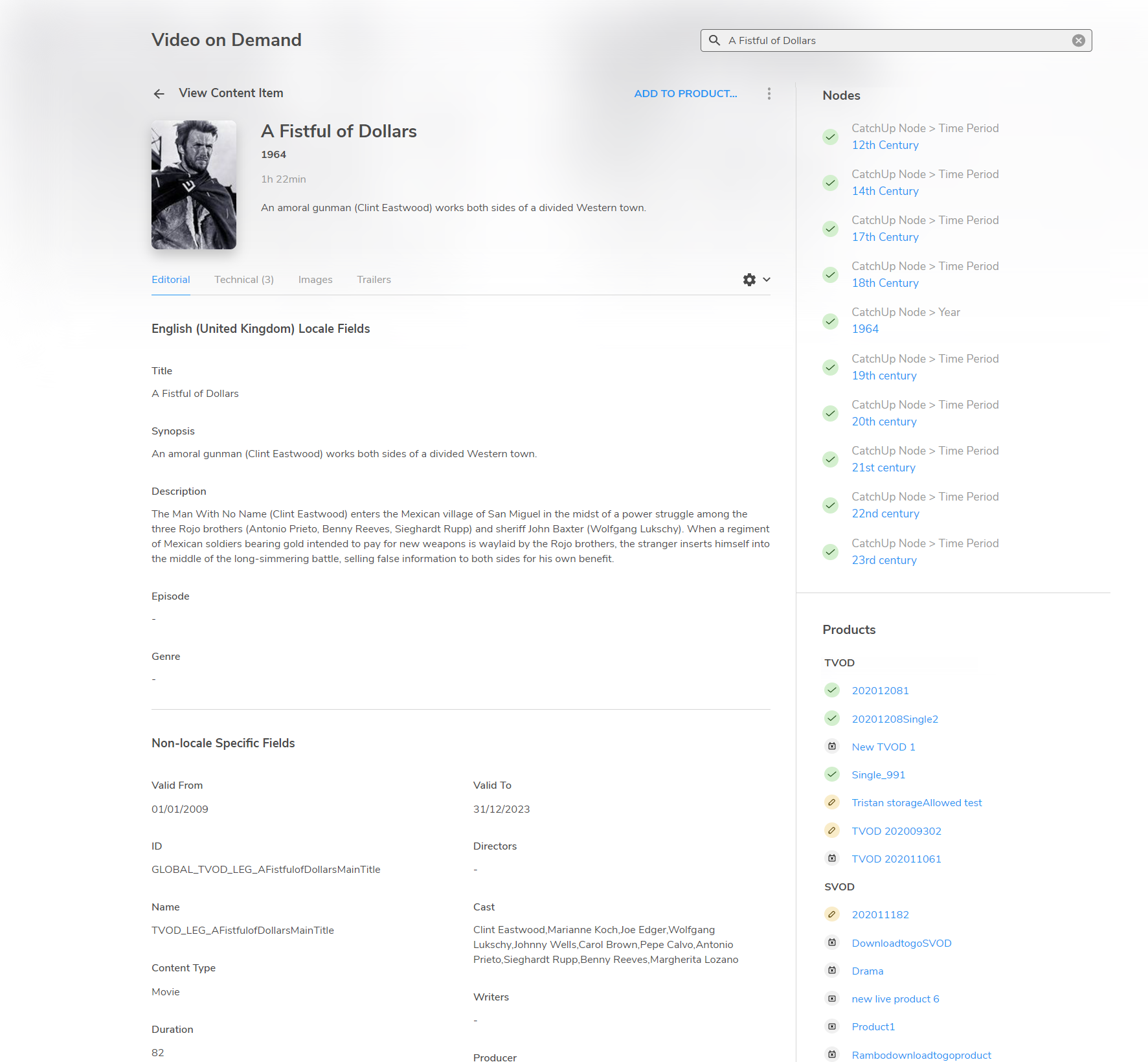
On the content item page, the right-panel displays the nodes and products to which the content item has been added. To view the content item on a node or product, click the relevant link.