
The 

Clicking the Series 
Series, seasons and episodes can be added to or removed from nodes in the usual way, see Adding and removing content items.
You can add a series to a TVOD or SVOD product when the product type is Collection.
Rails Builder
You can add a series, season or individual episode as a Content item in the Rails Builder. The pop-up enables you to distinguish between them.
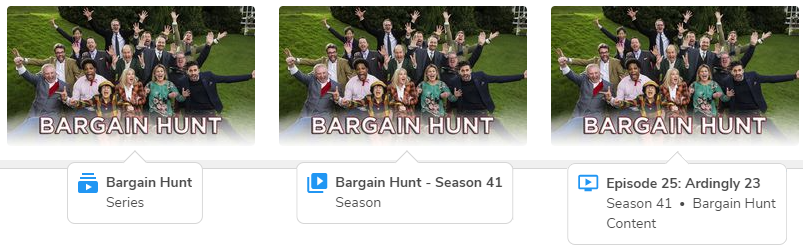
Clicking the image displays more information and includes a button to take you to the relevant level in the Content Management page.
For more information, see Rails Builder.