
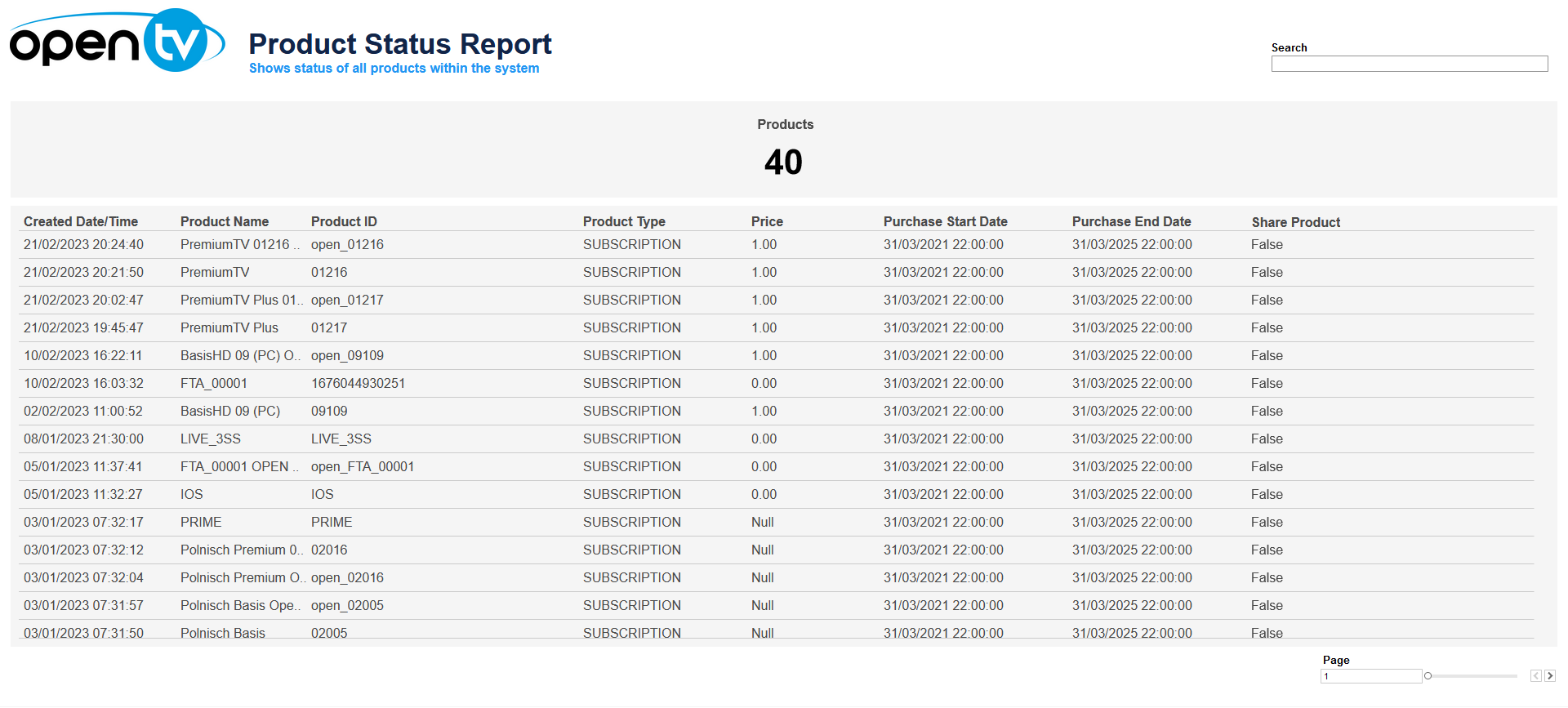
The Product Status Report is a table that contains information about each product. It shows:
-
The total number of products
-
For each product, it shows:Product creation dateProduct nameProduct IDType (subscription, transactional, or capability)Product priceThe purchase start dateThe purchase end dateWhether the product is a share product
At the top of the page, you can:
-
Search within the data
There is no date filter – the table shows all products.
In the table itself, you can:
-
Sort the table by clicking on the sort icon in the column header.
-
Click on the data, then click

In this window, you can:See more detailed data, including (for some categories) a list of the accounts that comprise the total shown in the tile.Change the sort order.Show and hide fields.Change the number of rows displayed.Download the data.