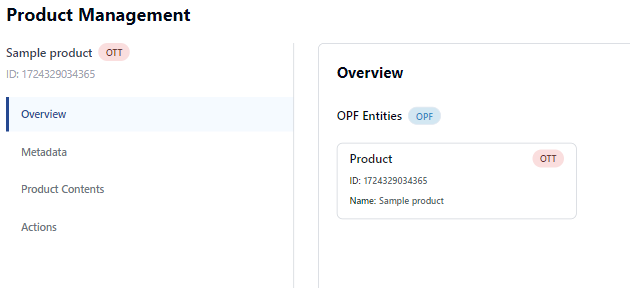
To view product details for a channel:
-
Open the Channel Management app.
-
Select the required channel from the channel list.
-
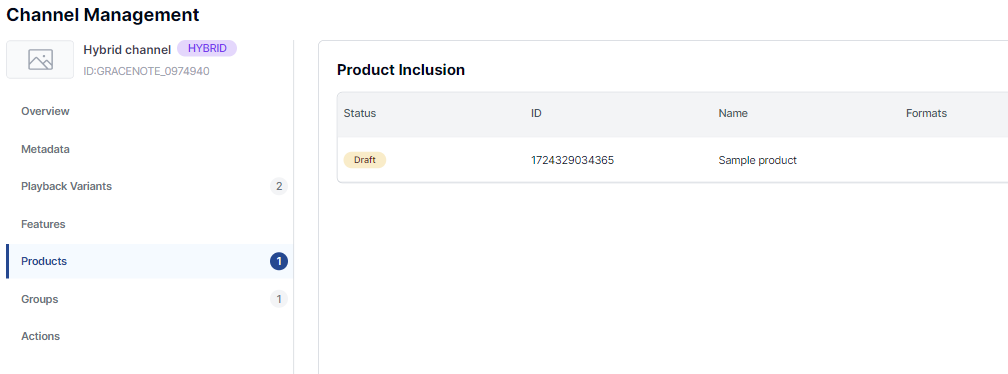
Click Products in the sidebar.
The Products tab shows a list of products that are included in the selected channel.
You can click on a product to view its details in the Product Management app.