When you select any of the following, a listing page is displayed:
The example below is for the User List, but the details are similar for all records.

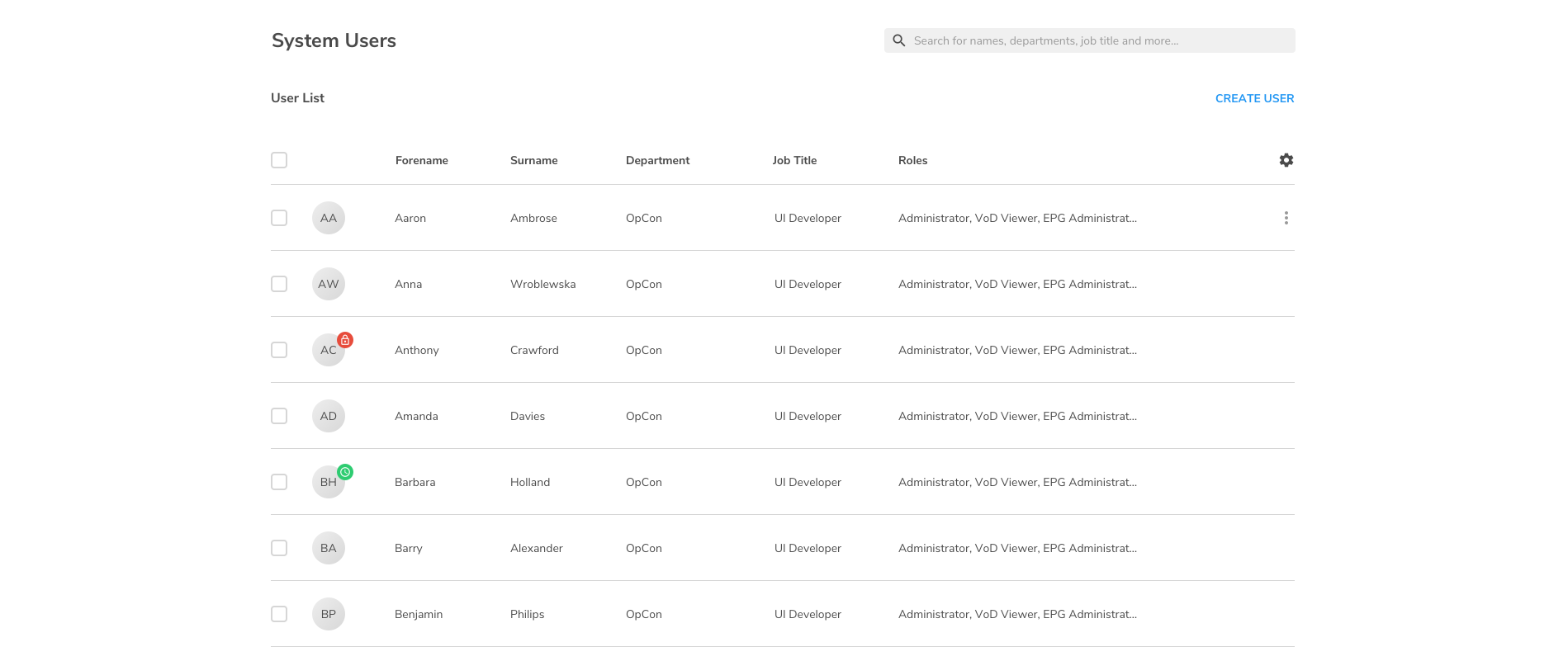
On the left-hand side of the page, checkboxes let you multi-select records.
On the right-hand side of the page, the following options are usually available:
-
The ability to create a new record, in this case, a new user.
-
The Settings

-
When you run your mouse over a row in the list, the Menu

Hide/Unhide
Some list pages, such as the EPG, Content Catalogue and settings, have two panels. The left panel containing the channel groups is displayed by default; you can hide the left panel by clicking the