To add a pack collection to a layout:
-
View the layout in Edit mode and select Add Pack Collection Header from the sidebar menu.
-
Choose a pack collection and click Select Pack.
-
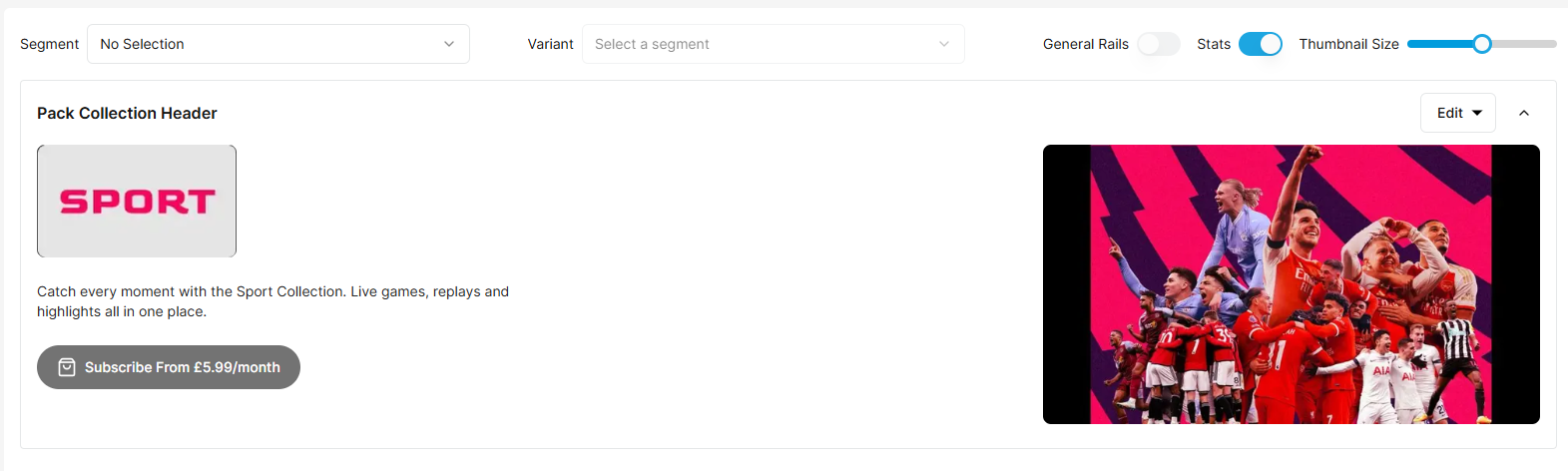
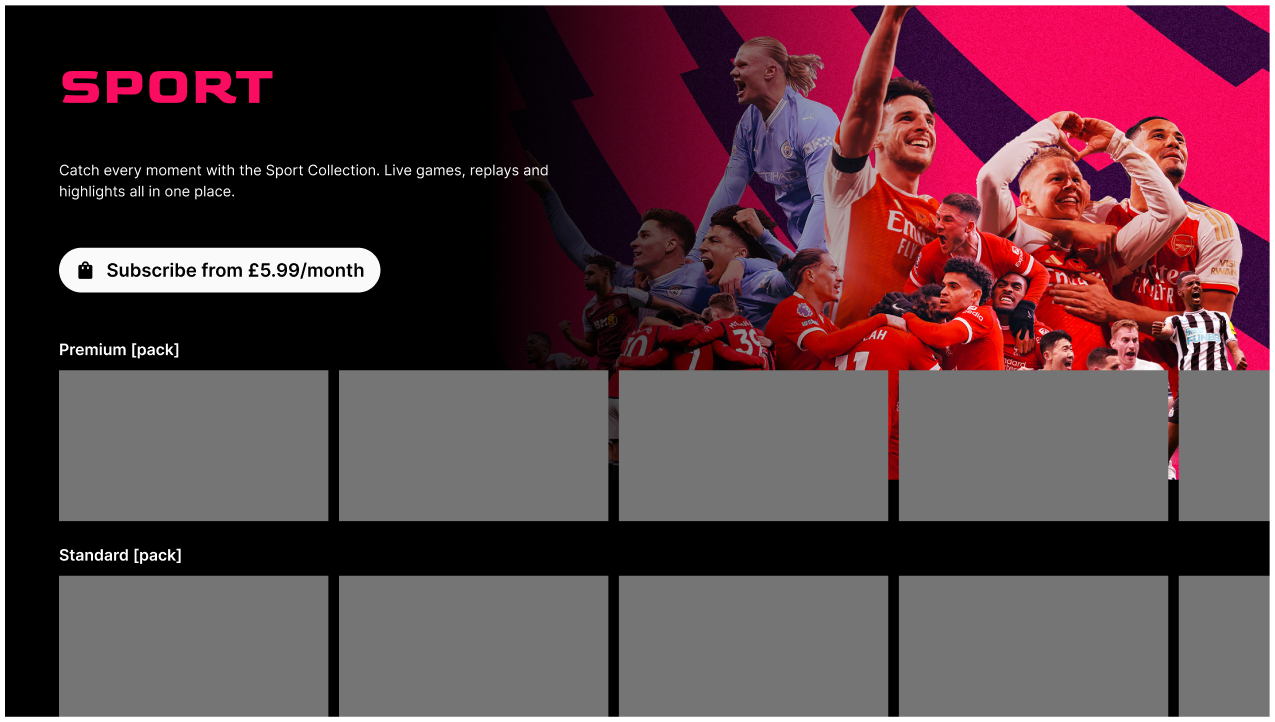
The pack collection header appears in the layout, together with the subscribe button as default.