
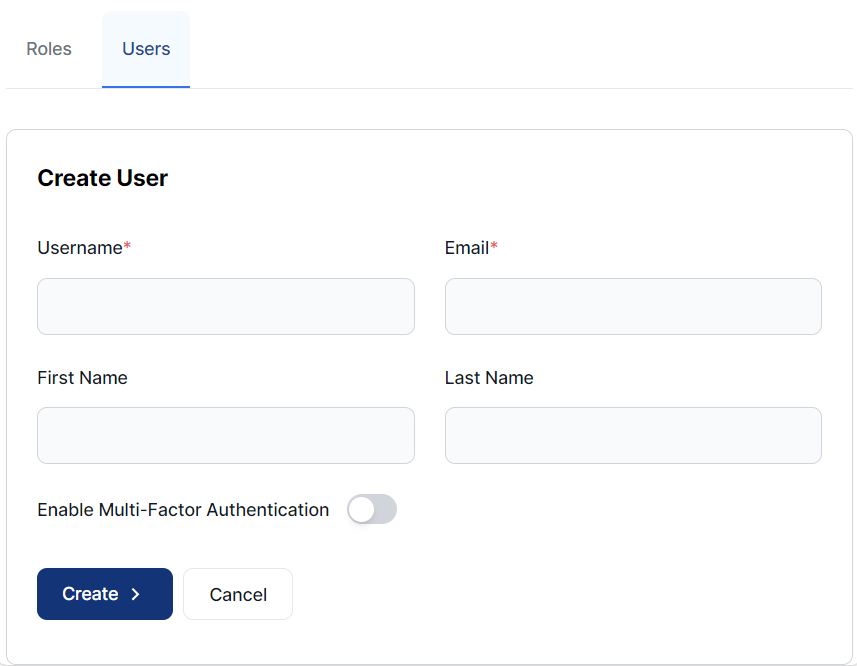
To create a new user:
-
Open the Permissions Management app and select the Users tab.
-
Click Create User.
-
Complete the Username, Email, First Name, and Last Name fields.
-
If required, select Enable Multi-Factor Authentication.
-
Click Create.
Note that this process does not assign the user to any roles.
To assign the user to a role, see Manage user roles