
OpenTV ENTera & OpenTV Platform Documentation
26.26_Q2 25.52_Q4 25.26_Q2 25.12_Q1 24.50_Q4 24.38_Q3 24.26_Q2 23.50_Q4 23.24_Q2 23.12_Q1 22.50_Q4 22.38_Q3 22.24_Q2

Manage channel products

To view product details for a channel:

  1. Open the Channel Management app.

  2. Select the required channel from the channel list.

  3. Click Products in the sidebar.


The Products tab shows a list of products that are included in the selected channel.
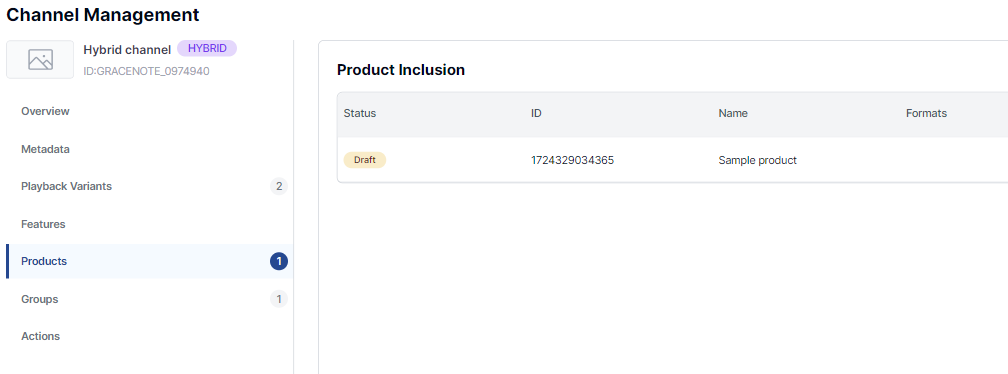
image-20240904-124442.png
Example: Products tab


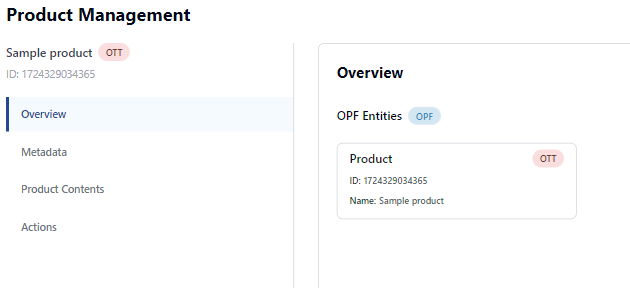
You can click on a product to view its details in the Product Management app.
See View product details

image-20240904-132226.png
Example: Product Management - Overview tab