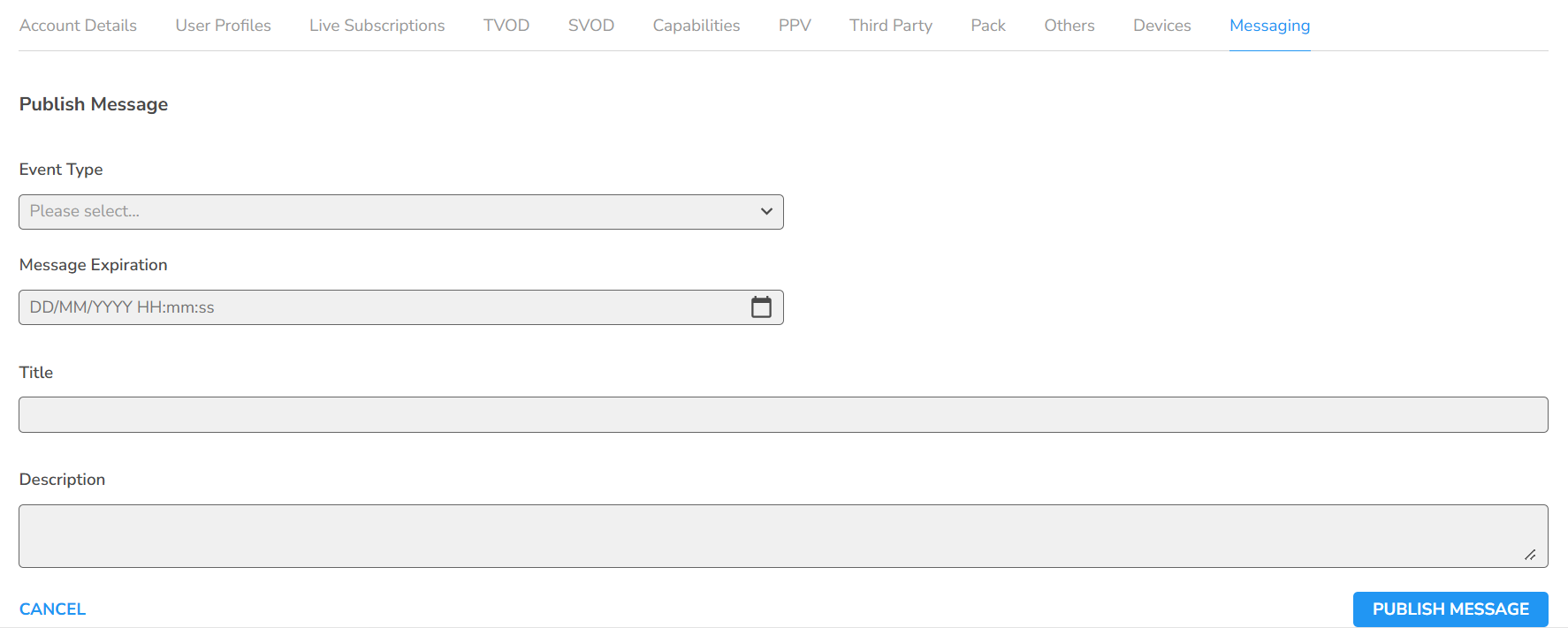
To send a message to all active devices in an account:
-
In the Accounts app, click on the account.
-
Select the Devices tab to check that the account has active devices.
-
Select the Messaging tab. Note that access to this tab is dependent on your role permissions.
-
Complete the following fields:
-
Event Type
-
Message Expiration
-
Title
-
Description
-
-
To send the message, click PUBLISH MESSAGE.