
ION provides a high quality, turnkey and brandable application on mobile, set-top box and web devices – a full feature matrix is available here. It’s optimized for Pay TV with features to ensure that consumers engage with the service and remain engaged. The screen shots provided in this page are mostly for TV devices unless there is a need to specify non-trivial difference in user experience on other devices.
Key features of ION experience
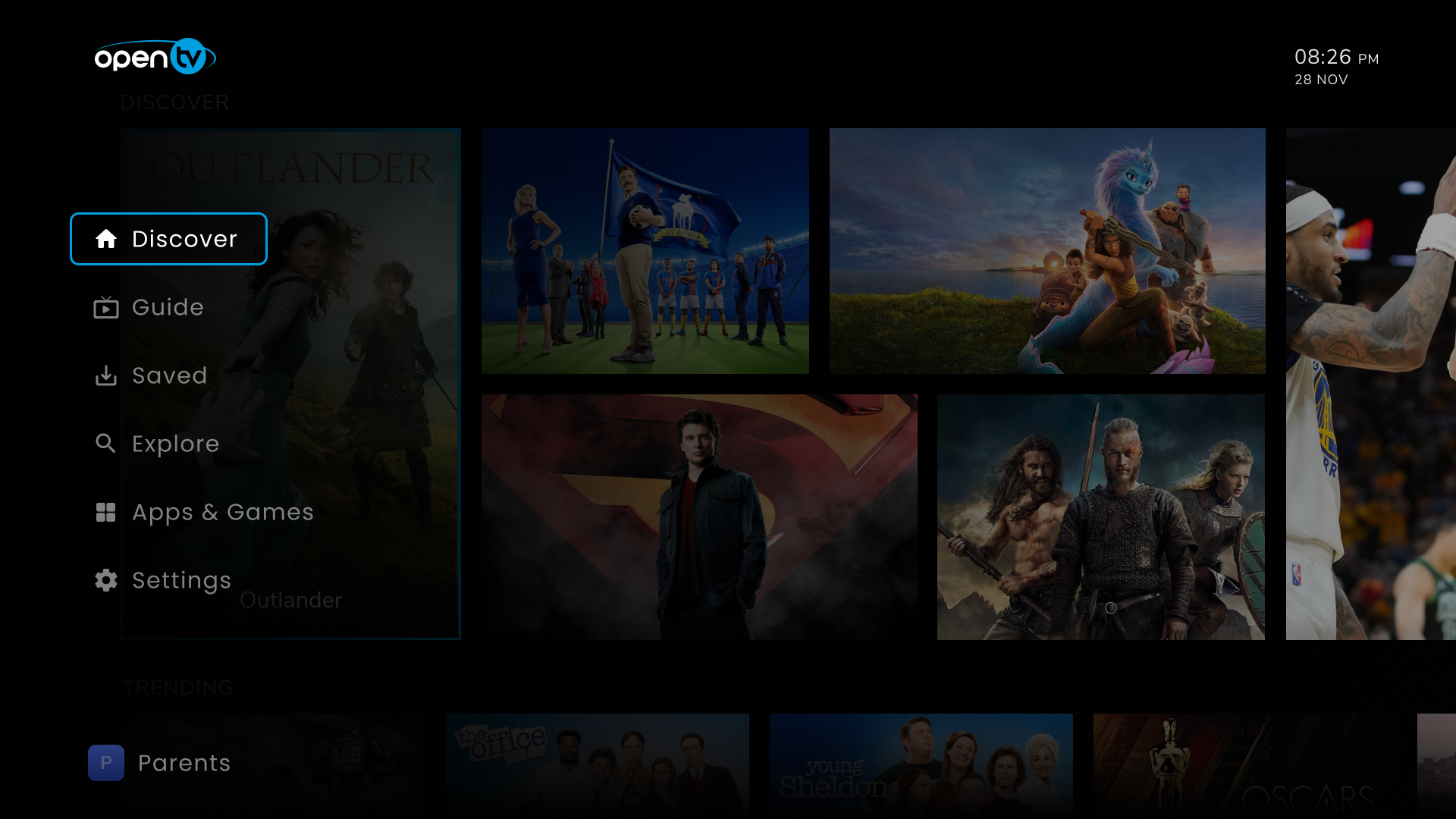
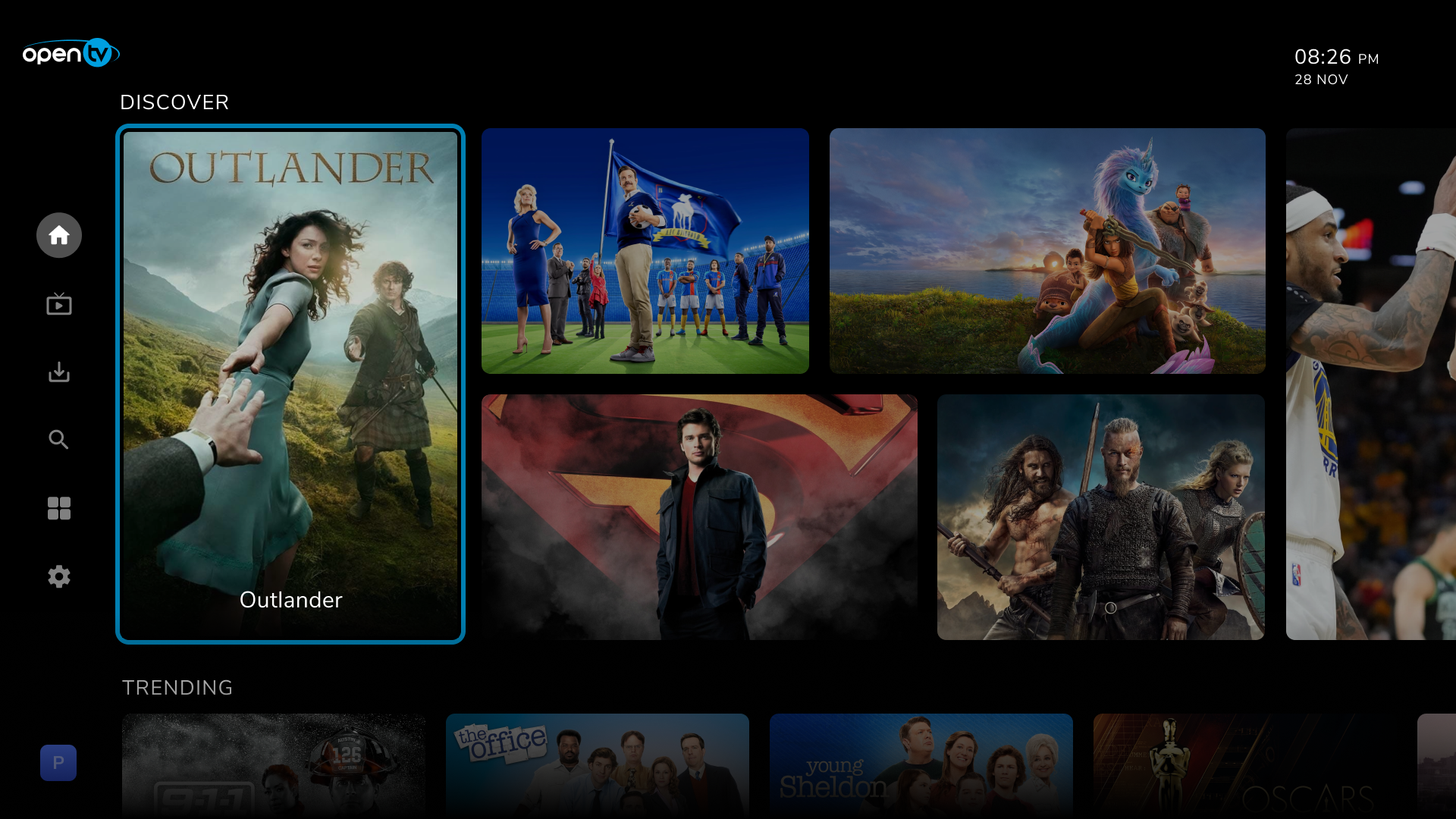
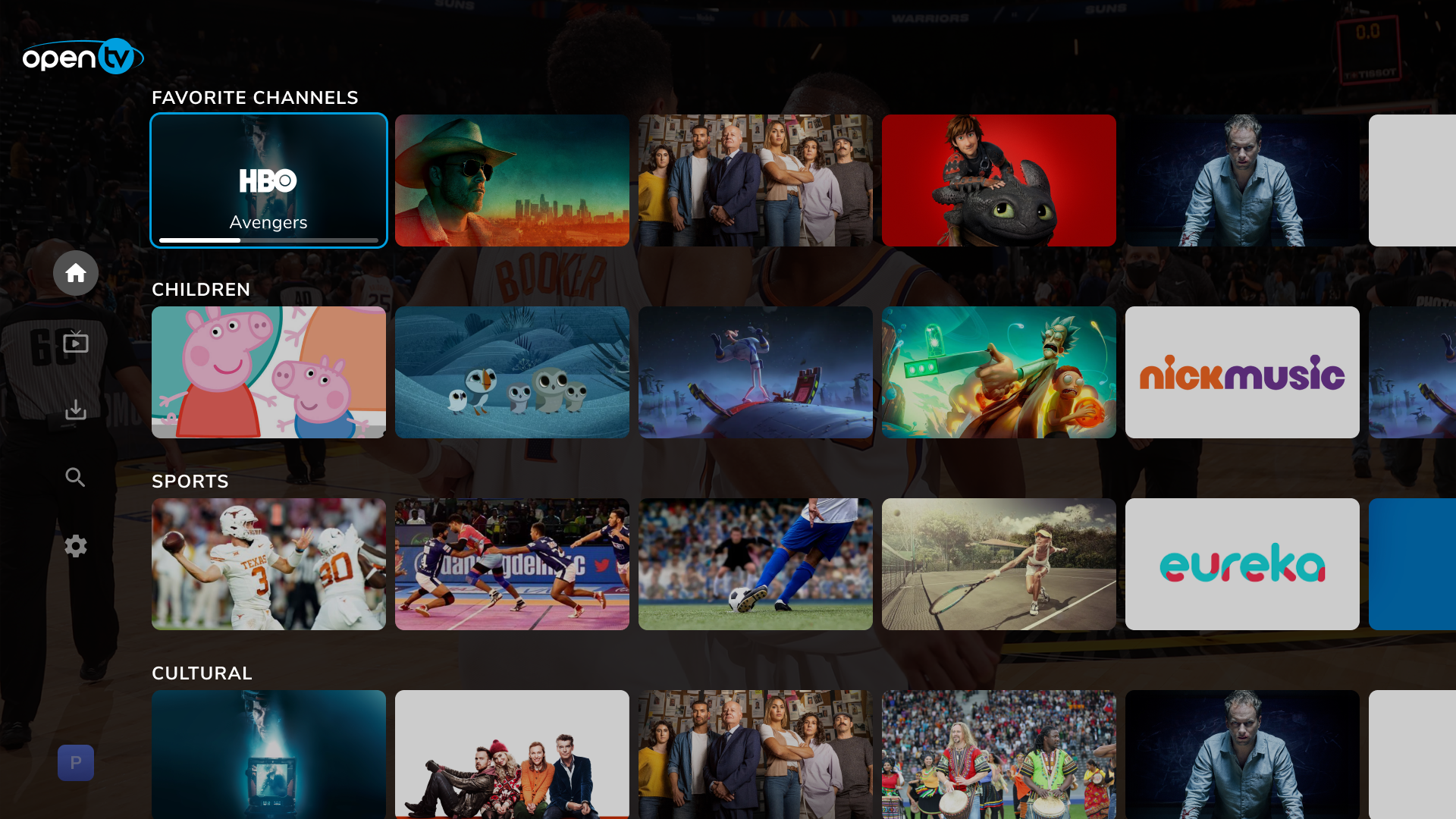
Main menu and dynamic screen addition
ION supports dynamic control of the main menu and mapping to a screen using rails infrastructure. The vertical main menu is recent addition to ION.
Playback
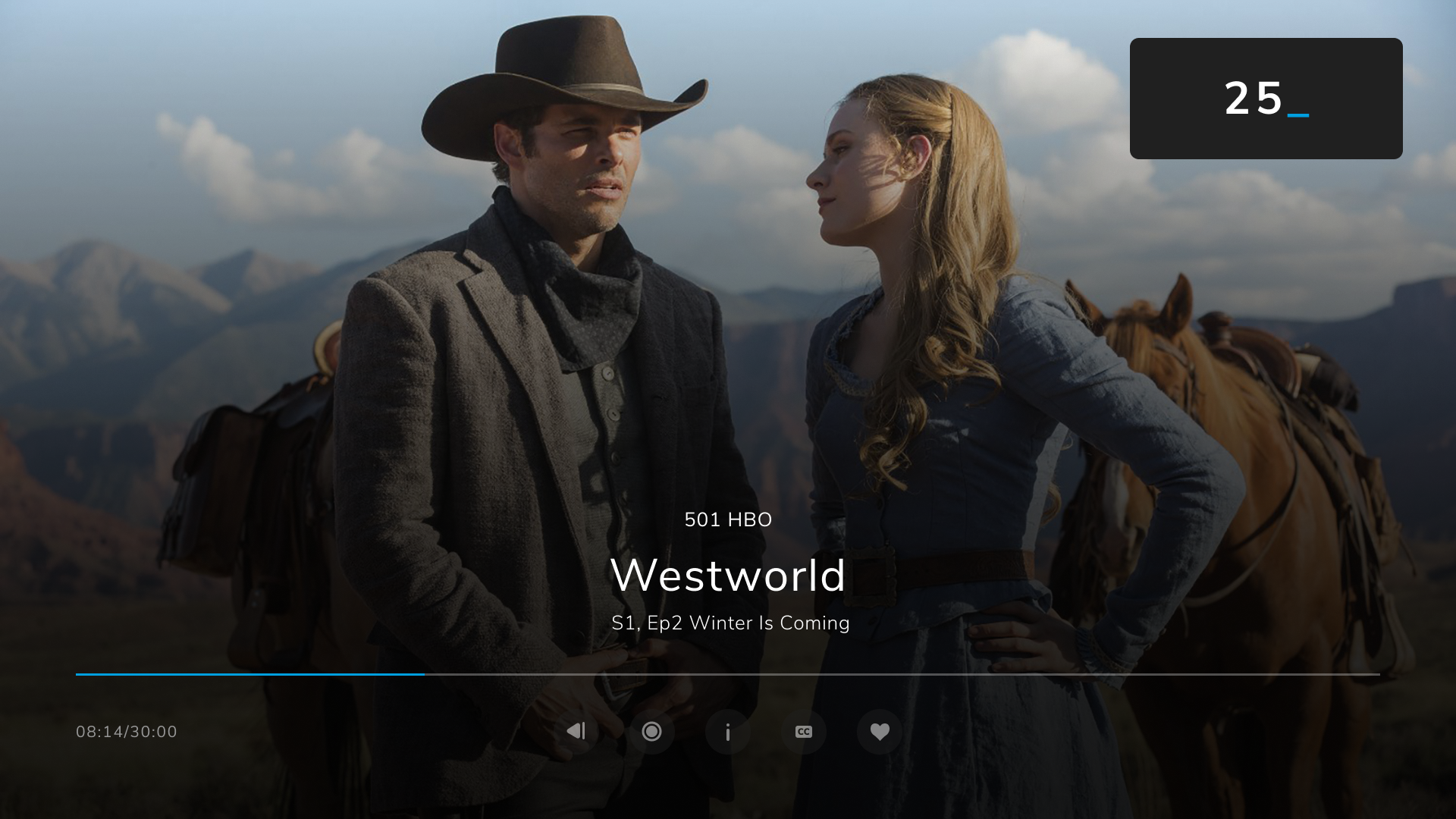
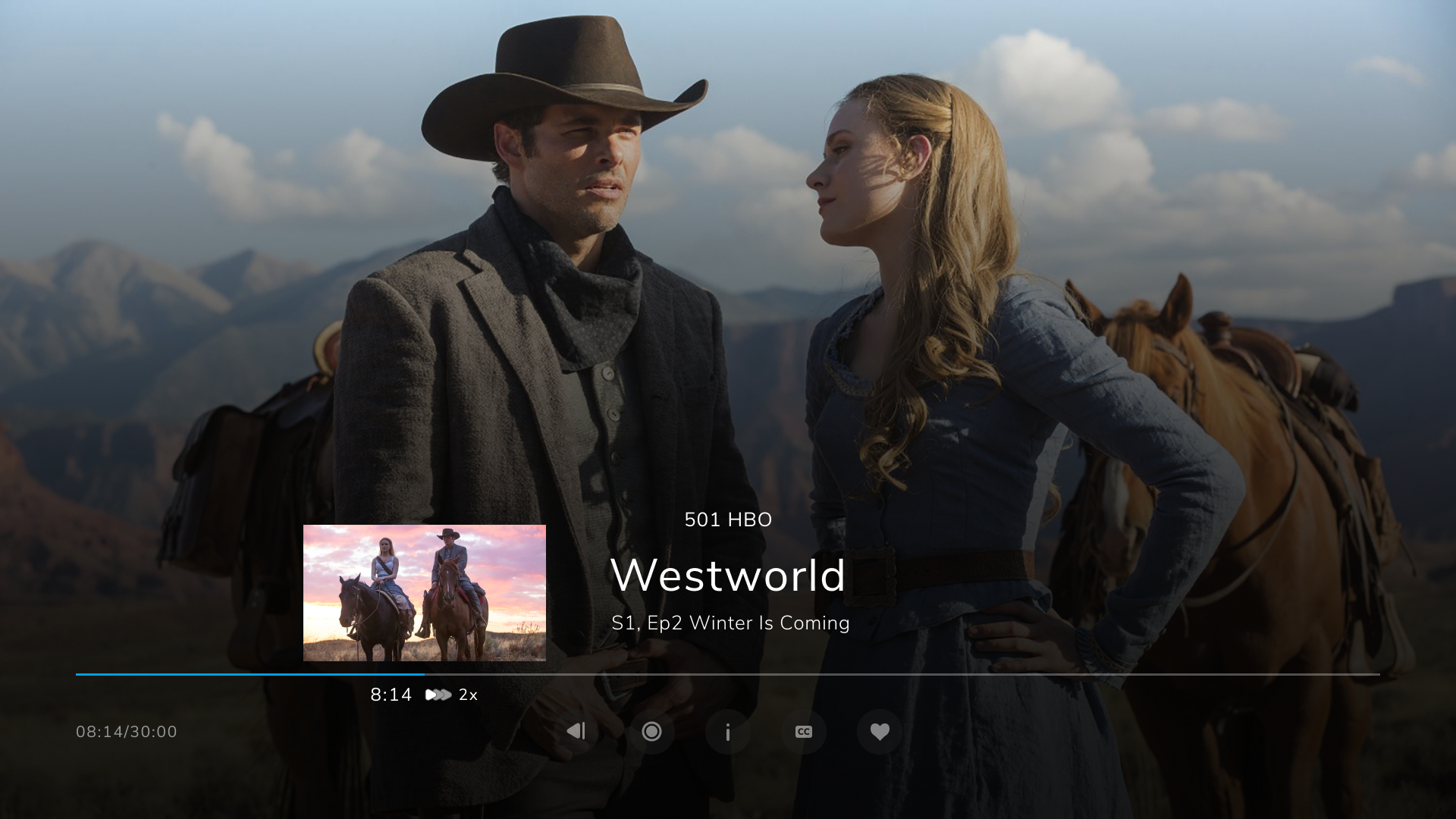
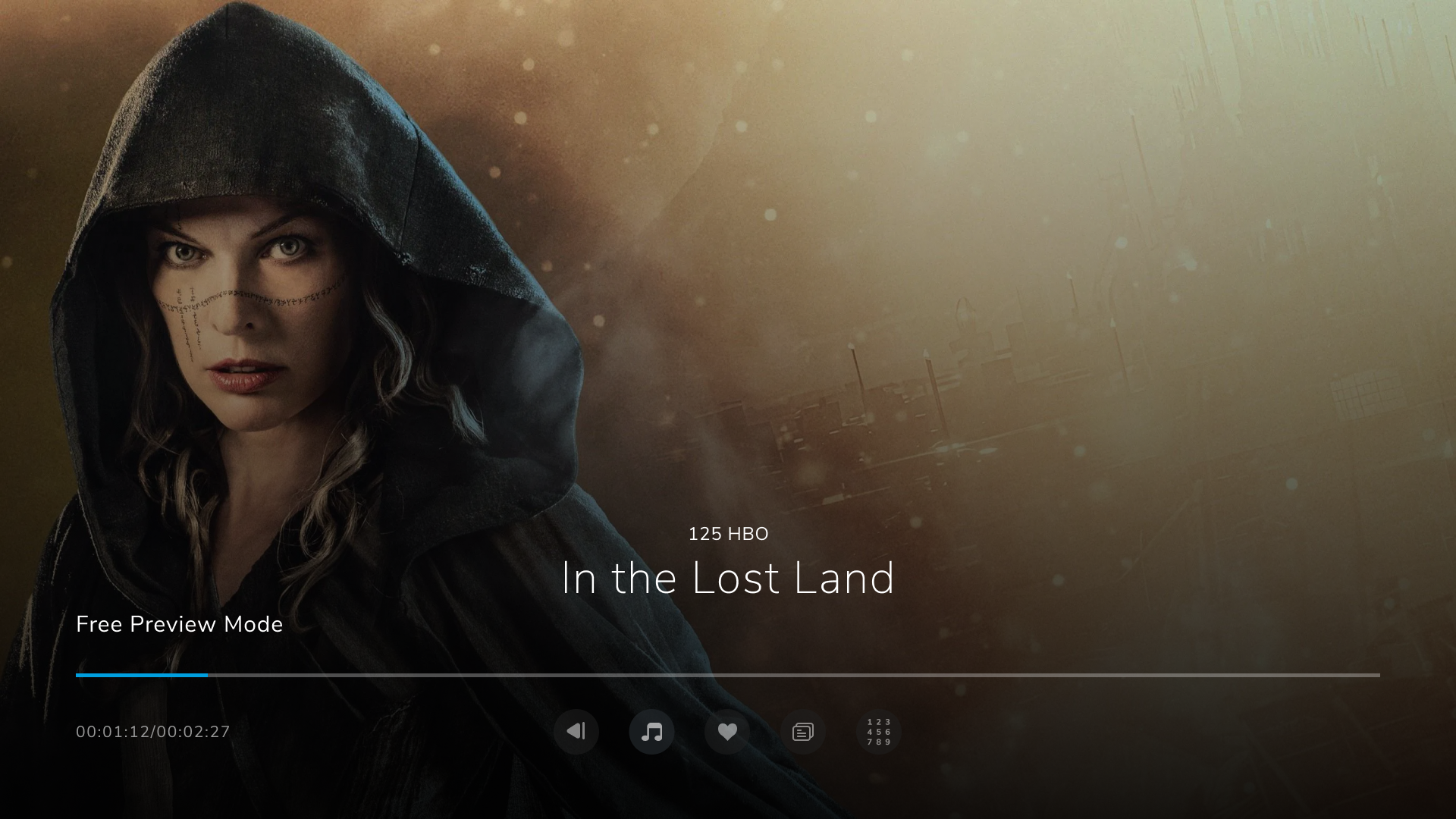
The playback screen allows the user to control how they watch their content. Users can:
-
DCE – Direct channel entry on TV
-
CH+/CH on TV
-
Restart the content
-
View the media card relating to the item
-
Enable subtitles/closed captions and select the language
-
Select the audio channel
-
Favorite a content or channel
-
Manage recordings
-
Play/Pause/Resume
-
Trick modes
-
Thumbnails
-
Preview playback
Discover
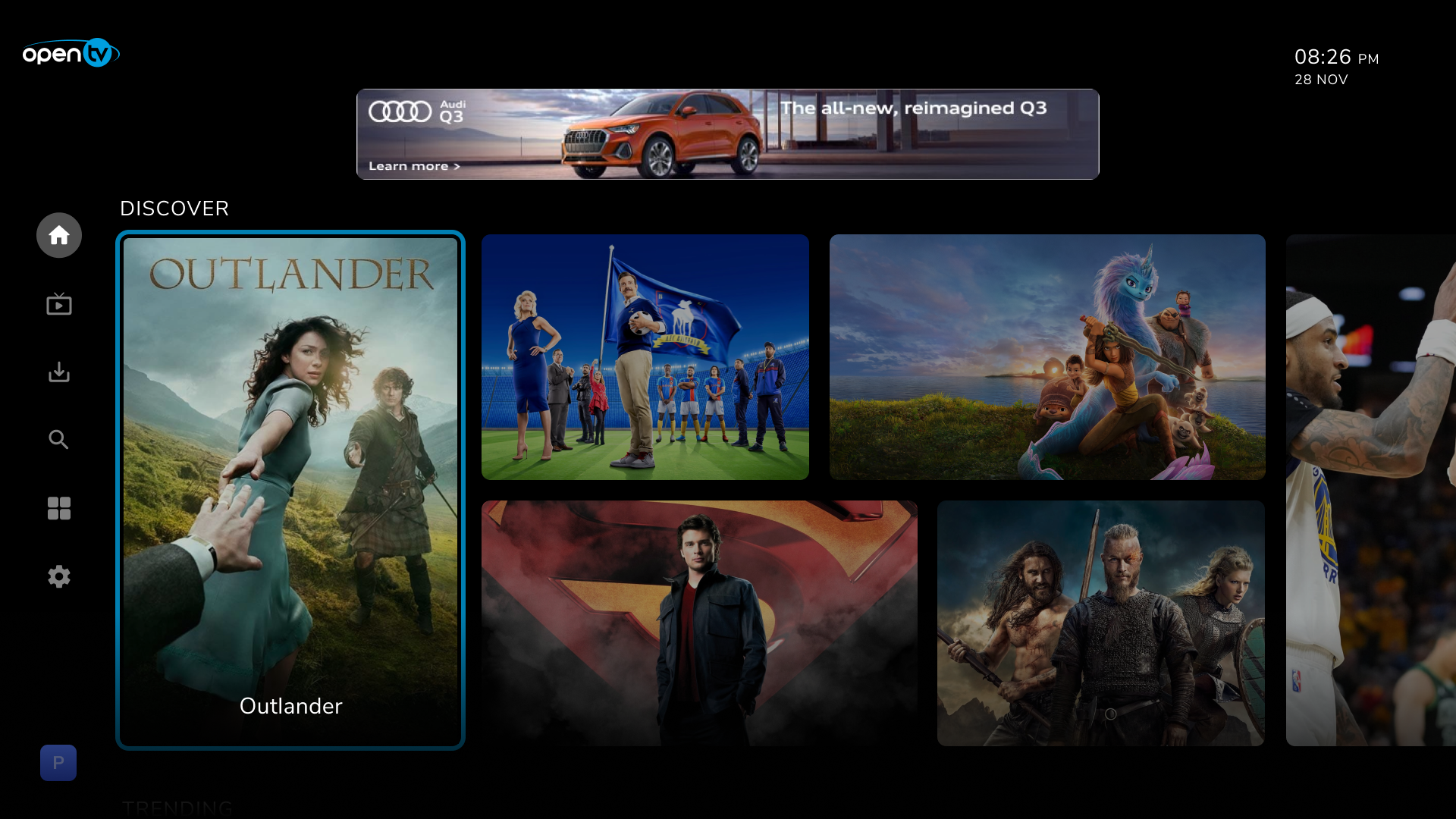
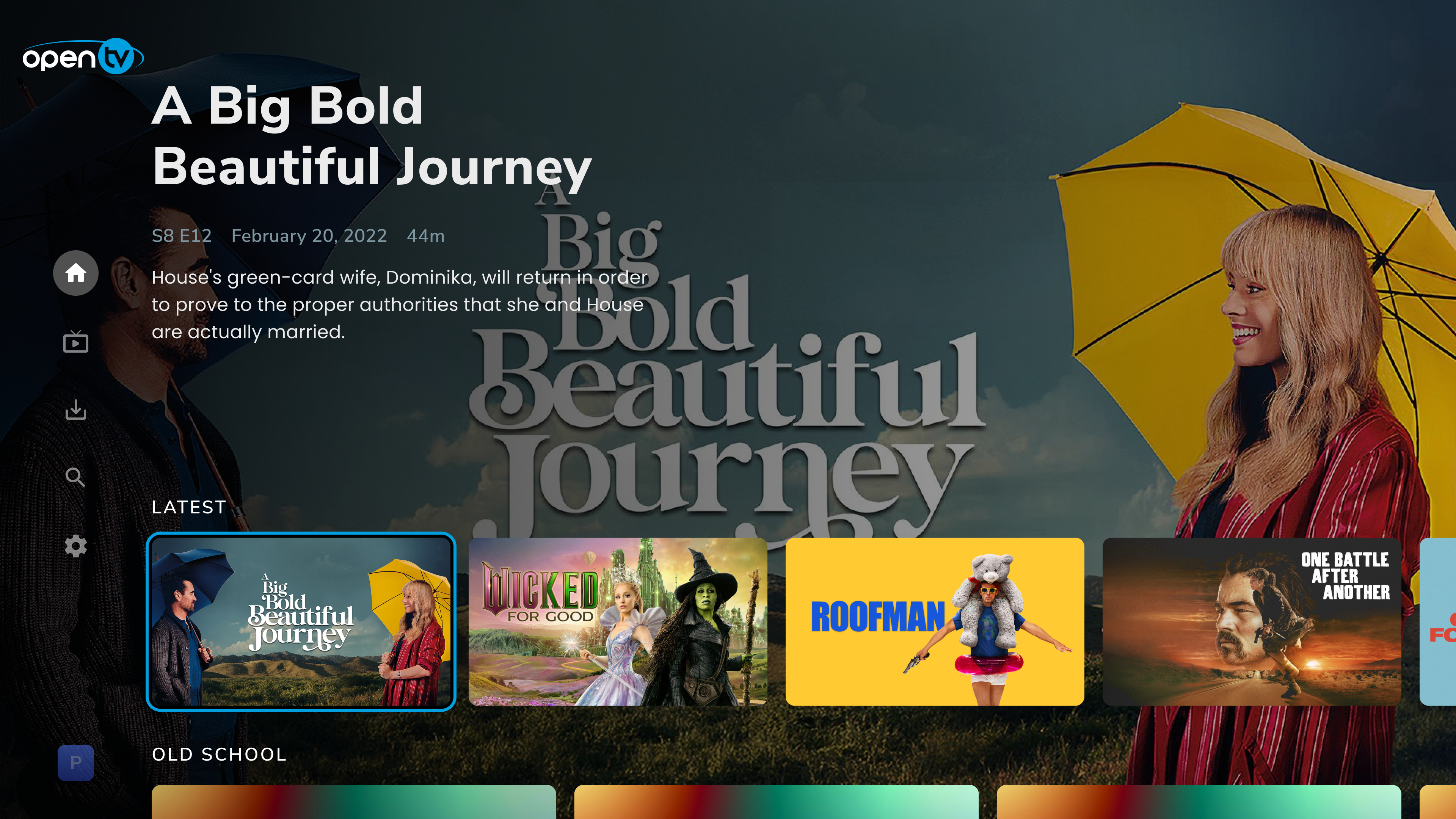
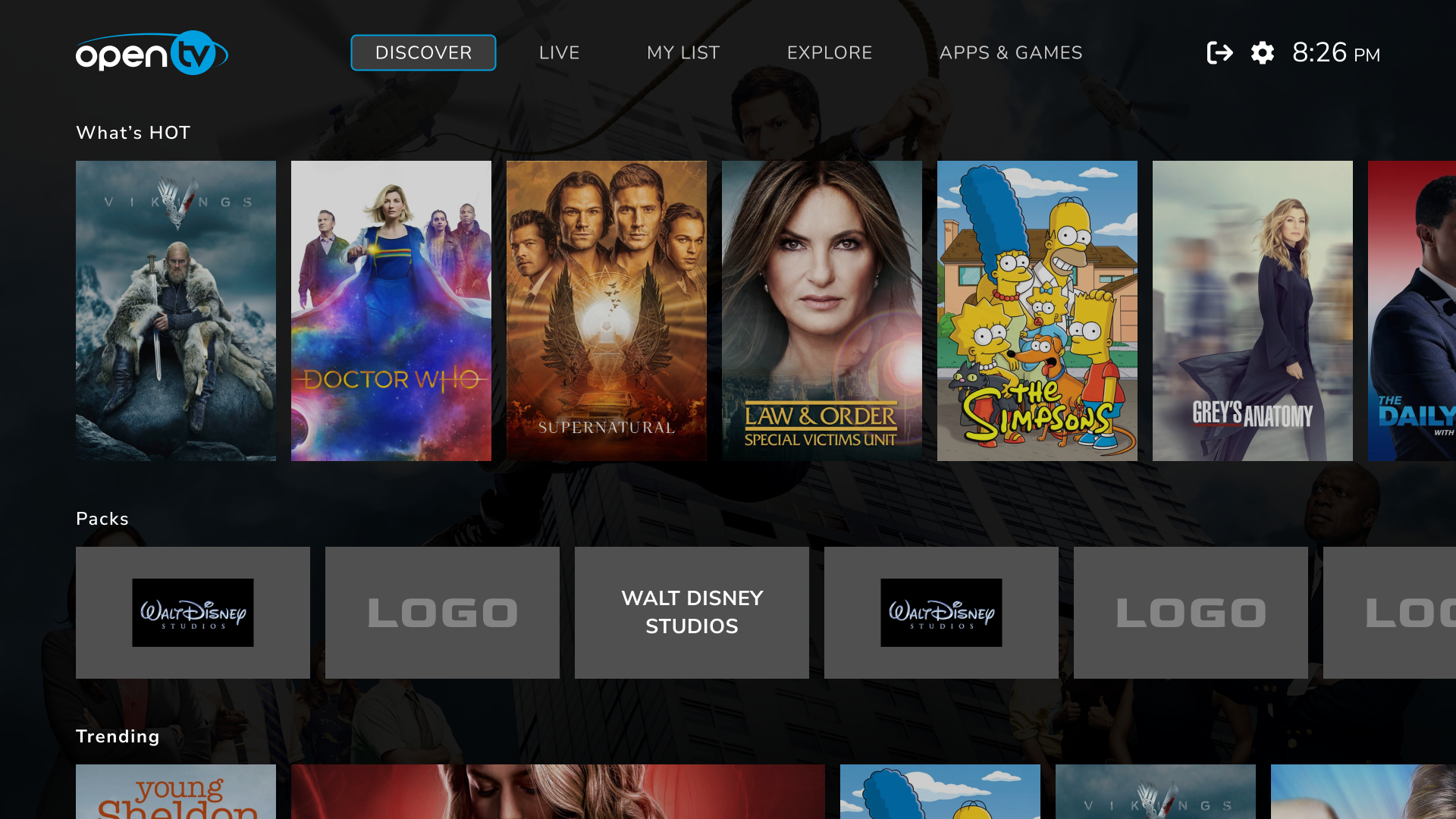
Discover is the default screen and home screen. Our modern browsing offering allows users to find content via beautiful imagery and data-driven menus. A combination of recommendations and operator-promoted content provides a gallery of items tailored to the user.
EPG
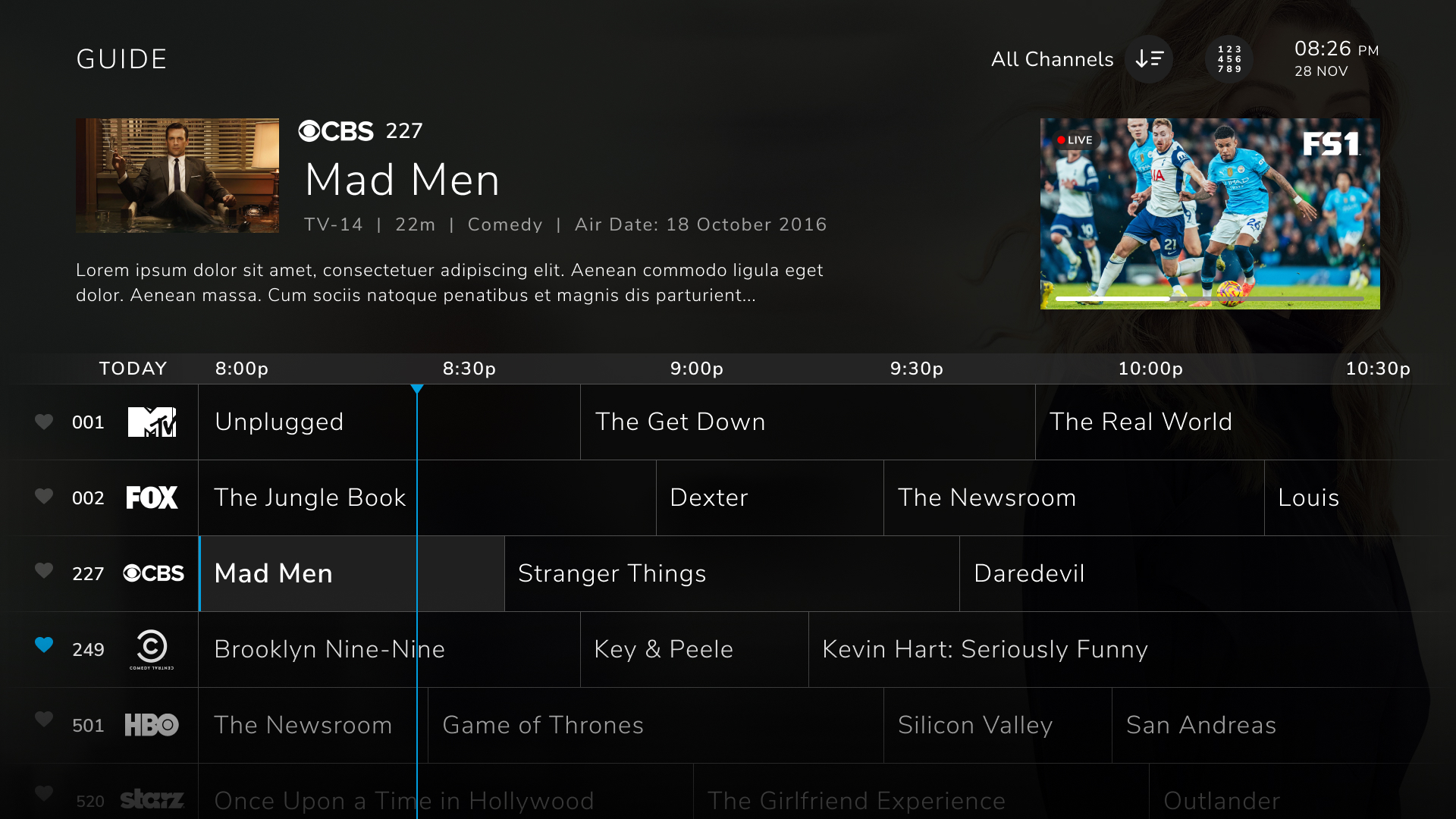
The guide screen shows a traditional guide format to allow users to discover content in a familiar way.
-
14 days future and catchup EPG timeline.
-
Info card
-
Channel list with logos
-
Add/remove favorite channels
-
Live indicator
-
Genre filtering
-
Switch to Live xcreen
-
Ongoing recording status indication
-
Mini video of current playing content
-
Direct channel entry (DCE to a channel within guide)
Live Screen
The Live screen allows users to quickly find live content that they’re interested in, with the currently playing items grouped into genres specified by the operator.
Timeline
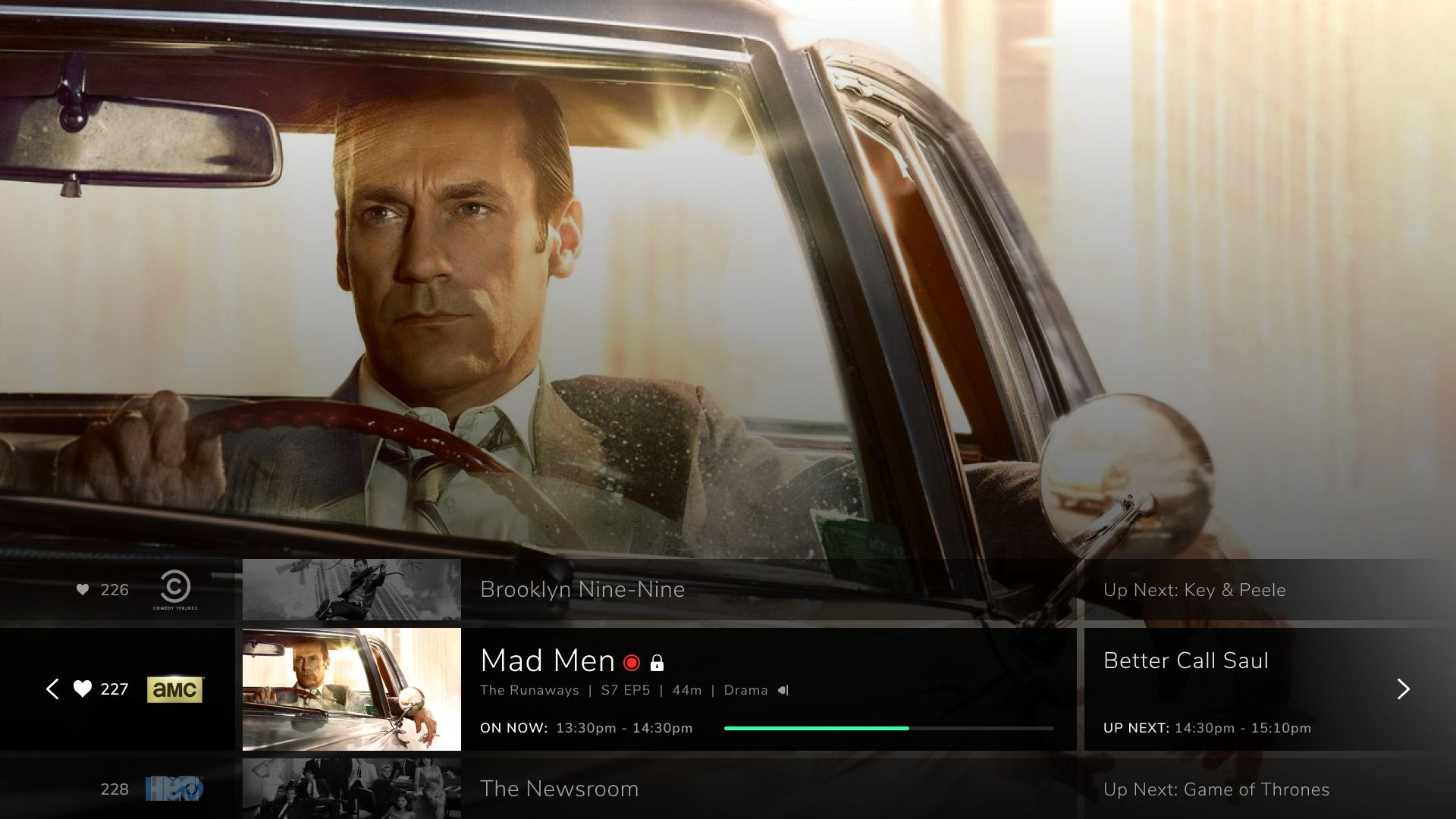
The Timeline feature is the simplest UI made for TV – a linear navigation to past, present and (possible) future viewing.
UP/DOWN keys bring up a Timeline showing current and one future event.
LEFT key on Timeline UI launches the EPG.
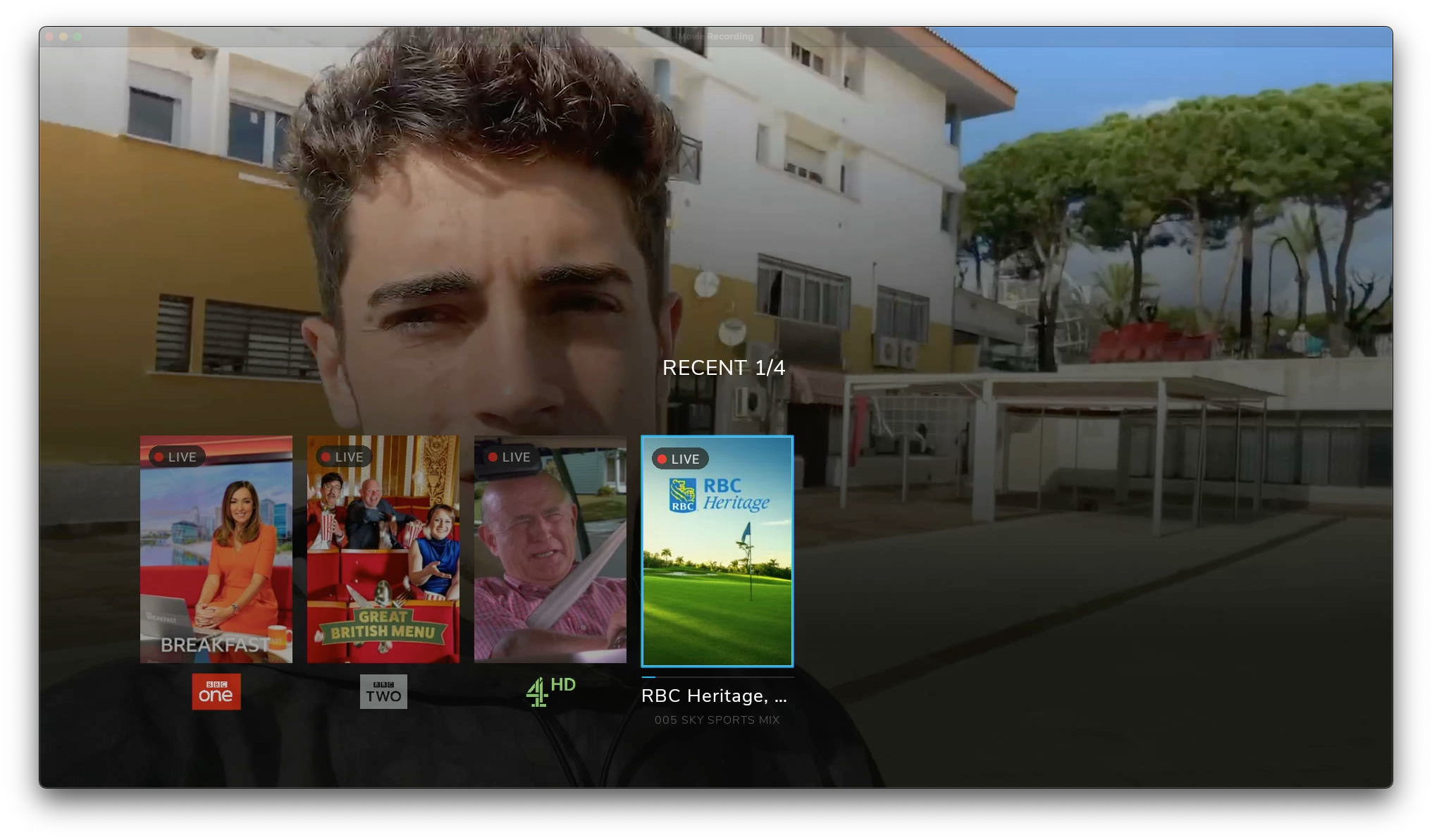
LEFT key brings up Recent, where the user can access list of recent channels.
Search
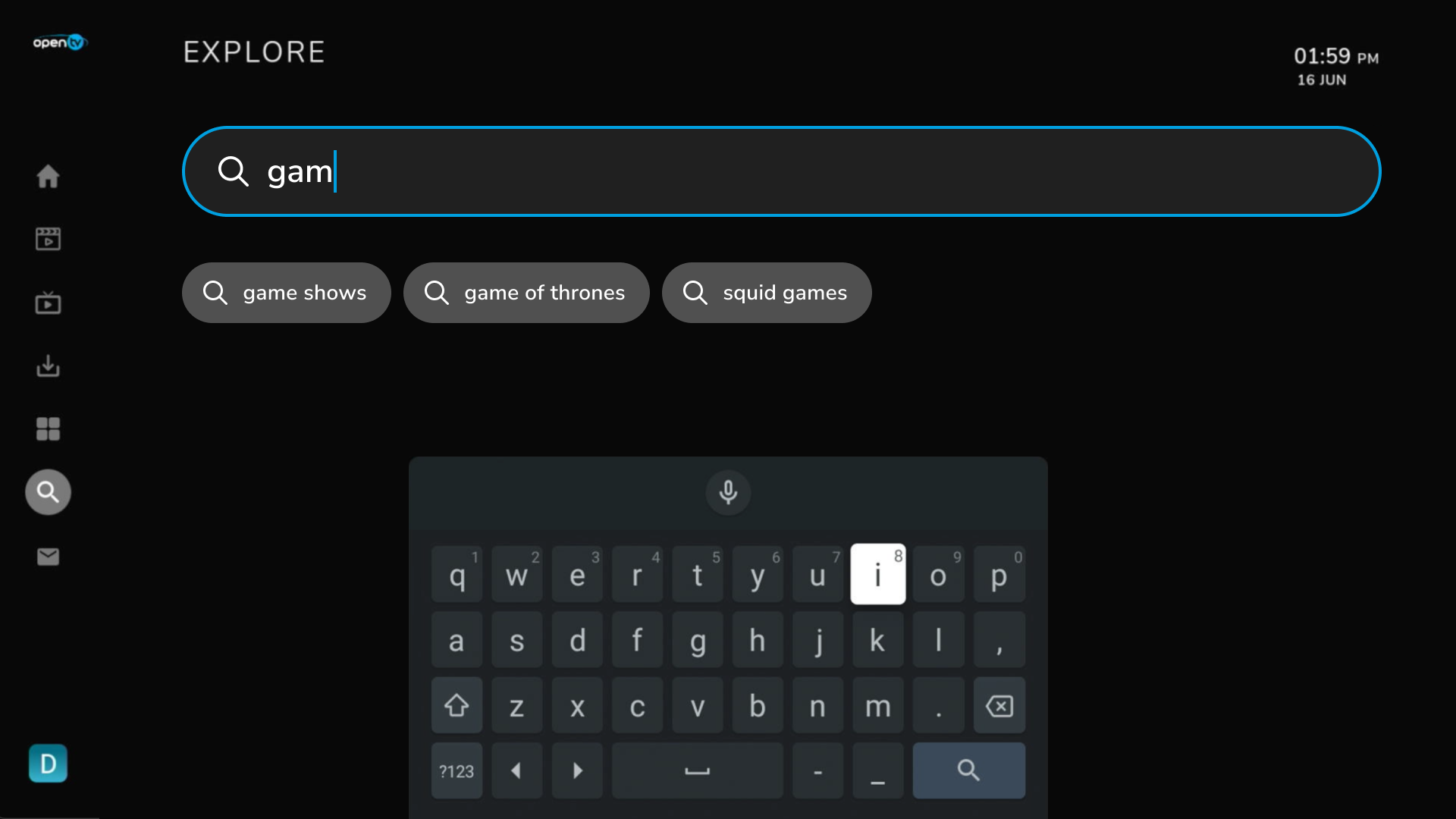
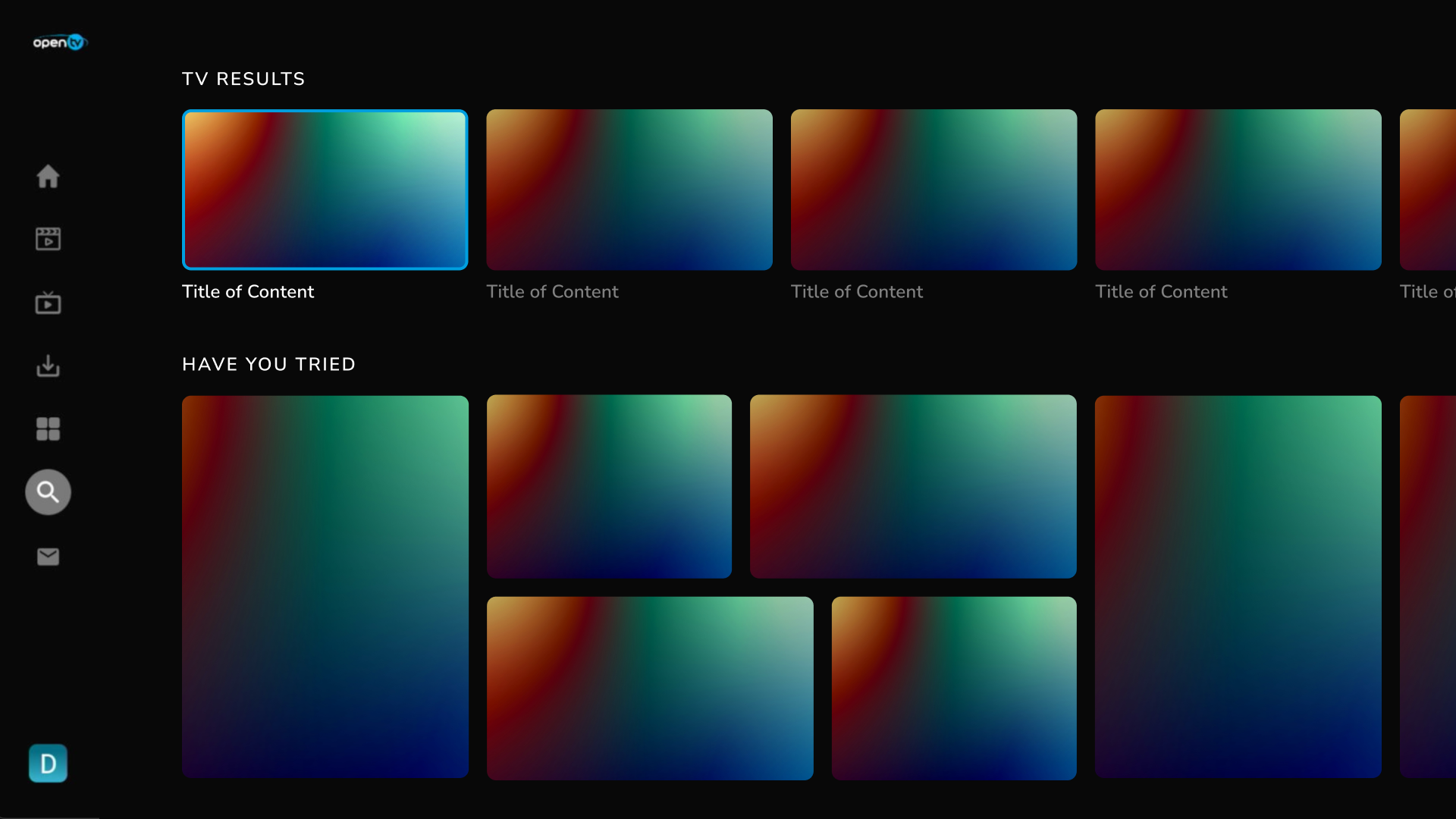
The search feature helps users to find content in the operator’s library. OpenTV Video Platform’s integration with Google Assistant and work with Nuance also enables users to search the library by using voice commands.
ION search is integrated with Elastic search and supports some key features as below:
-
Search suggestions
-
Search history
-
Rails-based grouping based on sources (live, title, VOD, etc.)
Android TV Operator Tier
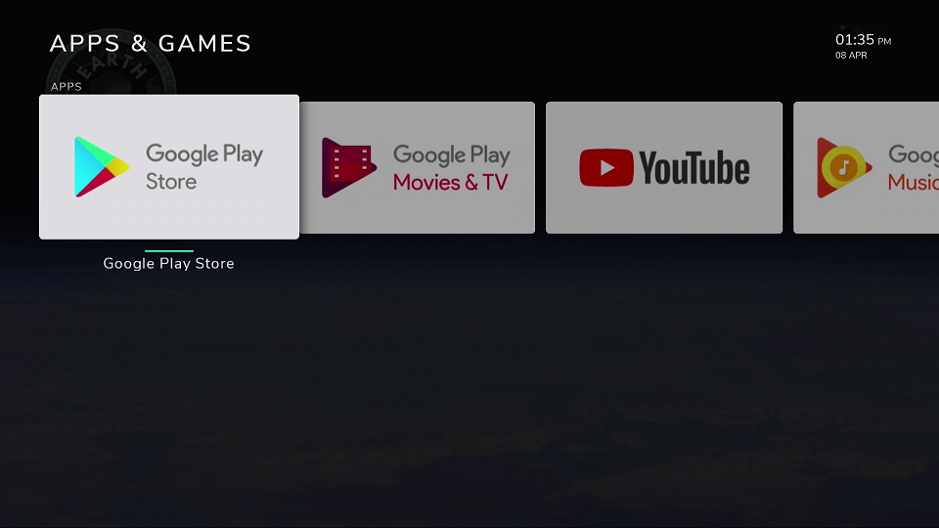
The OpenTV Video Platform ION baseline application can be installed as the launcher application on an Android TV device. The baseline application conforms to the Android TV certification specification for notifications and the integration of the Google Play Store. This gives control of HDMI1 to the baseline application, so that third-party applications are installed and launched from within the baseline application.
Media card
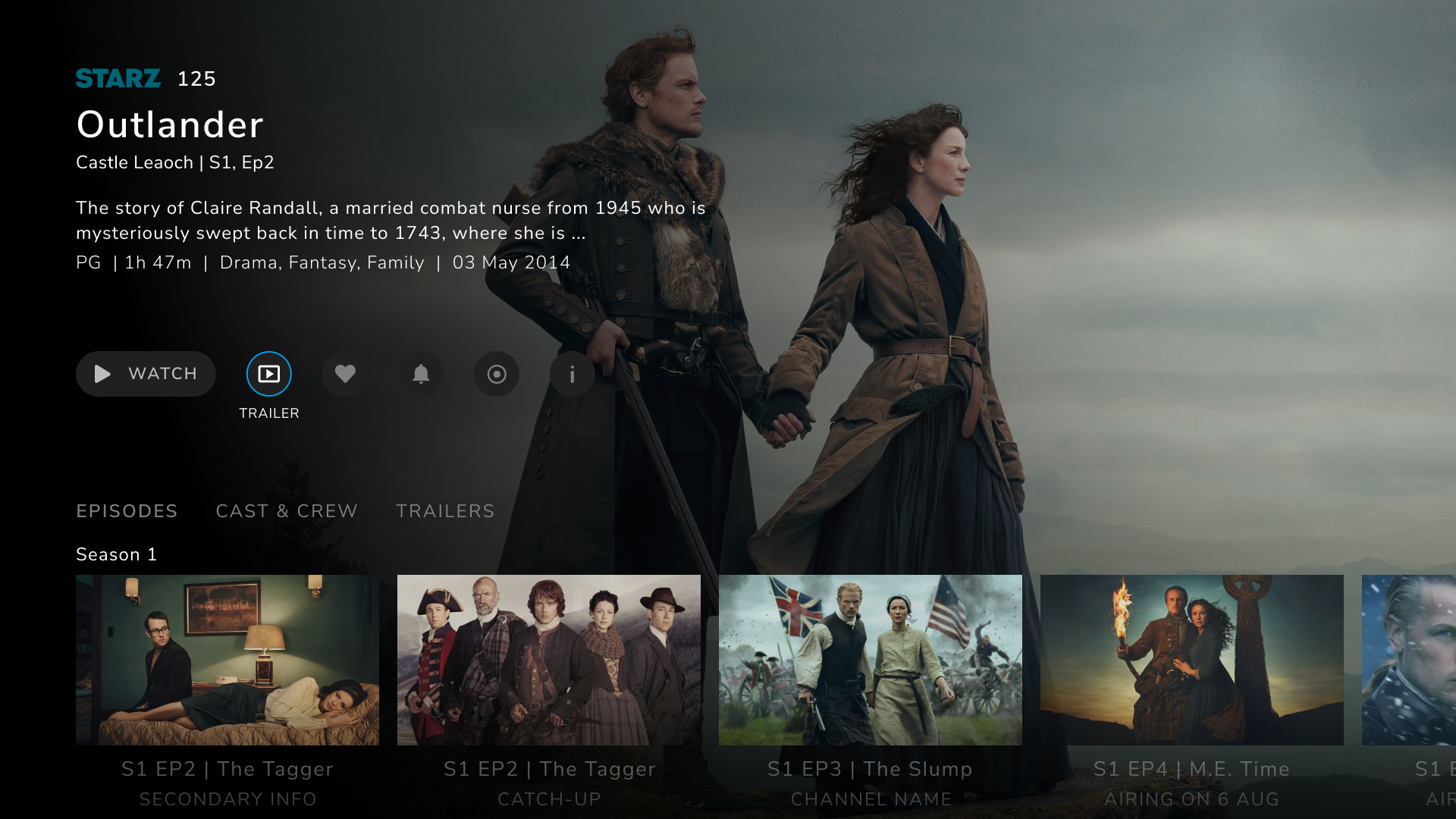
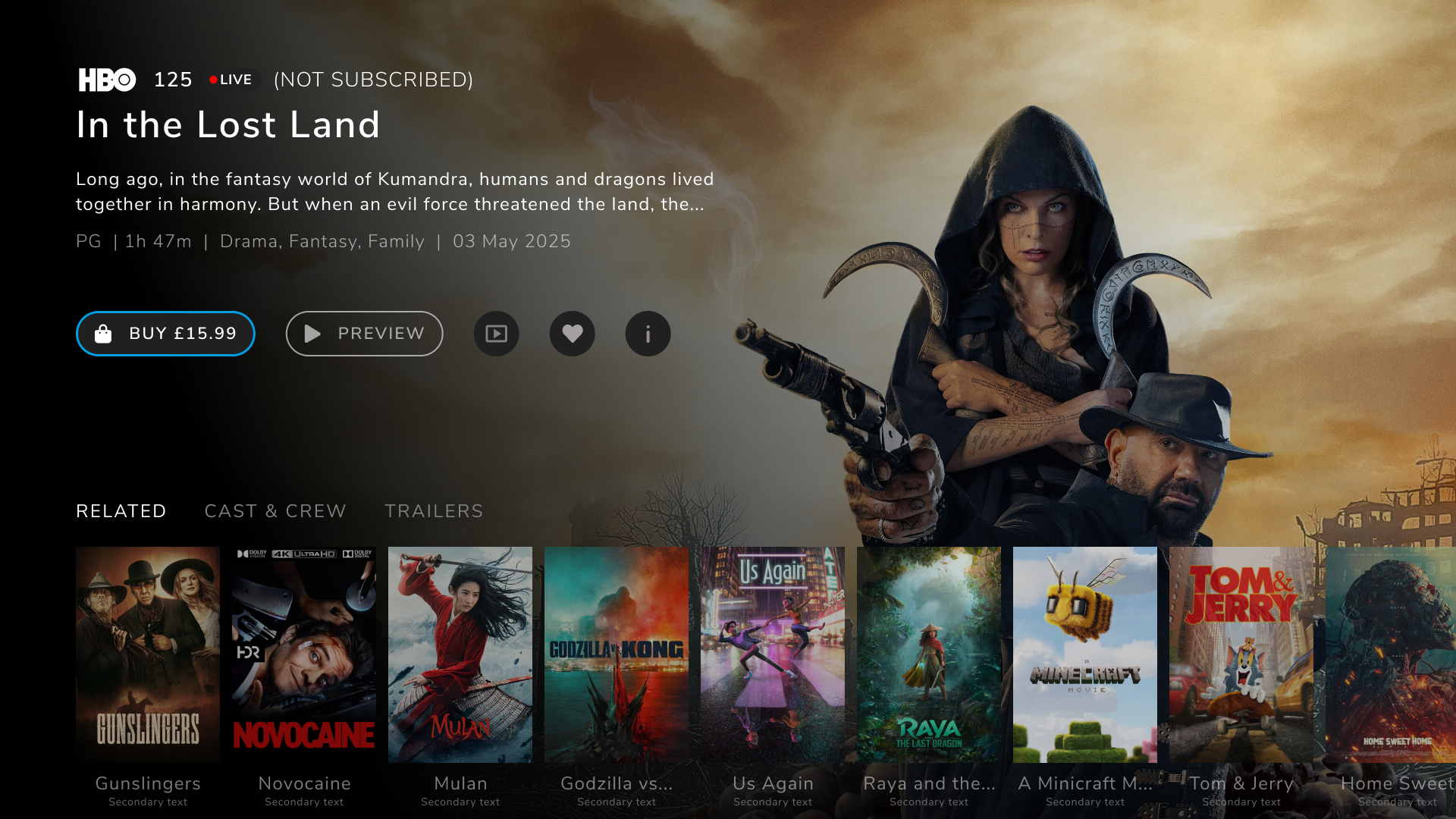
The media card displays detailed information about the selected content item. The media card display clearly differentiates between Live, Catchup, VOD, Series. etc.
-
Title
-
Pricing information
-
Detailed description
-
Related content recommendations
-
Cast and crew information
-
Episodes from the same series
This information is derived from the CRM and metadata provider.
The media card also provides a mix of content options for user to choose from:
-
Play VOD trailer
-
Preview content
-
Buy
-
Start over / watch
-
Resume (if bookmarked)
Internationalization
OpenTV Video Platform has been developed with internationalization as a core concept. It supports multiple date and time formats, both right-to-left and left-to-right scripts, and Unicode to allow for diverse character sets.
My List
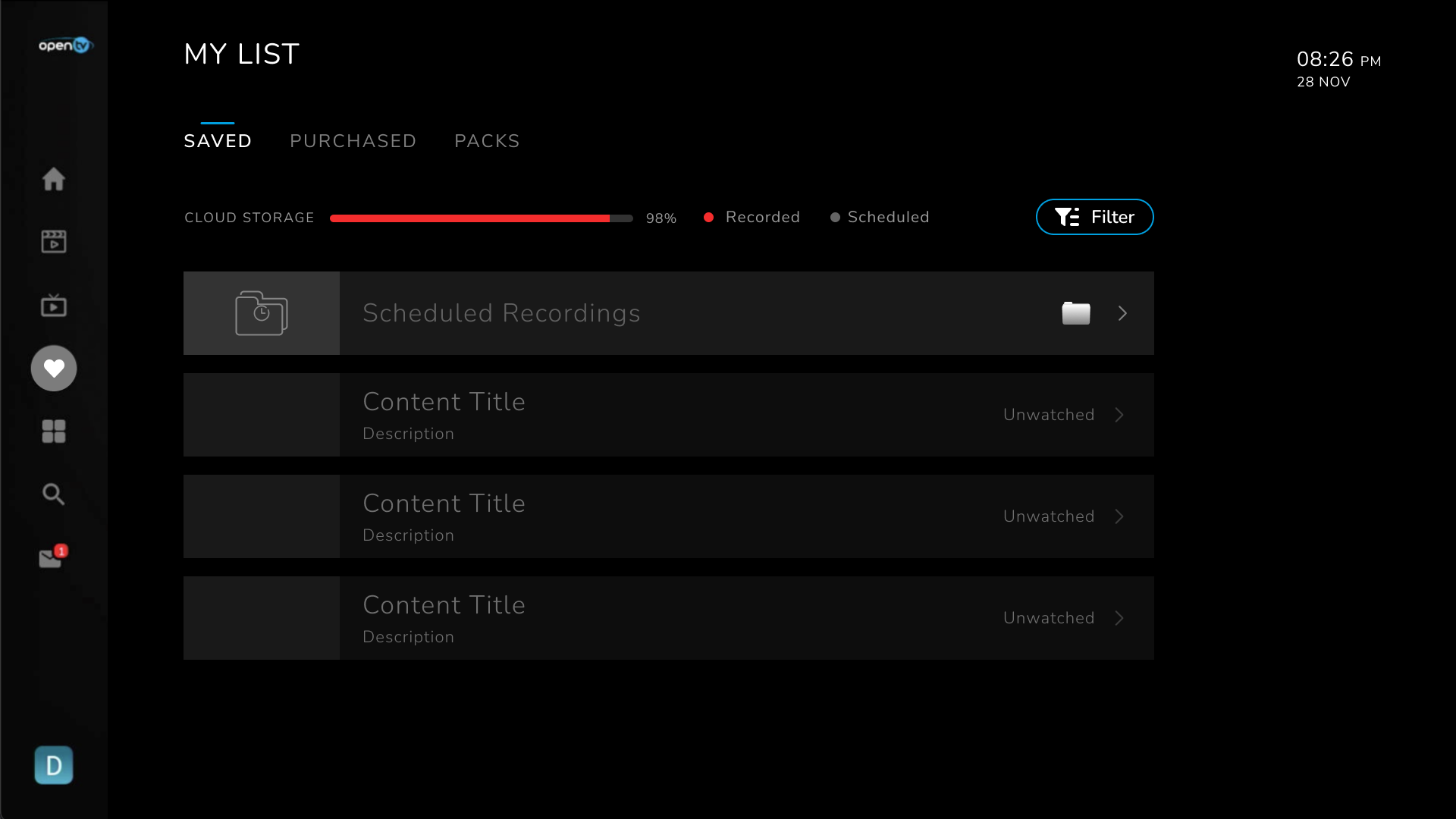
The My List screen is a new and must-have menu addition to ION. The screen is composed of multiple sub-screens:
-
Saved – list of recordings, favorites
-
Purchased – list of purchased transactional products
-
Packs – list of purchased pack products
Settings
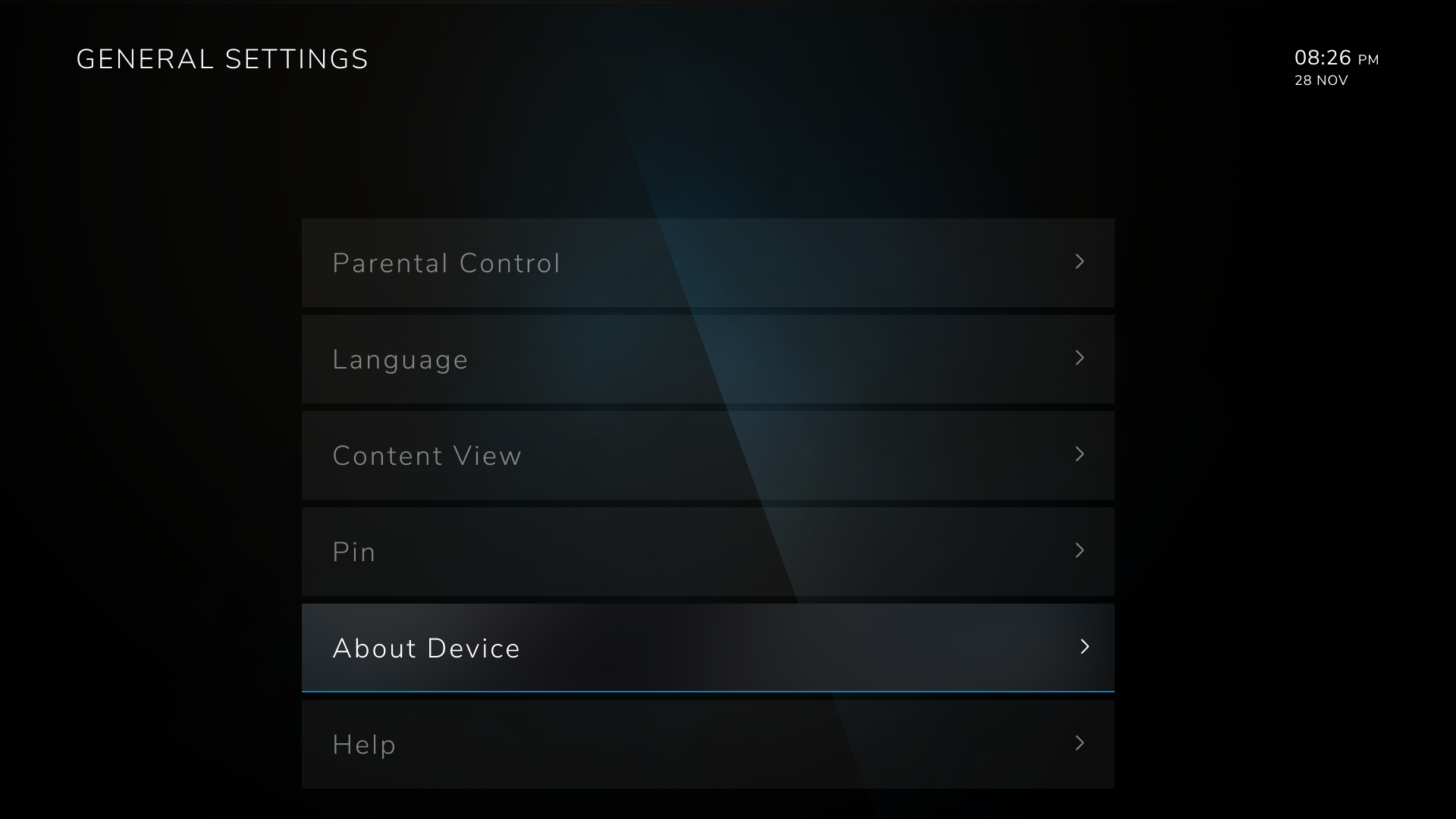
The baseline application includes settings to manage parental ratings, application localization, and default audio and subtitle/closed captions selections. When the application is installed as operator tier on an Android TV device, it also integrates the standard Android menu structure into the application.
Purchase of contents
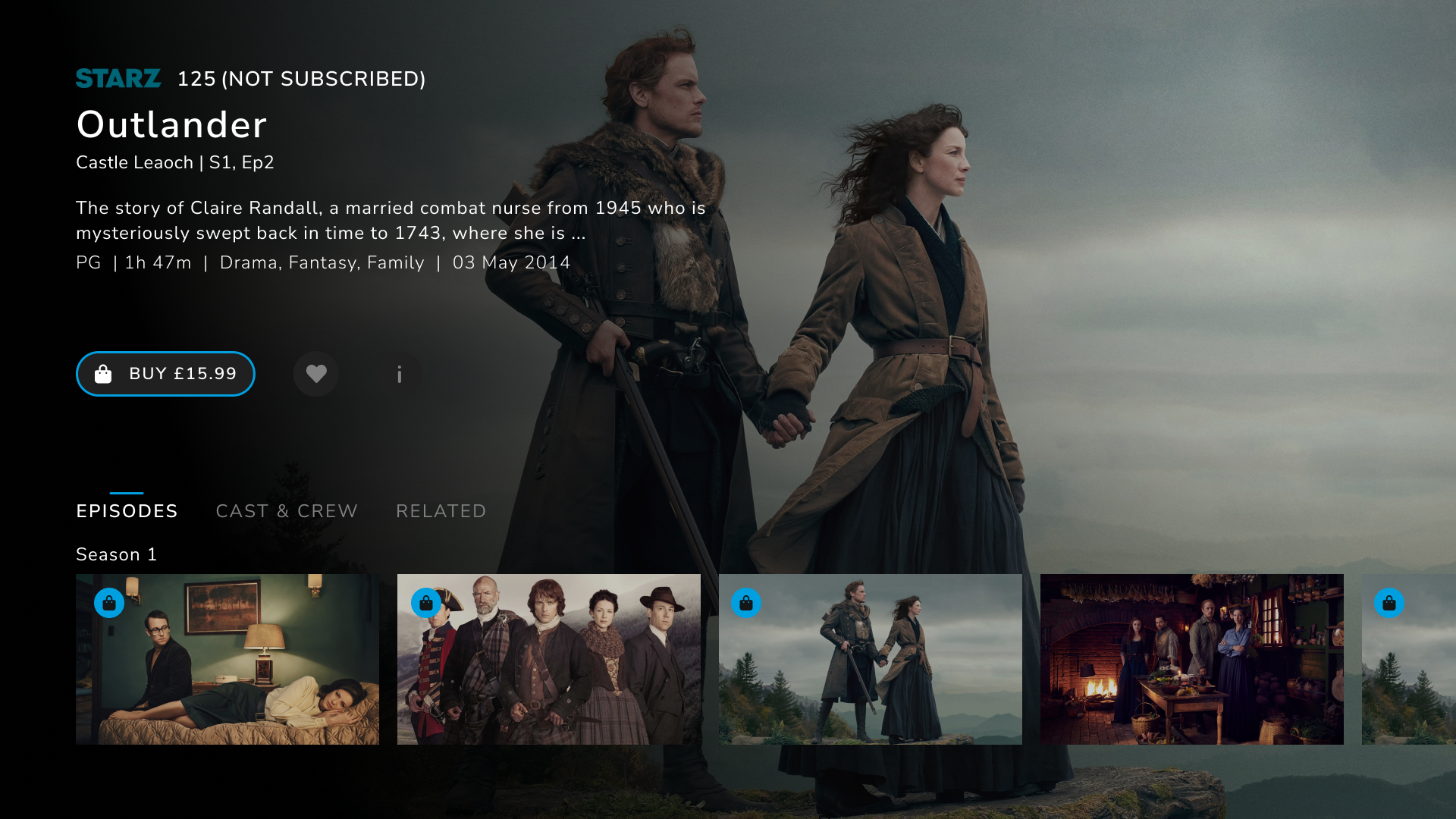
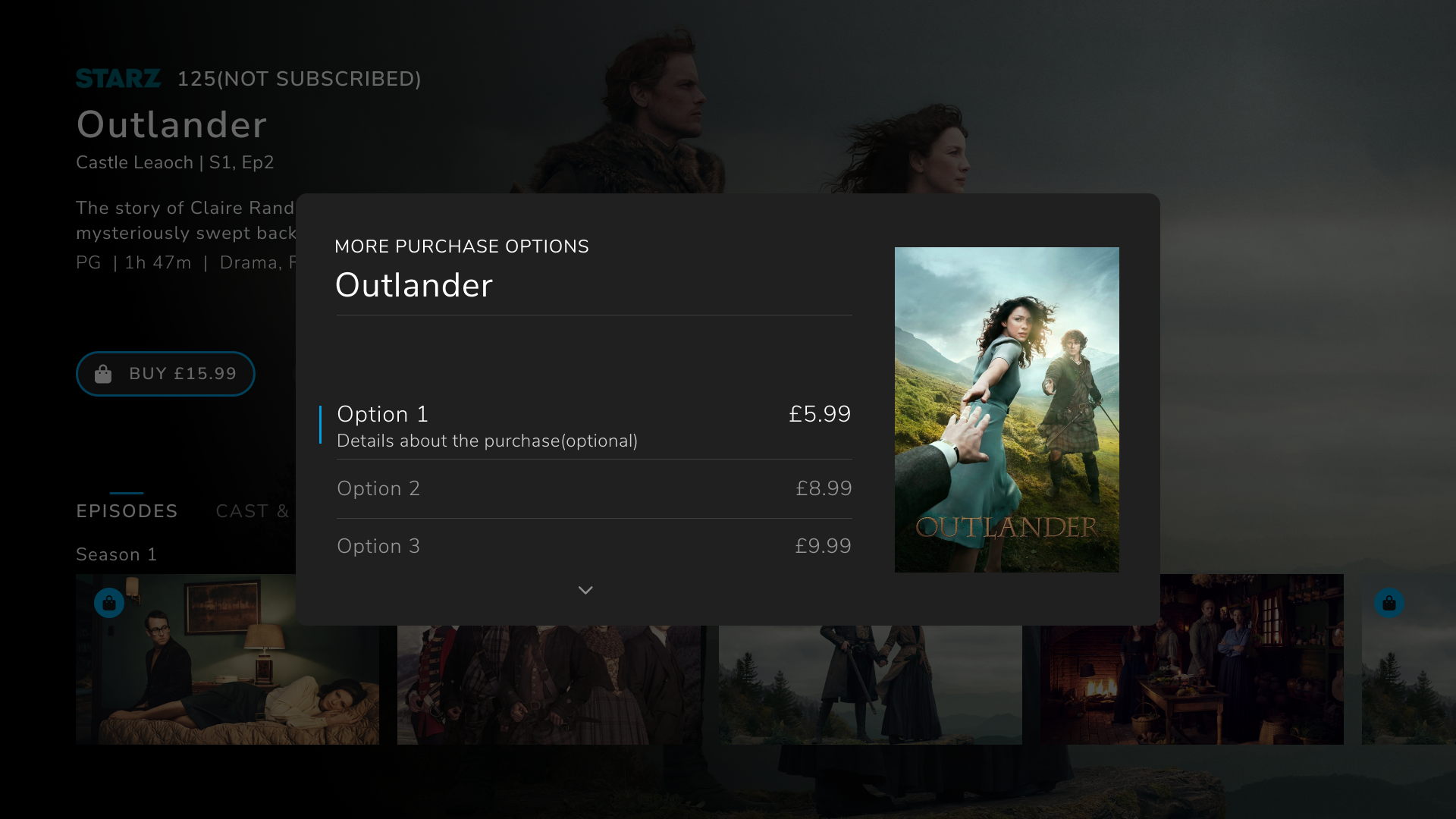
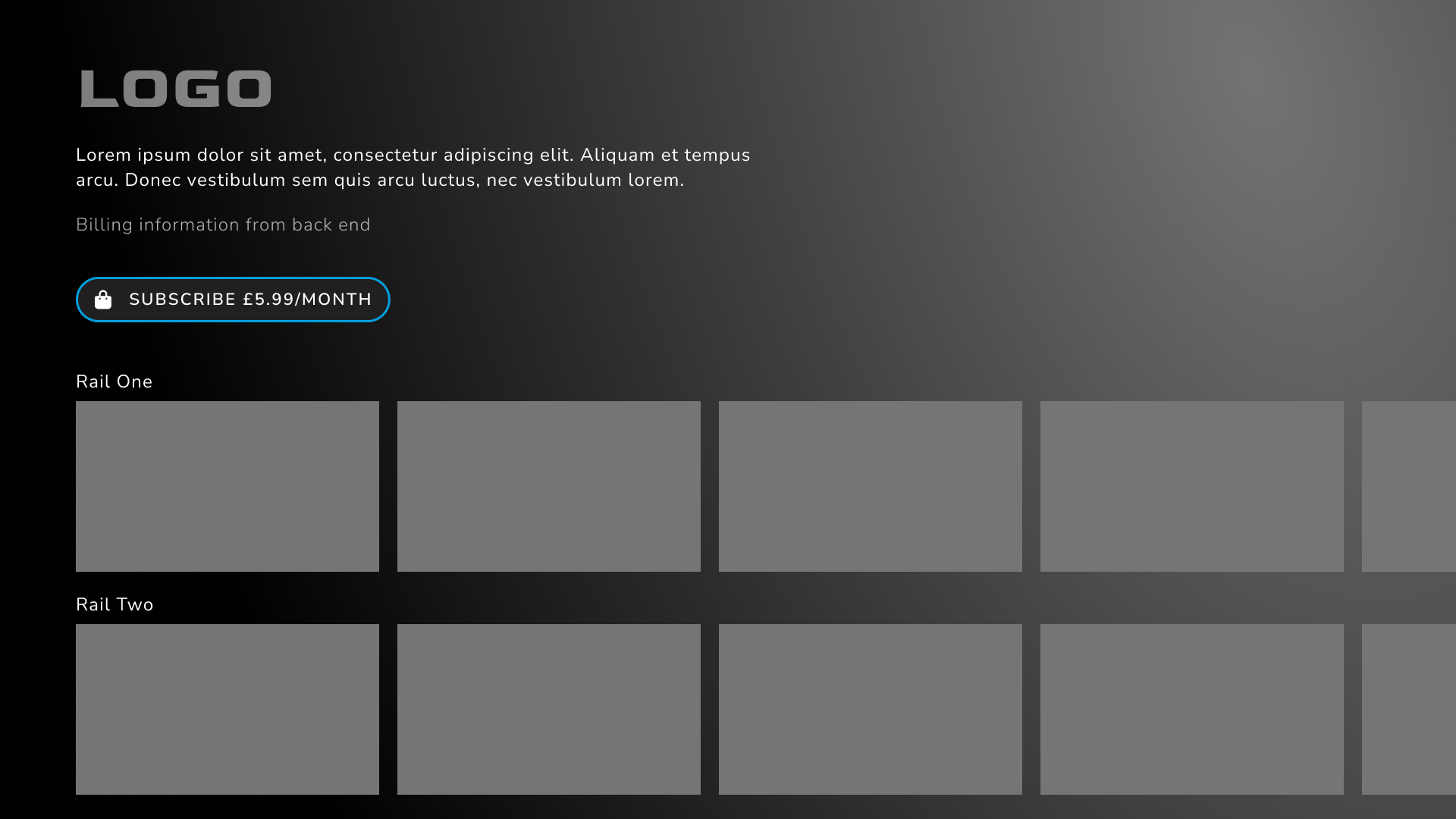
ION supports purchase of transactional, subscription and pack products as part of different user journeys.
User Login
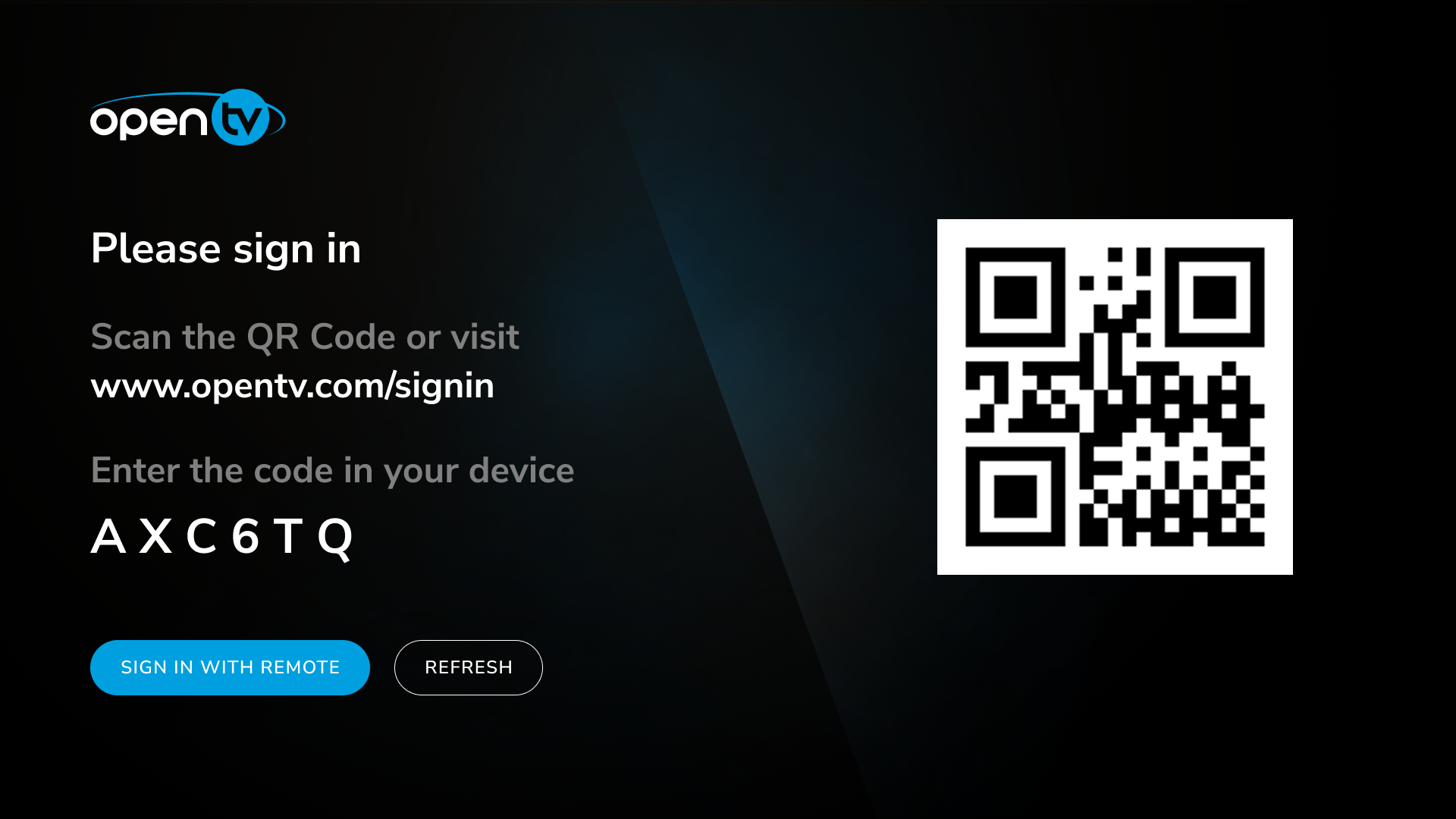
ION supports different login methods such as username and password and device identifiers (CASN and DAS). A recent addition is login using QR code.
User profiles
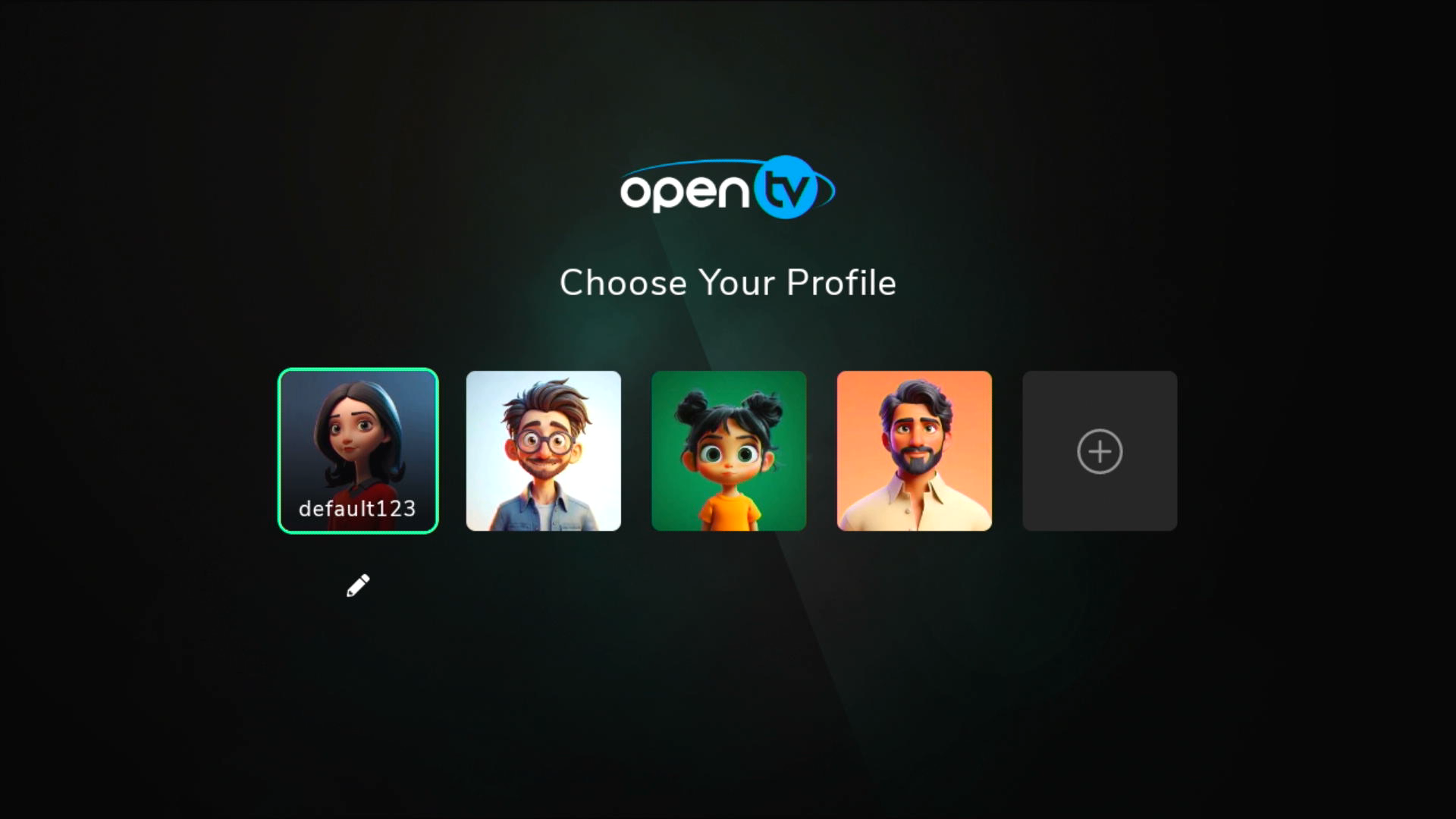
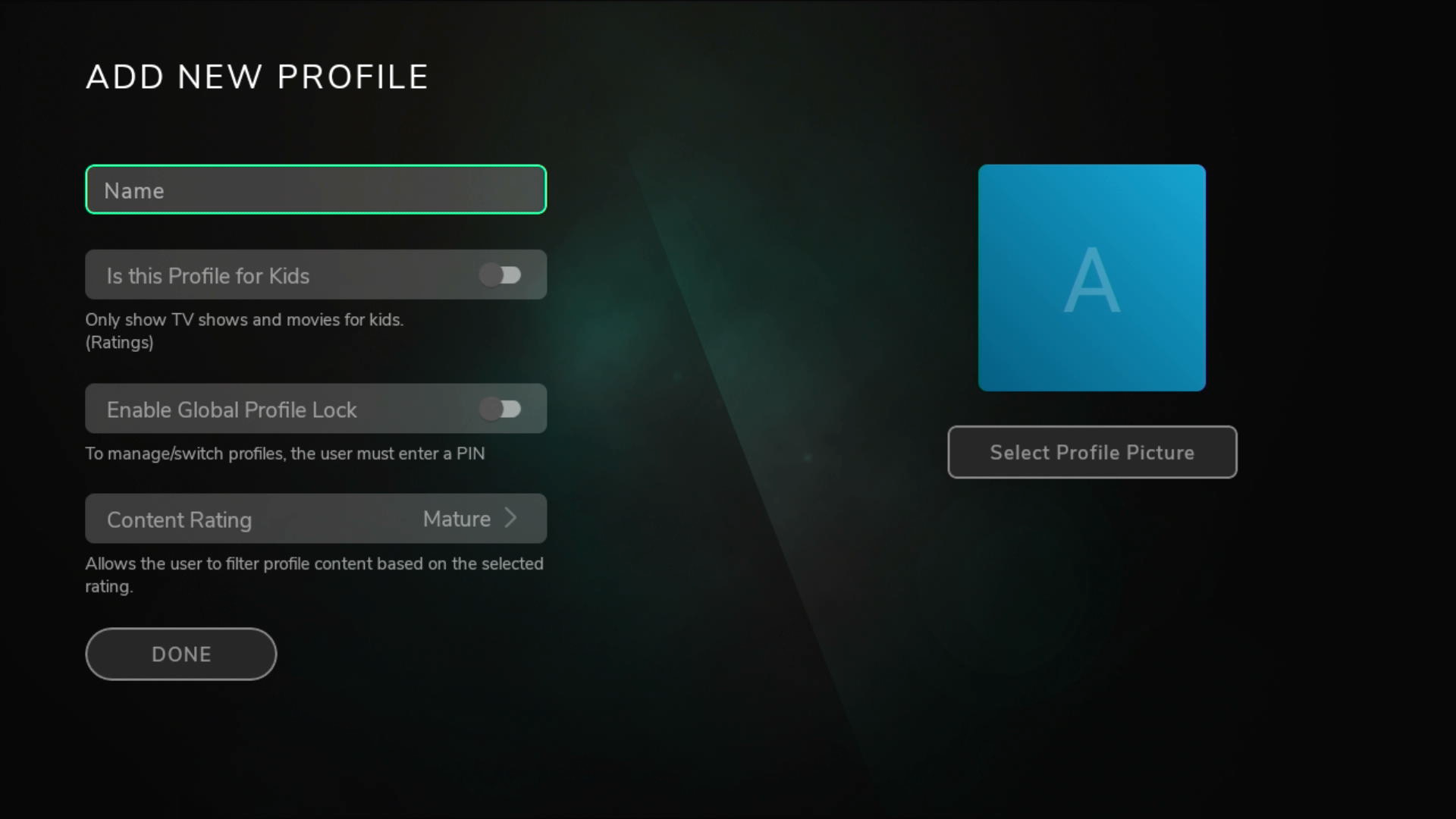
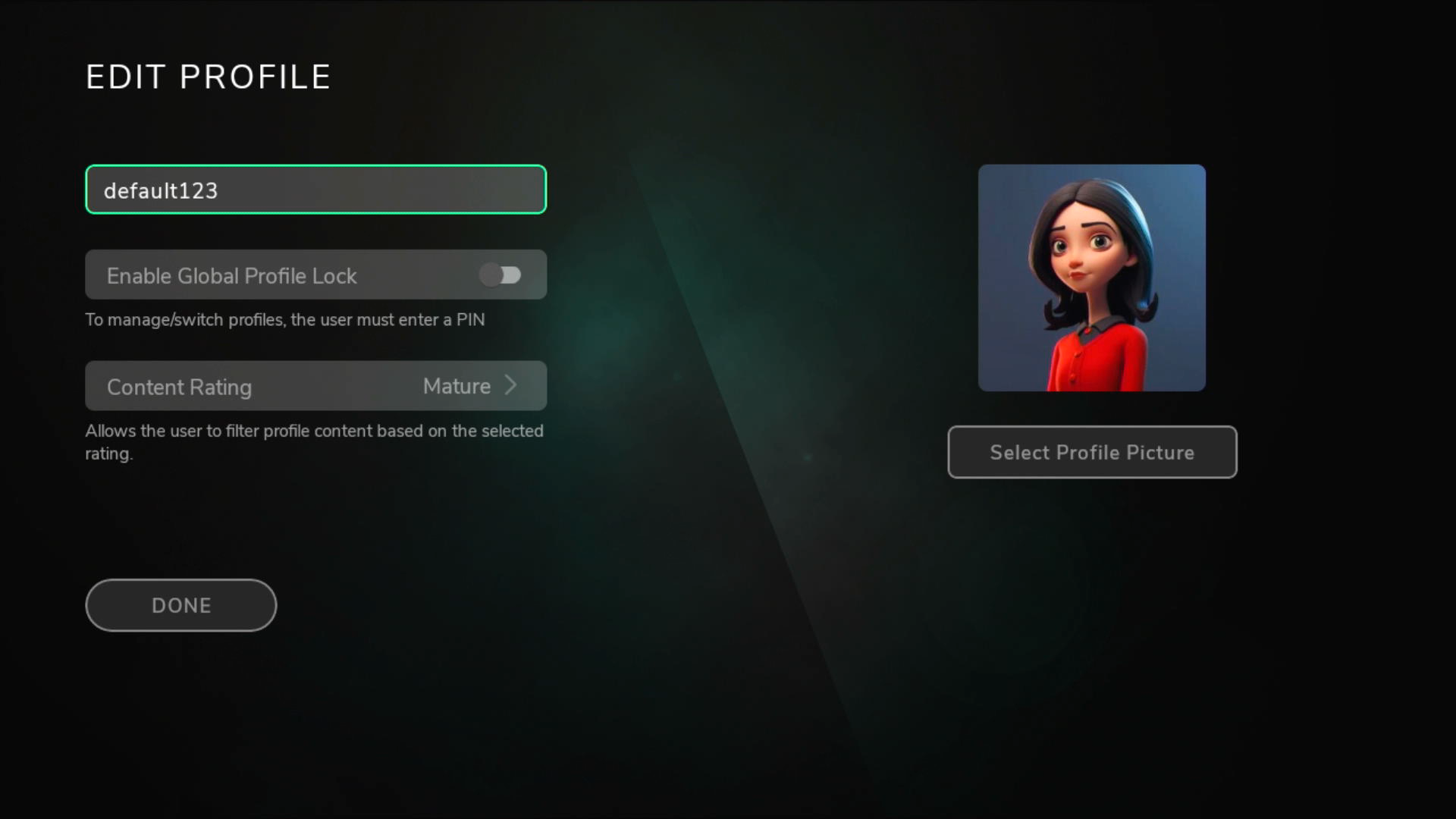
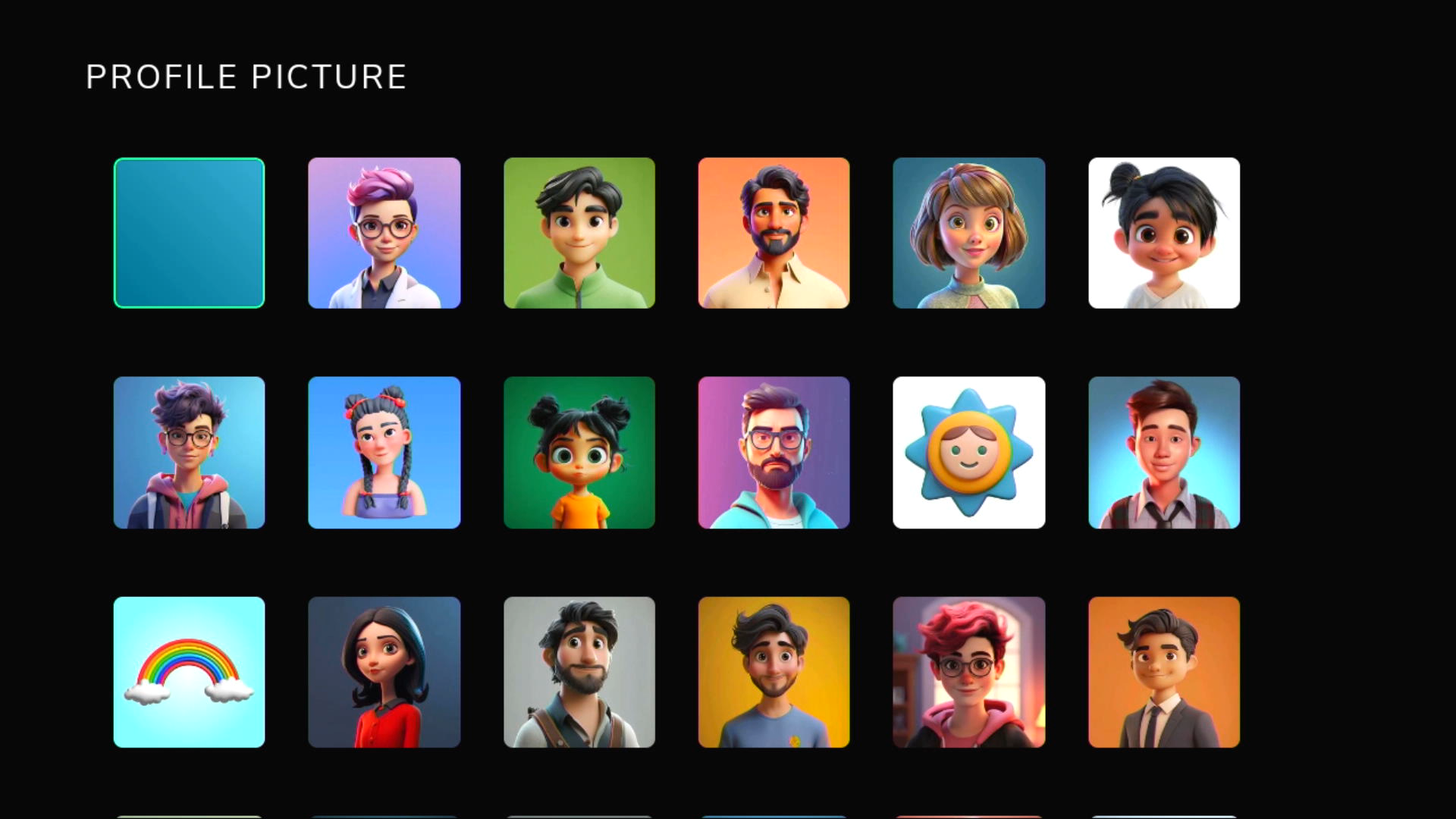
ION now supports user profile-based login. Use cases such as add, edit, and delete profile are supported.
Analytics
ION has the ability to monitor how the application is being used and how content is being consumed. ION is integrated with OpenTV’s User Activity Vault. ION is also integrated with Google Analytics, NPAW, and Bitmovin analytics.
Baseline application – supported devices
|
Platform |
Devices |
Recommended DRM |
Version policy |
|---|---|---|---|
|
iOS |
iPhone iPad
|
FairPlay |
iOS versions currently supported by Apple. Generally, this is the current iOS and the 2 versions preceding it. NAGRA doesn’t actively disable unsupported versions (except in case of a security breach) but cannot guarantee that they will work.
|
|
Android |
Phones Tablets Android launchers Android TV boxes FireTV boxes AOSP boxes |
Widevine |
Phones/tablets:
Android TV boxes: Retail boxes with latest 2 Android TV OS versions Operator Tier as agreed with customer
FireTV boxes: Current FireTV 4k models are tested.
AOSP boxes:
|
|
Web browsers |
Edge Chrome Safari Firefox |
Widevine FairPlay(Safari) |
Latest and previous version as supported by vendor. NAGRA recommends that all browser users enable auto-updates from vendor.
|
|
Smart TVs |
LG WebOS Samsung |
Widevine |
|
Refer to the details of supported device and OS versions here.