
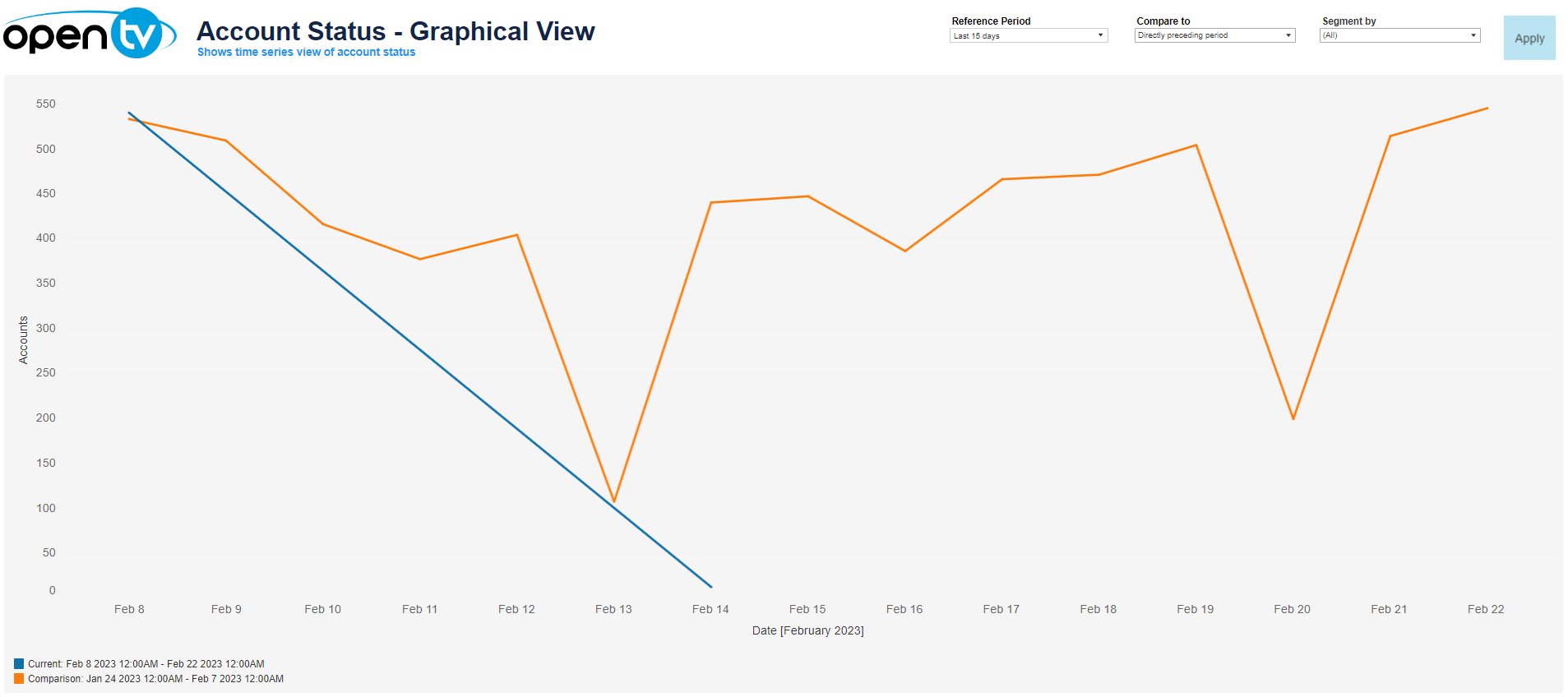
The Account Creation – Graphical View report:
-
Shows the number of accounts created over the selected period
-
Allows you to compare the current period's data with:The directly preceding period (for example, if the current period is this month, you can compare with last month)The same period last year
At the top of the page, you can:
-
Change the date range for the current data.
-
Select whether to show:No comparisonData for the directly preceding periodData for the the same period last year
-
Segment the data by account state
In each tile, you can:
-
Hover over or click the data or chart to see additional information.
-
Click and continue hovering over the tile, then click

In this window, you can:See more detailed data, including (for some categories) a list of the accounts that comprise the total shown in the tile.Change the sort order.Show and hide fields.Change the number of rows displayed.Download the data.