
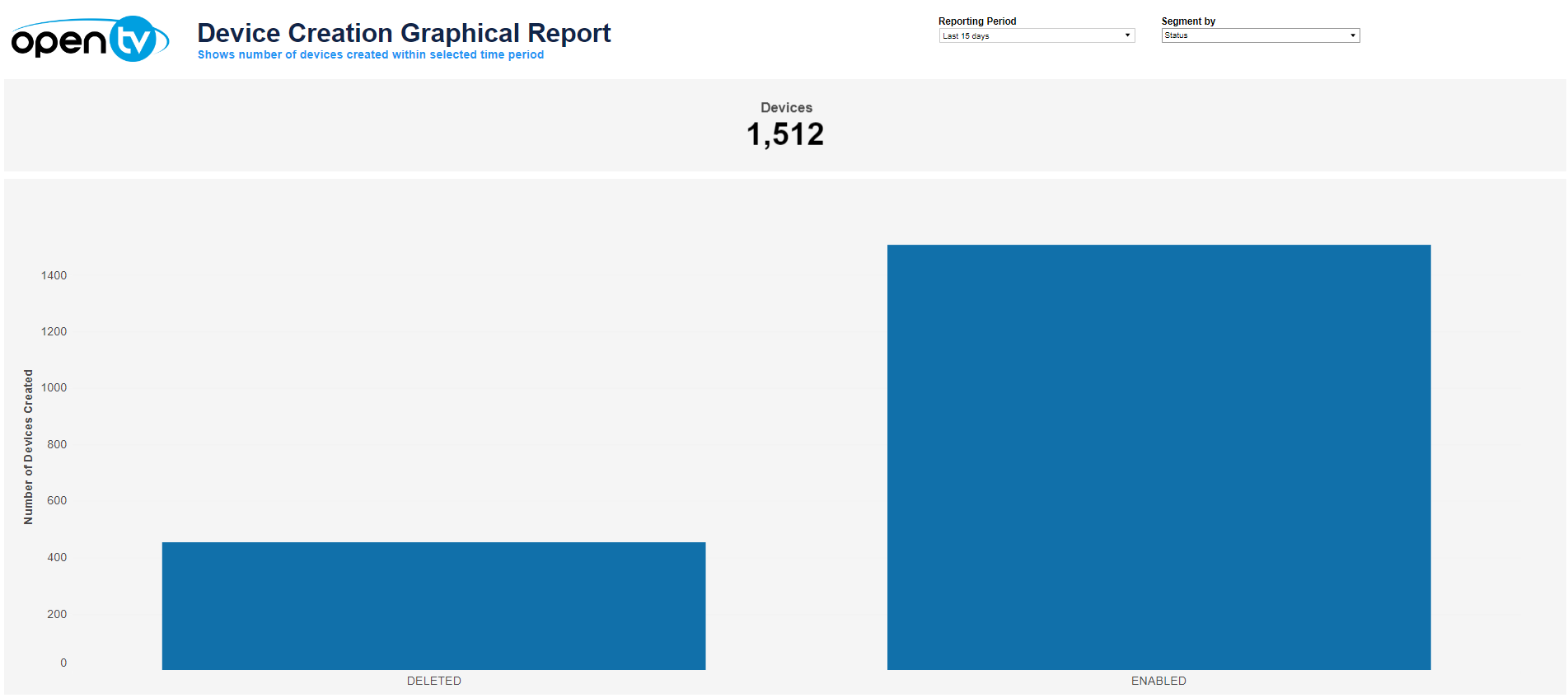
The Device Creation Graphical Report shows:
-
The total number of devices created (enabled or disabled) in the selected period
-
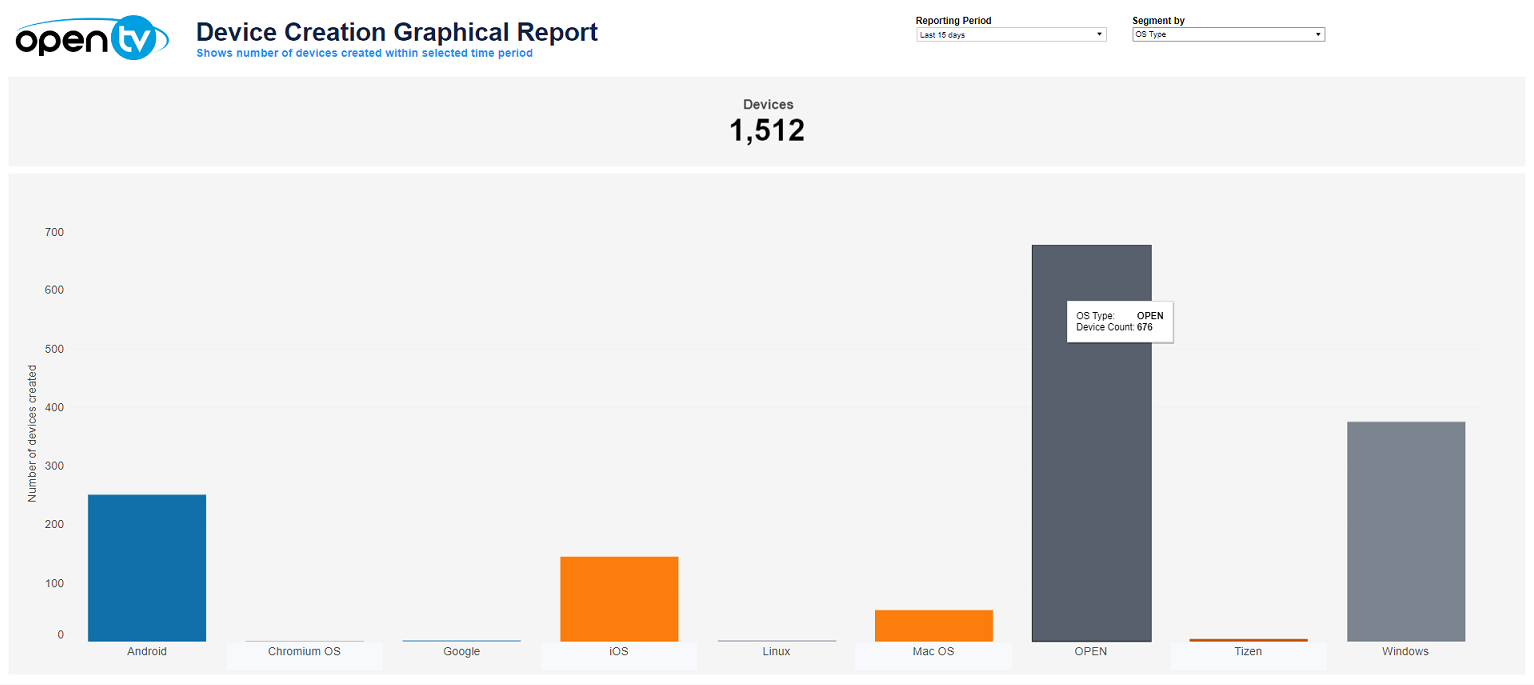
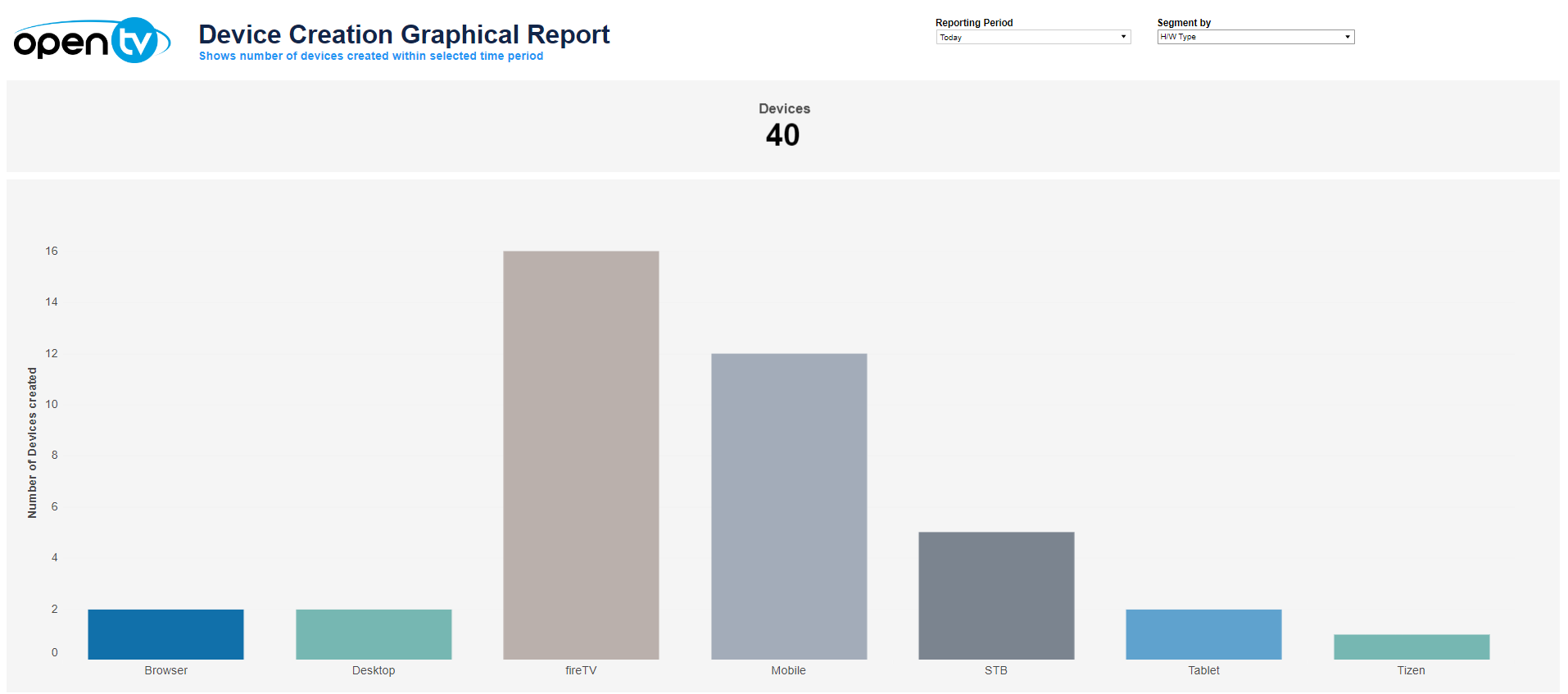
The number of devices created in the selected time period, segmented by:Status (shown above)OS type (below)Hardware type (below)
At the top of the page, you can:
-
Change the date range for the current data.
-
Select how the data is segmented (by status, OS type, or hardware type).
In the Devices tile (at the top), you can:
-
Hover over or click the data or bar (OS type only) to see additional information.
-
Click and continue hovering over the tile, then click

In this window, you can:See more detailed data, including (for some categories) a list of the accounts that comprise the total shown in the tile.Change the sort order.Show and hide fields.Change the number of rows displayed.Download the data.