
The Groups feature enables you to organise channels into groups which can then be added directly to Live subscriptions or rails within the Rails Builder.
This page describes how to:
-
View channel groups
-
View channels within a group
-
View channel group details
-
Edit channel group details
View channel groups
To view all existing groups:
-
Select Channel Management.
-
Expand the Groups sidebar to view all groups.
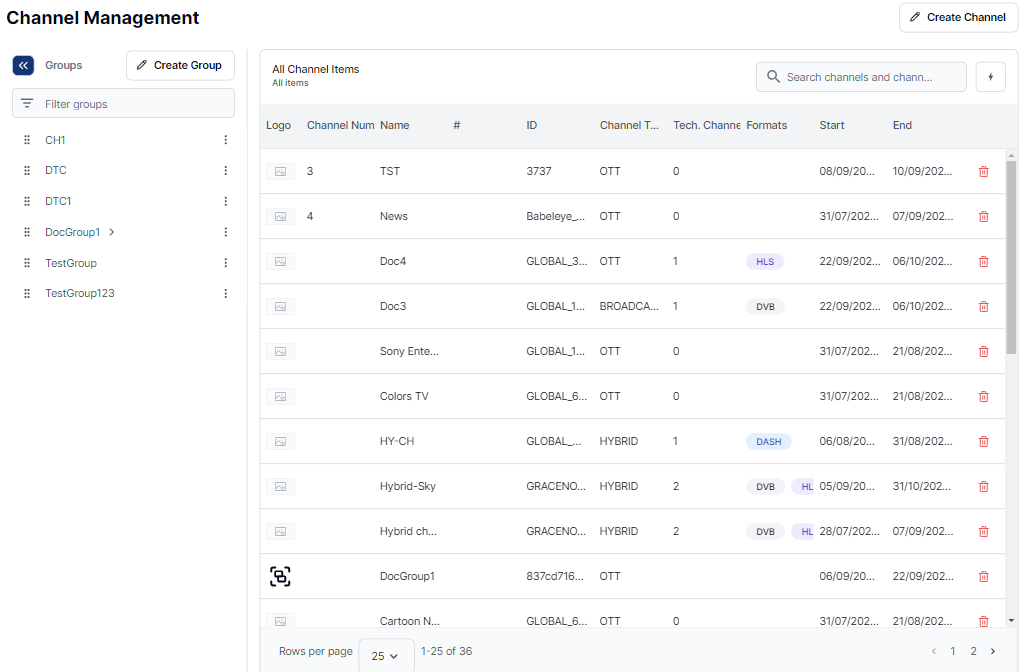
View channels within a group
To view the channels within a particular group:
-
Select Channel Management.
-
Expand the Groups sidebar.
-
Select the relevant group to show the channels within it
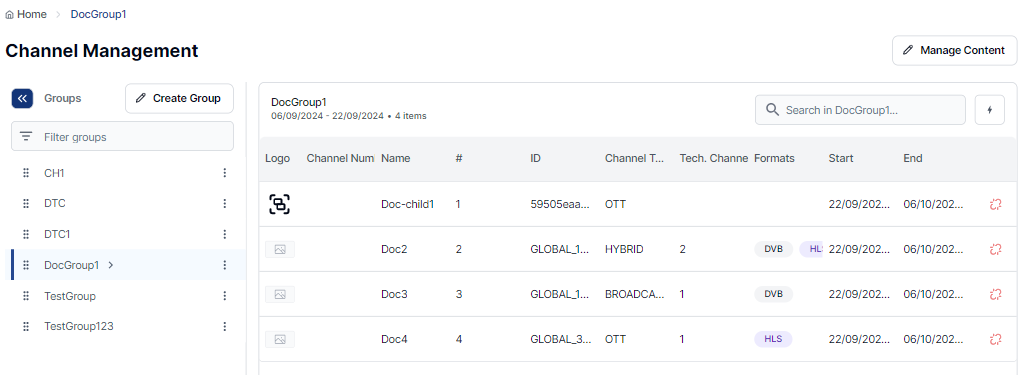
View channel group details
To view channel group details:
-
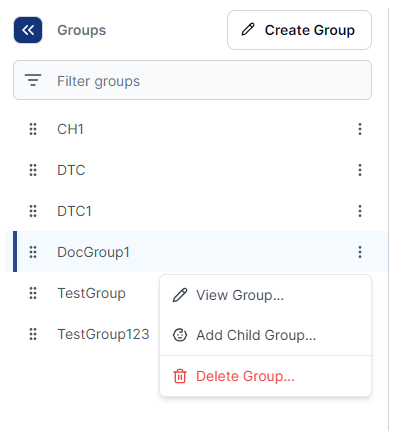
Click the 3-dot menu beside the channel group name.
-
Select View Group.
The basic group details are displayed.
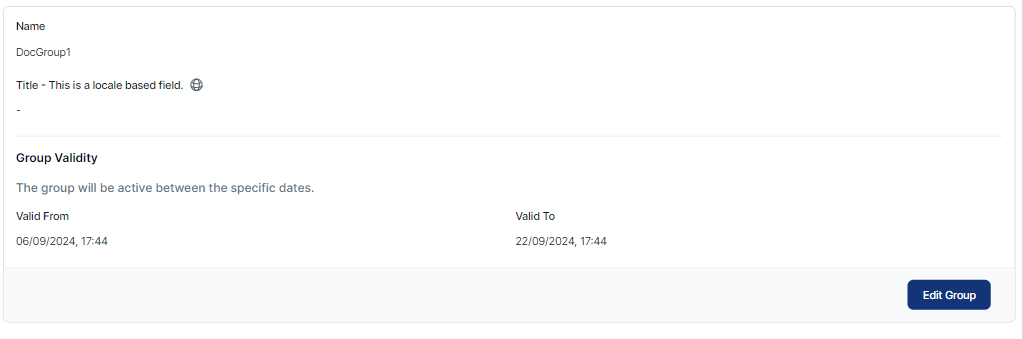
Edit channel group
To edit channel group details:
-
View the channel group details (as above).
-
Click Edit Group.
-
Make the required changes.
-
Click Save Group.