The Channel Management app enables you to create channels in a way that ensures data consistency and synchronisation between OPF and SSP, and that the two systems are linked together in a standardised way.
From here, you can:
-
View channel details
-
Delete channels
Overview
The Overview screen shows a diagram of the OPF and SSP entities that have been created for the channel.
To view this information for a specific region, select it from the Region dropdown list.
.png?cb=8b94cc293b030ce640d3b1e6a3f76607)
You can click on the boxes in the diagram to see more details:
-
To view the channel metadata, click on the Editorial Channel.
-
To view the technical channel details, click on the Technical Channel.
-
To view the broadcast metadata, click Network.
-
To view more detailed broadcast information, click Service.
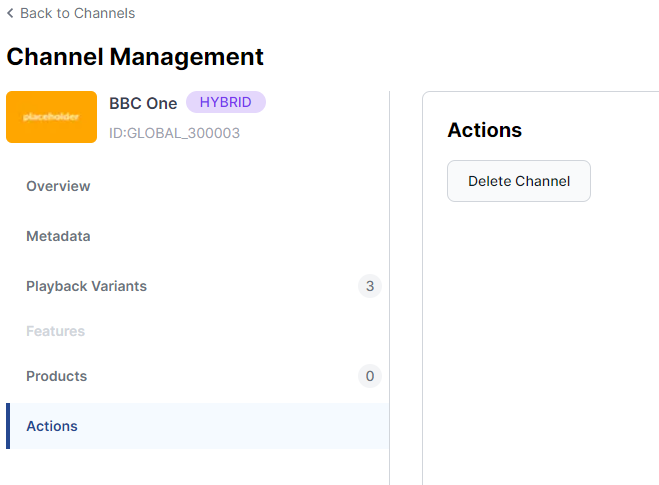
Actions
The Actions tab provides an additional way to perform actions on a channel.