To view feature details for a channel:
-
Open the Channel Management app.
-
Select the required channel from the channel list.
-
Click Features in the sidebar.
The channel features are displayed in the following tabs:
-
Replay TV
-
Location
-
Dynamic Content
-
Delta Export
-
Content Signalling
Replay TV
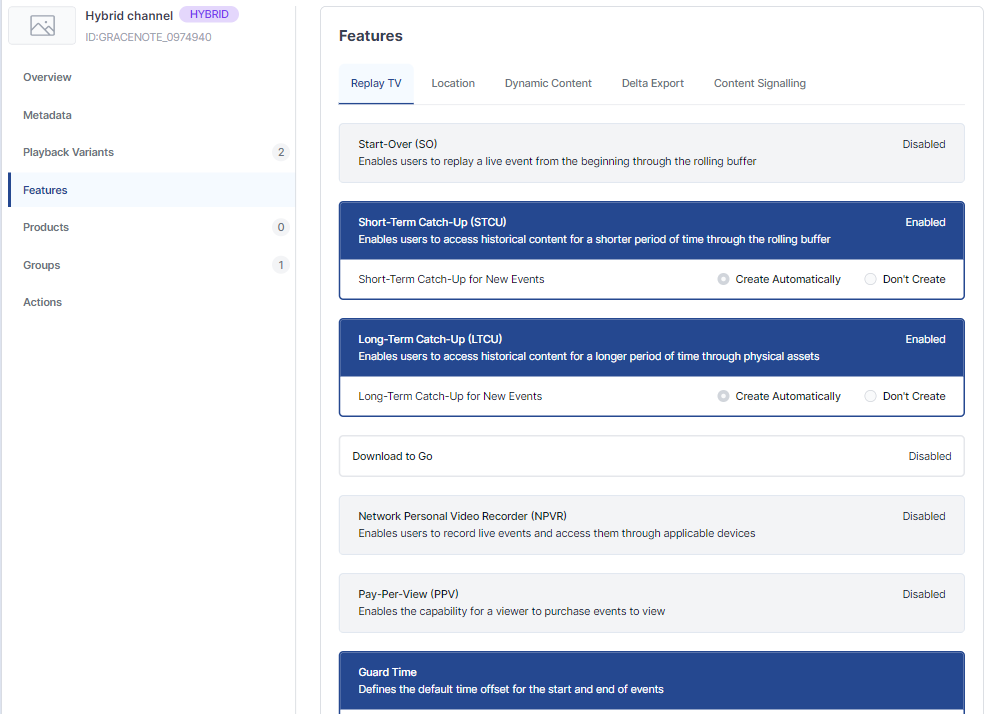
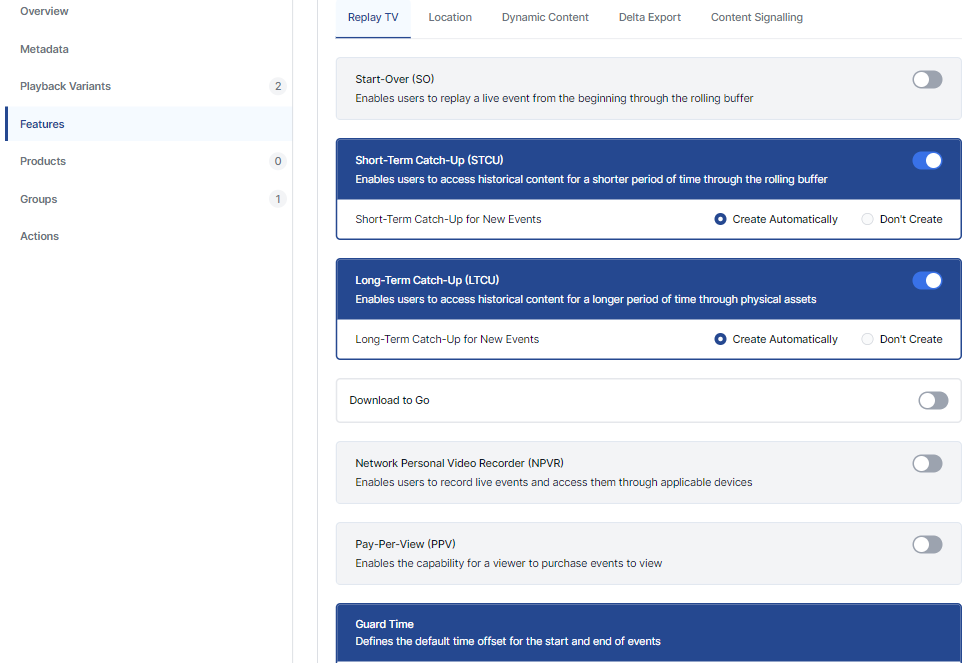
The Replay TV tab shows all available Replay TV features for the selected channel.
Edit Replay TV feature information
To edit Replay TV settings, click Edit Basic Information, make the required changes and then click Save.
Location
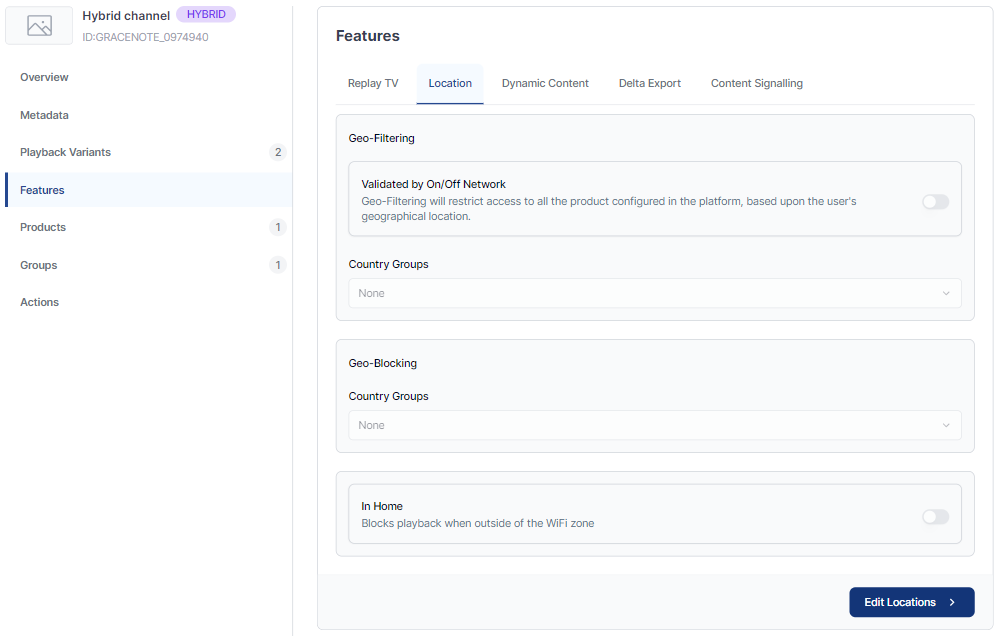
To edit Location settings, click Edit Locations, make the required changes and then click Save.
Dynamic Content
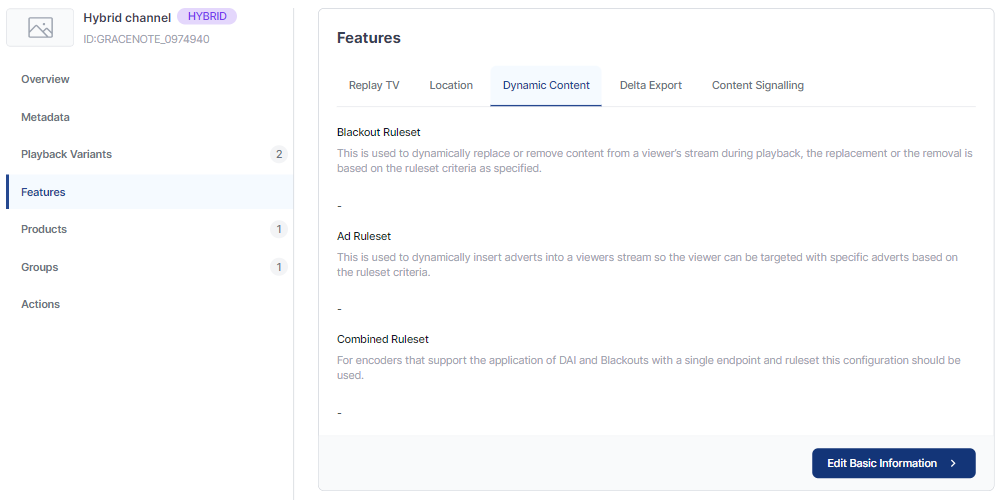
The Dynamic Content tab shows the dynamic content features for the selected channel.
Dynamic content features include:
-
Blackout Ruleset
-
Ad Ruleset
-
Combined Ruleset
Edit dynamic content feature settings
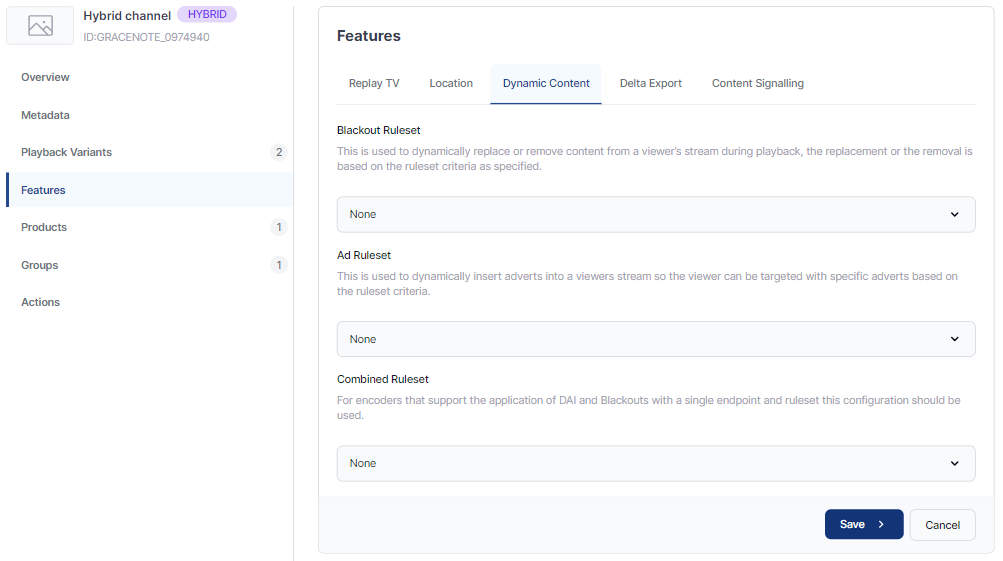
To edit Dynamic Content settings, click Edit Basic Information, select the required options from the dropdown lists, then click Save.
Delta Export
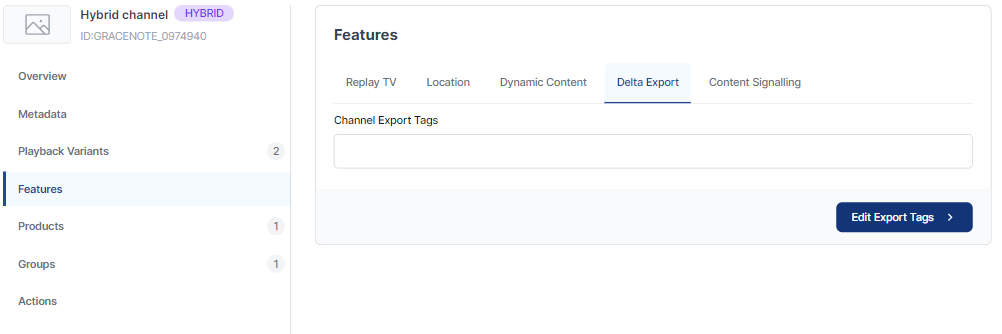
The Delta Export tab shows the channel export settings for the selected channel.
You can view and edit the channel export tags.
Edit Export Tags
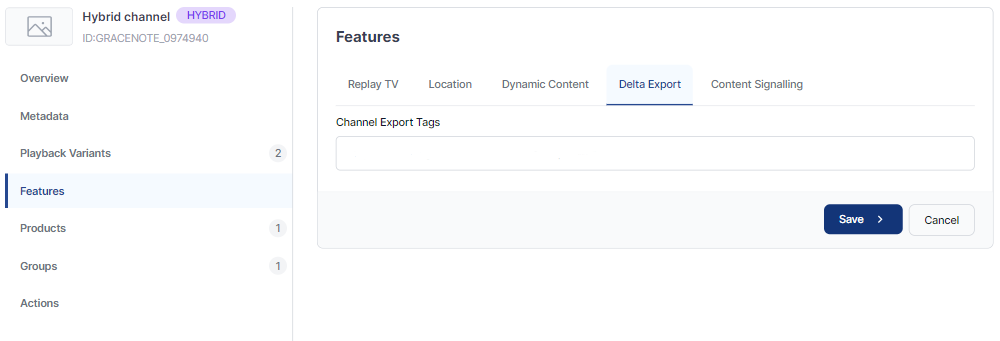
To edit Delta Export settings, click Edit Export Tags, enter the required information, then click Save.
Content Signalling
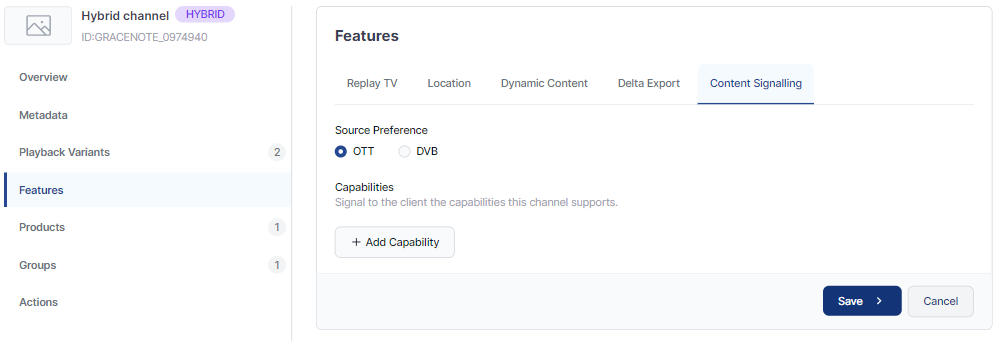
The Content Signalling tab shows the channel export settings for the selected channel. In editing mode, you can update the source preference and add capabilities.
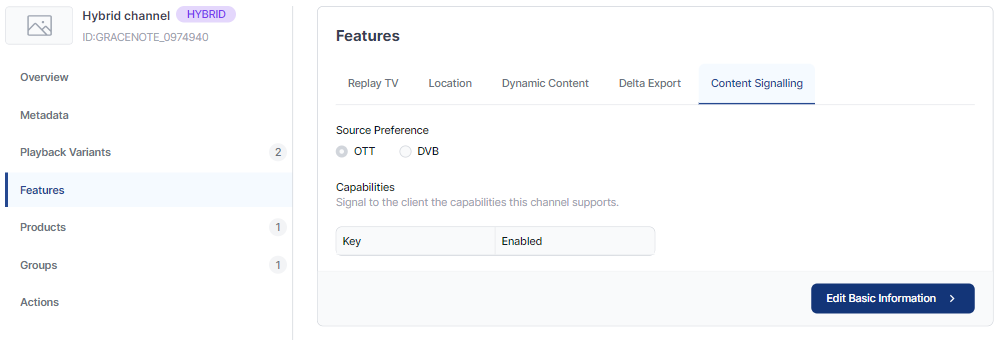
Edit Content Signalling info
To edit Content Signalling settings, click Edit Basic Information, make the required changes, then click Save.
To add a capability, click Add Capability, select from the dropdown list, then click Save.