OpenTV ENTera & OpenTV Platform Documentation
26.26_Q2 25.52_Q4 25.26_Q2 25.12_Q1 24.50_Q4 24.38_Q3 24.26_Q2 23.50_Q4 23.24_Q2 23.12_Q1 22.50_Q4 22.38_Q3 22.24_Q2

Add a pack collection header to a layout

To add a pack collection to a layout:

  1. View the layout in Edit mode and select Add Pack Collection Header from the sidebar menu.

  2. Choose a pack collection and click Select Pack.

  3. The pack collection header appears in the layout, together with the subscribe button as default.
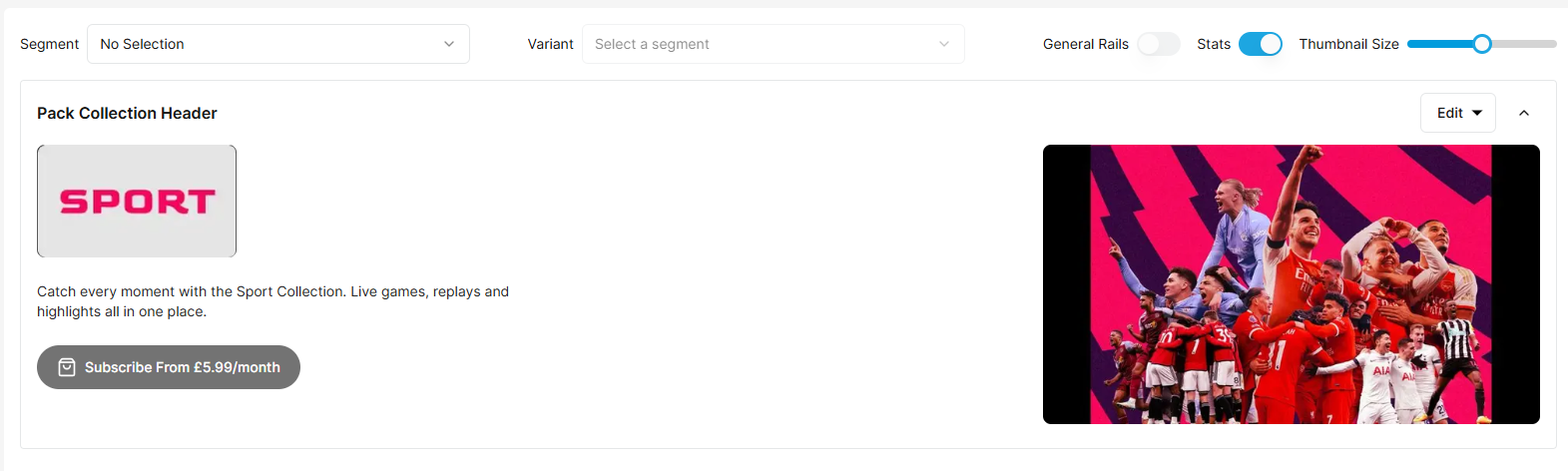
image-20260129-160959.png


image-20260129-161630.png
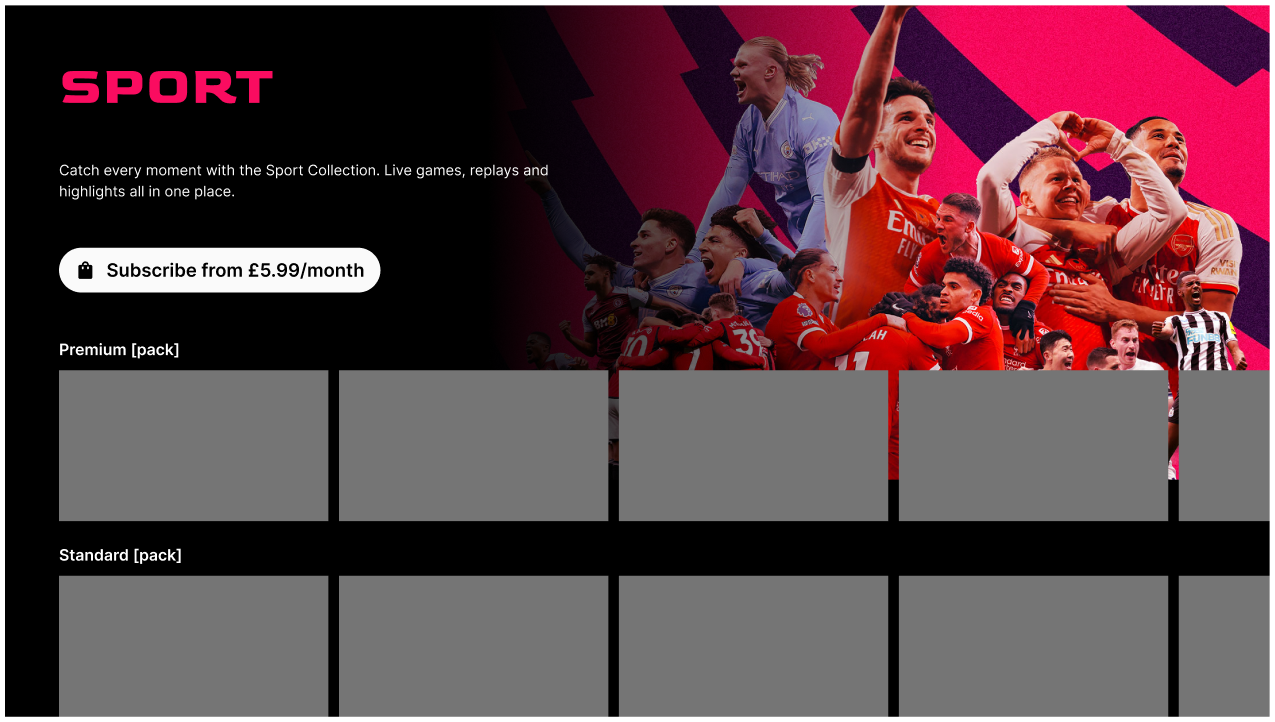
Example of pack collection displayed in the TV app