
Rails Builder enables you to design and create your own custom blueprints for:
-
Custom rails
-
Custom components
-
Key/value pair groups
To create a completely new custom blueprint instance:
-
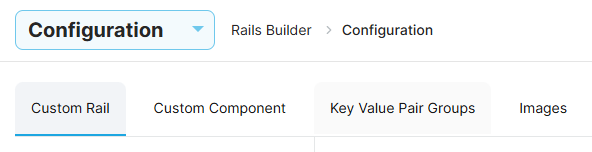
Select the Configuration page from the dropdown menu in the sidebar.
-
Select the relevant tab.
-
Enter a name for the custom blueprint type.
-
Enter a description. Note, the description will only be visible to Rails Builder operators.
-
Use the Add Fields button to add new fields as required.
-
Click Save. Your new custom blueprint type will be saved in the sidebar under Custom.
For help with configuration details, refer to: