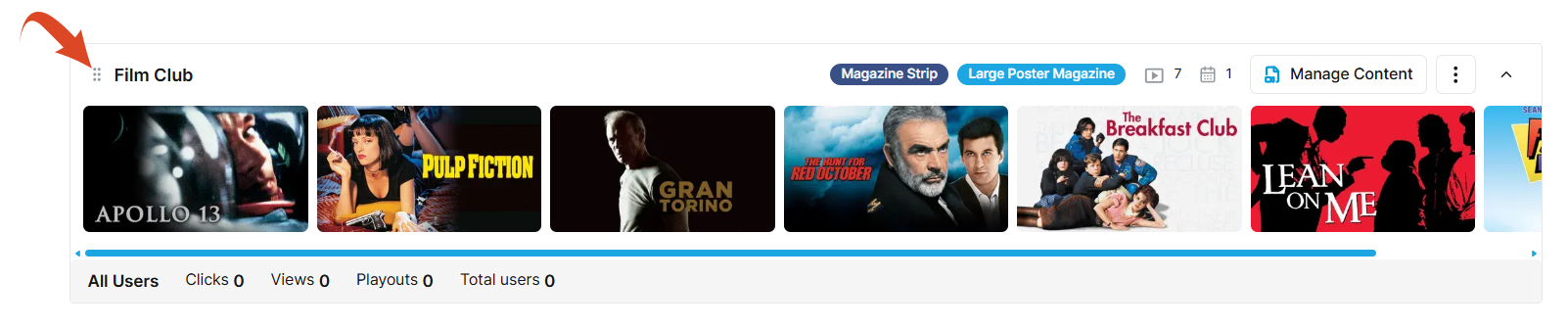
Rearrange the rails on the home screen
To rearrange the rails on the home screen:
-
Select the home screen template in the left panel.
-
Click on the layout.
-
Use the handle at the top left of a rail to drag and drop it into a new position.
-
Click Save Changes to save the new arrangement.
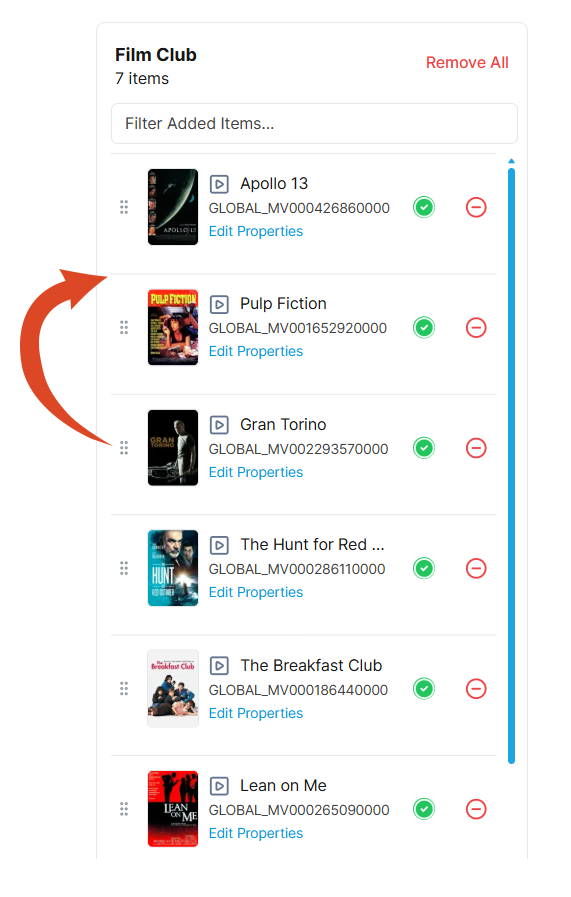
Rearrange the items within a rail
To rearrange the order of the content items within a rail:
-
Click the Manage Content button at the top right of the rail to open the Content page. The content items that are in your rail are stacked on the right.
-
Use the handle on the left of a content item to drag and drop it to a new position in the order.
-
Click Save Changes to save the new arrangement.