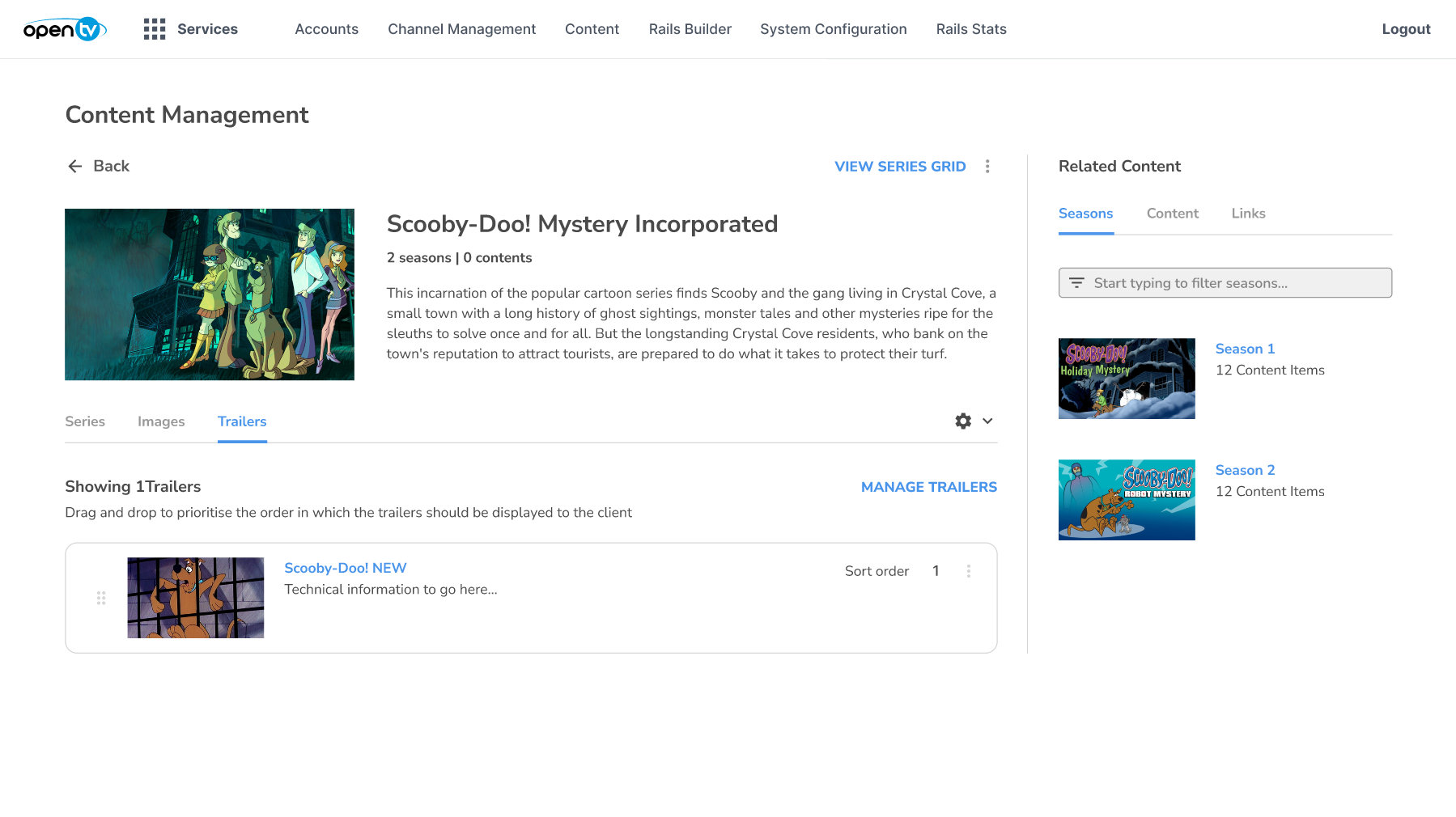
To upload a new trailer to a series:
Select the series from the Content Management screen.
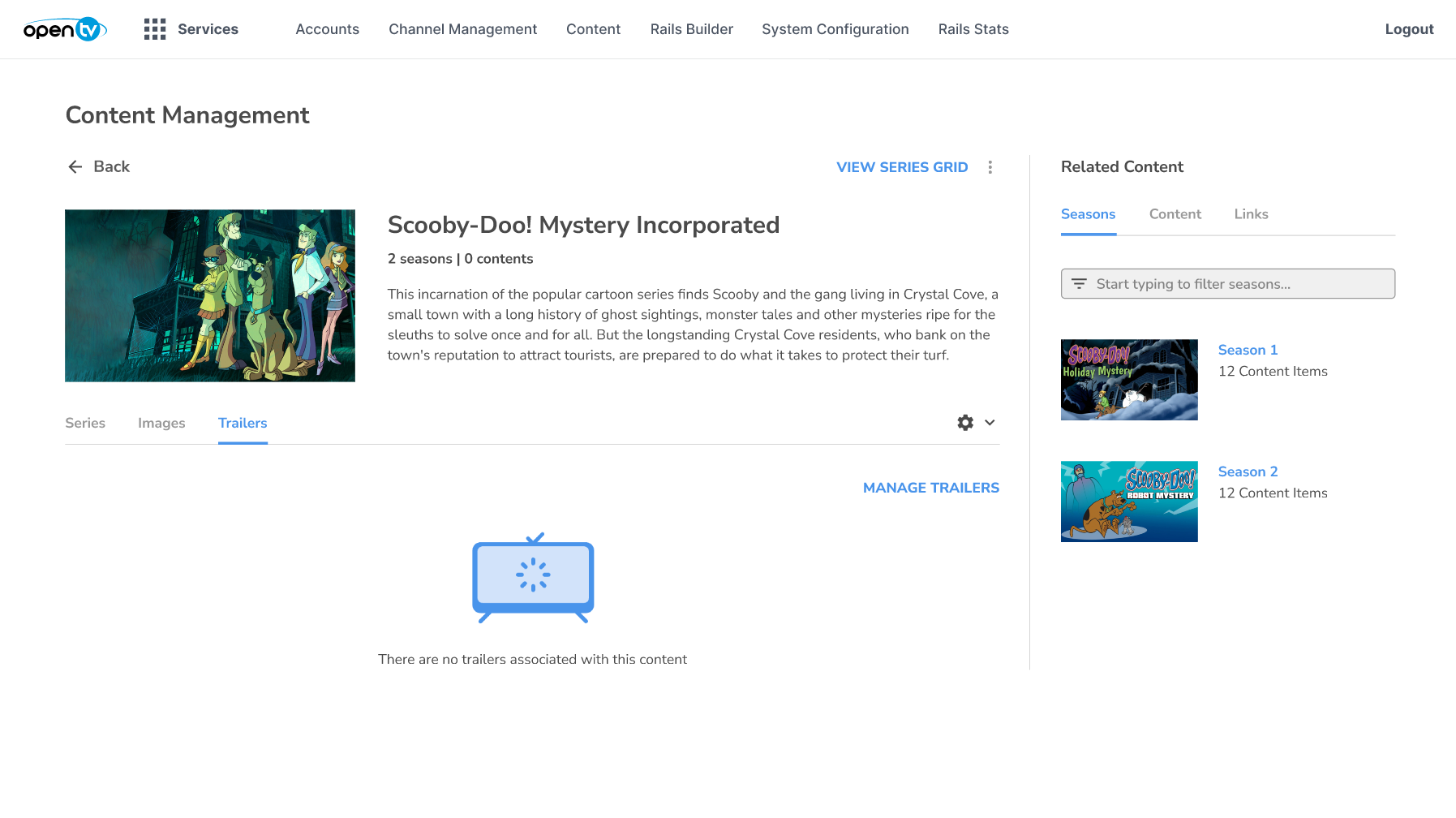
Click NEW TRAILER.
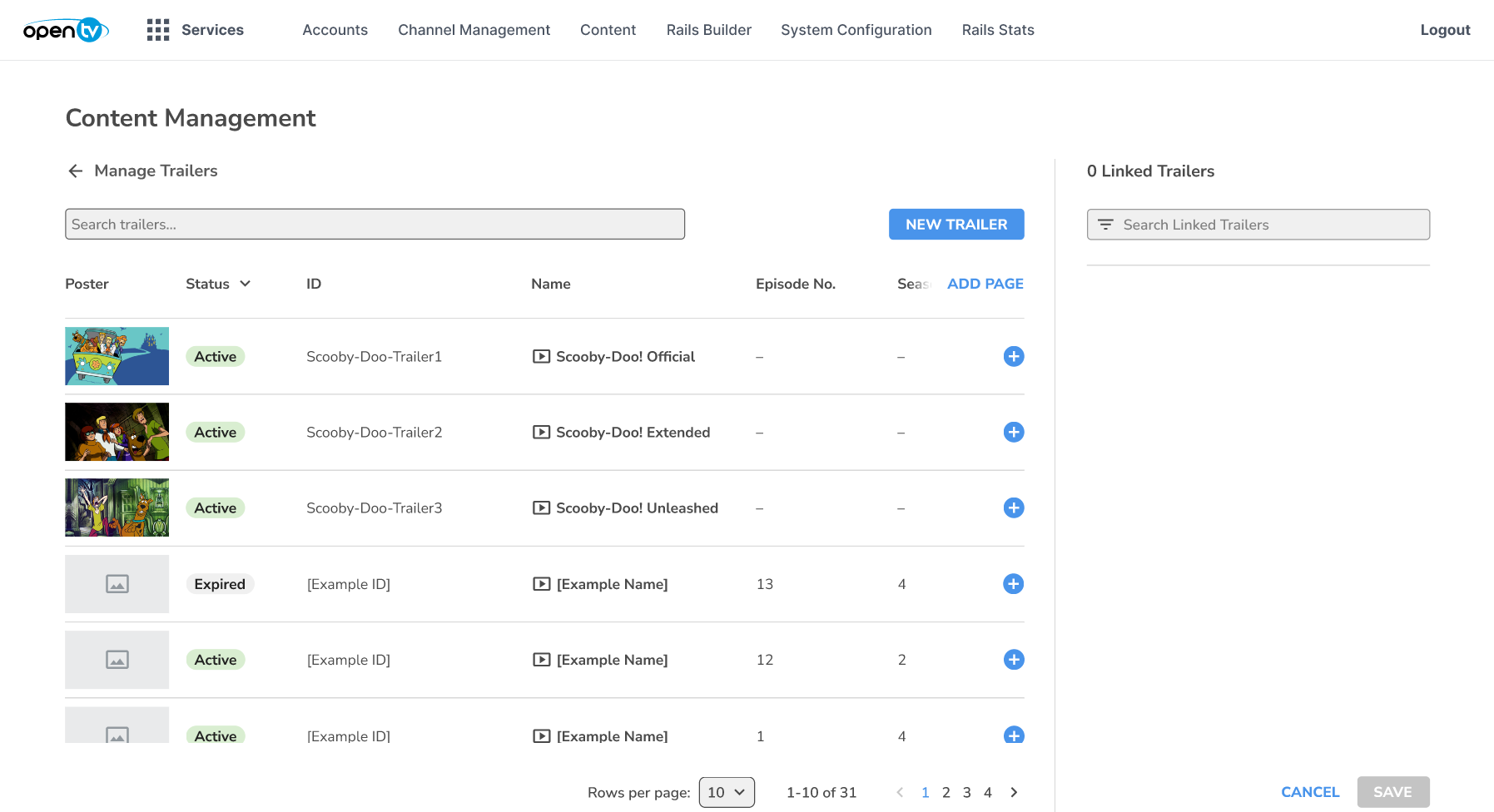
Choose to either upload a video file or add a video URL.
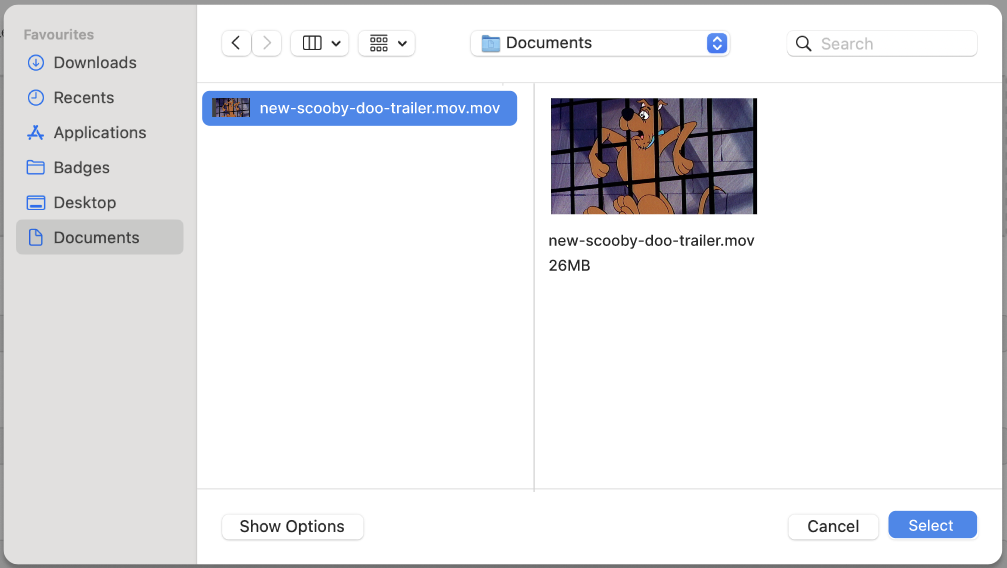
Click SELECT FILE.
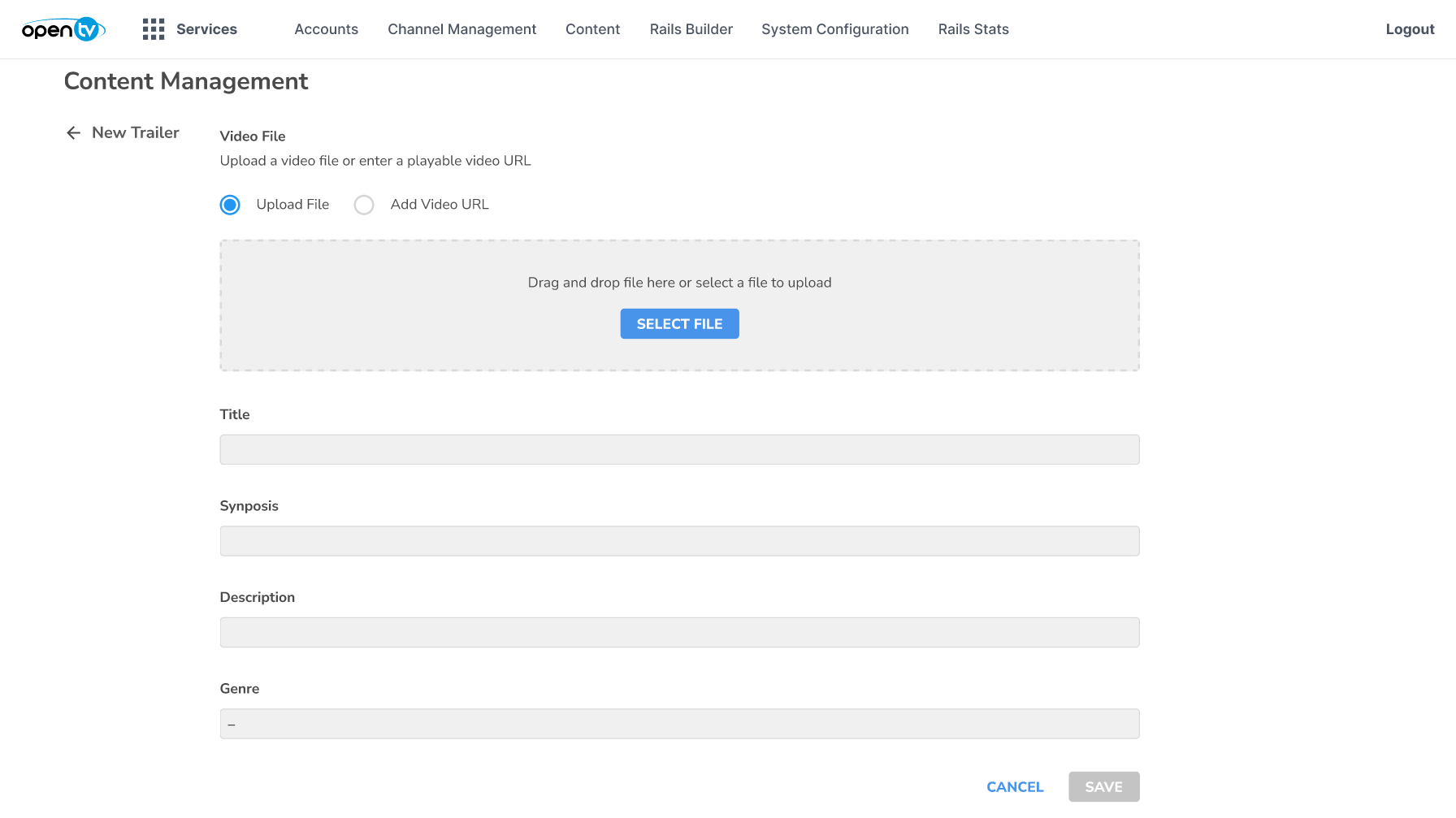
Click Select to confirm the choice.
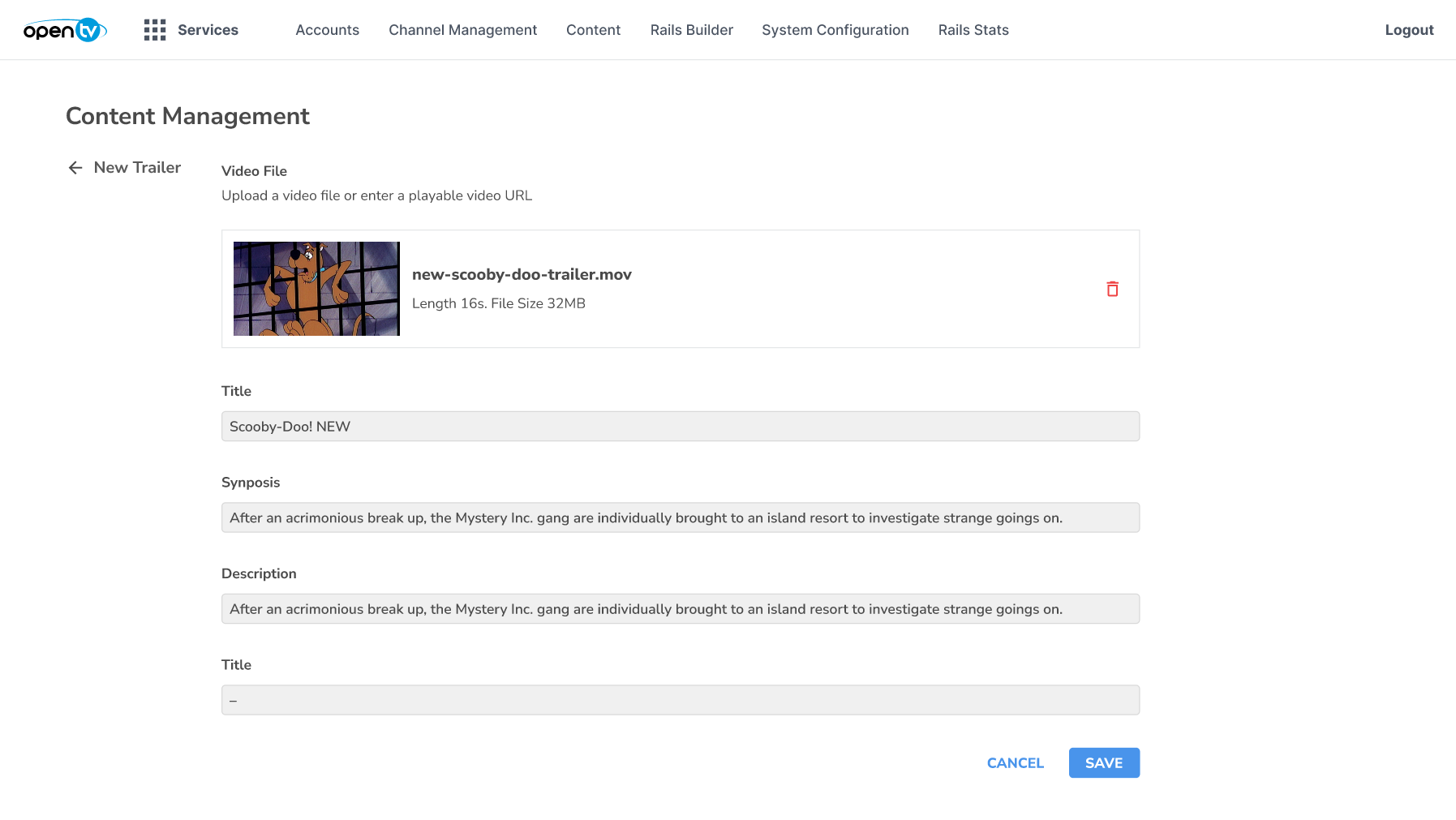
The trailer details are automatically populated.
To complete the upload process, click SAVE.
Click Save to link the trailer with the series.
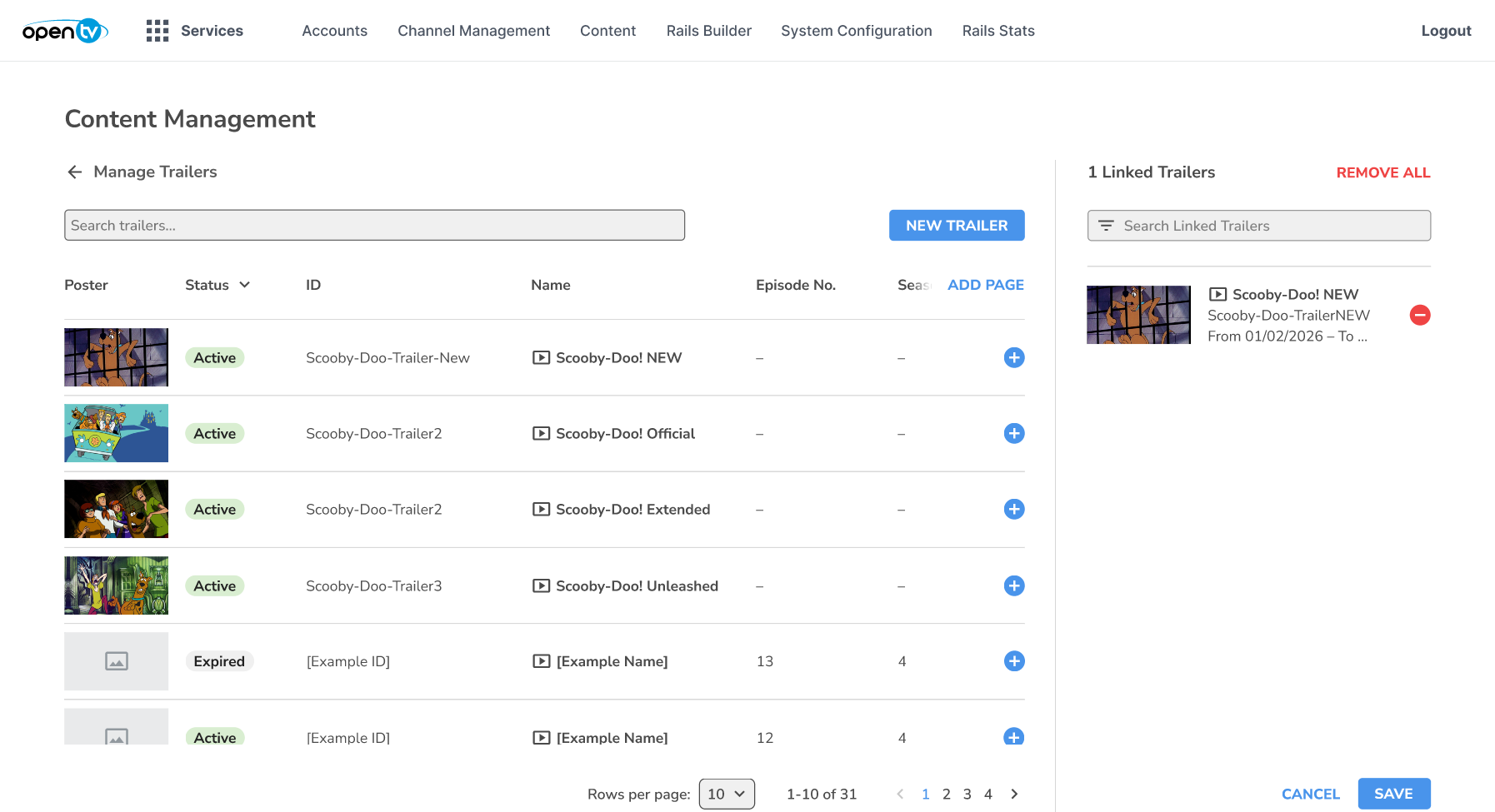
The trailer is displayed in the Trailers tab for the series.