
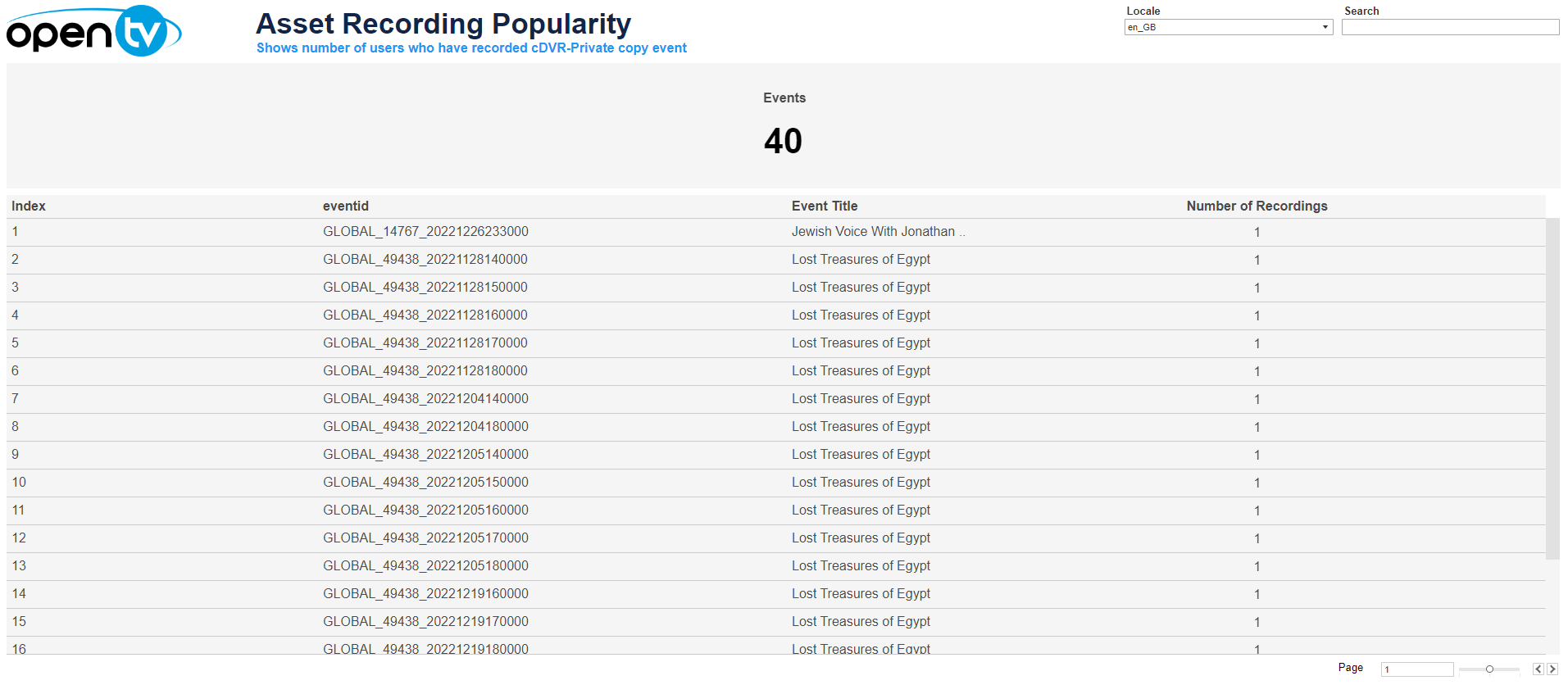
The Asset Recording Popularity report lists events by number of users who have recorded them, in descending order.
At the top of the page, you can:
-
Filter by locale.
-
Filter by searching.
In the table, you can:
-
Hover over or click the data or chart to see additional information.
-
Click and continue hovering over the tile, then click

In this window, you can:-
See more detailed data, including (for some categories) a list of the accounts that comprise the total shown in the tile.
-
Change the sort order.
-
Show and hide fields.
-
Change the number of rows displayed.
-
Download the data.
-