
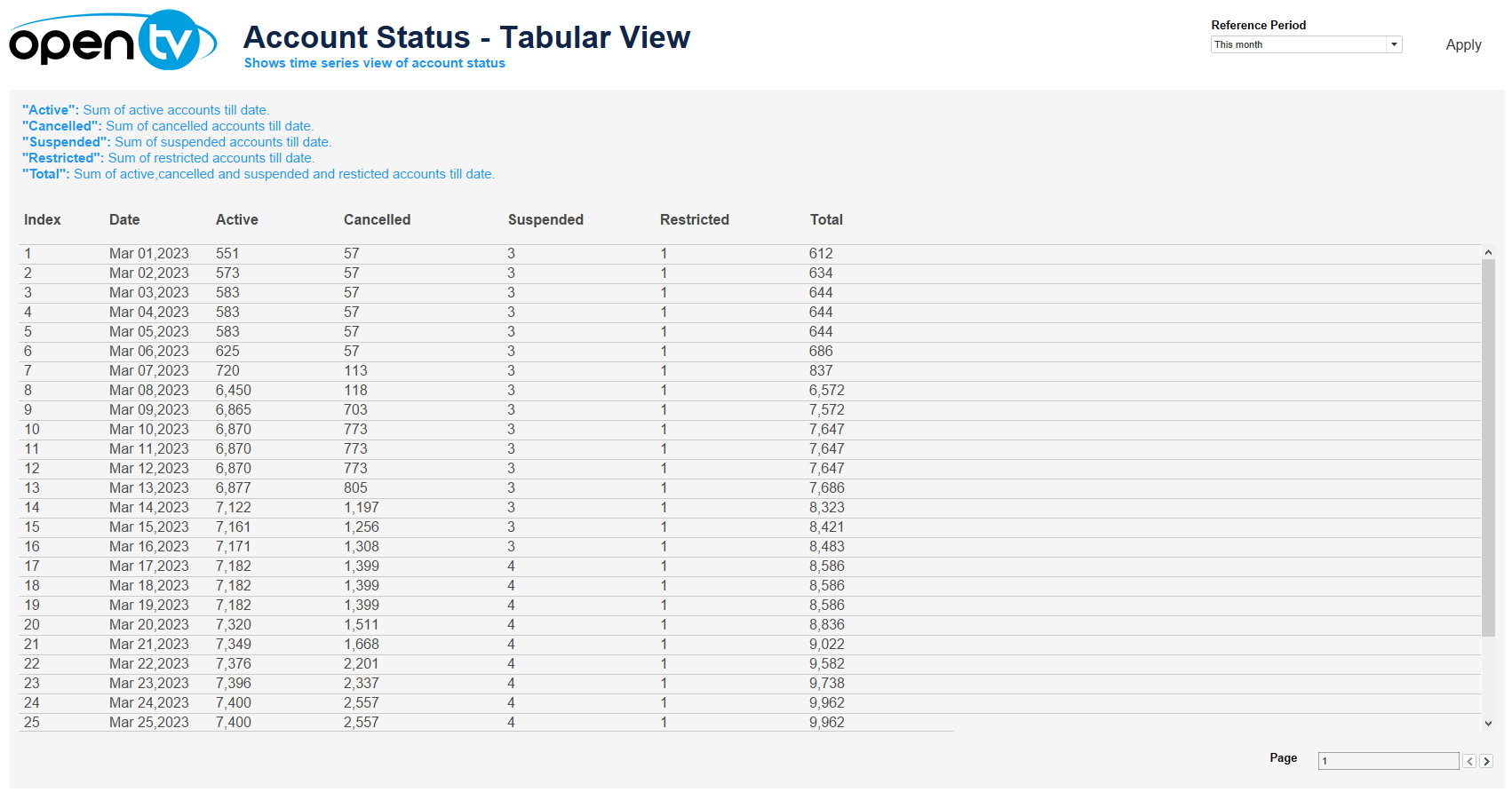
The Account Status – Tabular Report:
-
Show a summary of the running total of accounts by status for each day in the selected period.
-
Has pagination controls at the bottom.
At the top of the page, you can:
-
Change the date range for the current data.
In each tile, you can:
-
Click and continue hovering over the tile, then click

In this window, you can:See more detailed data, including (for some categories) a list of the accounts that comprise the total shown in the tile.Change the sort order.Show and hide fields.Change the number of rows displayed.Download the data.