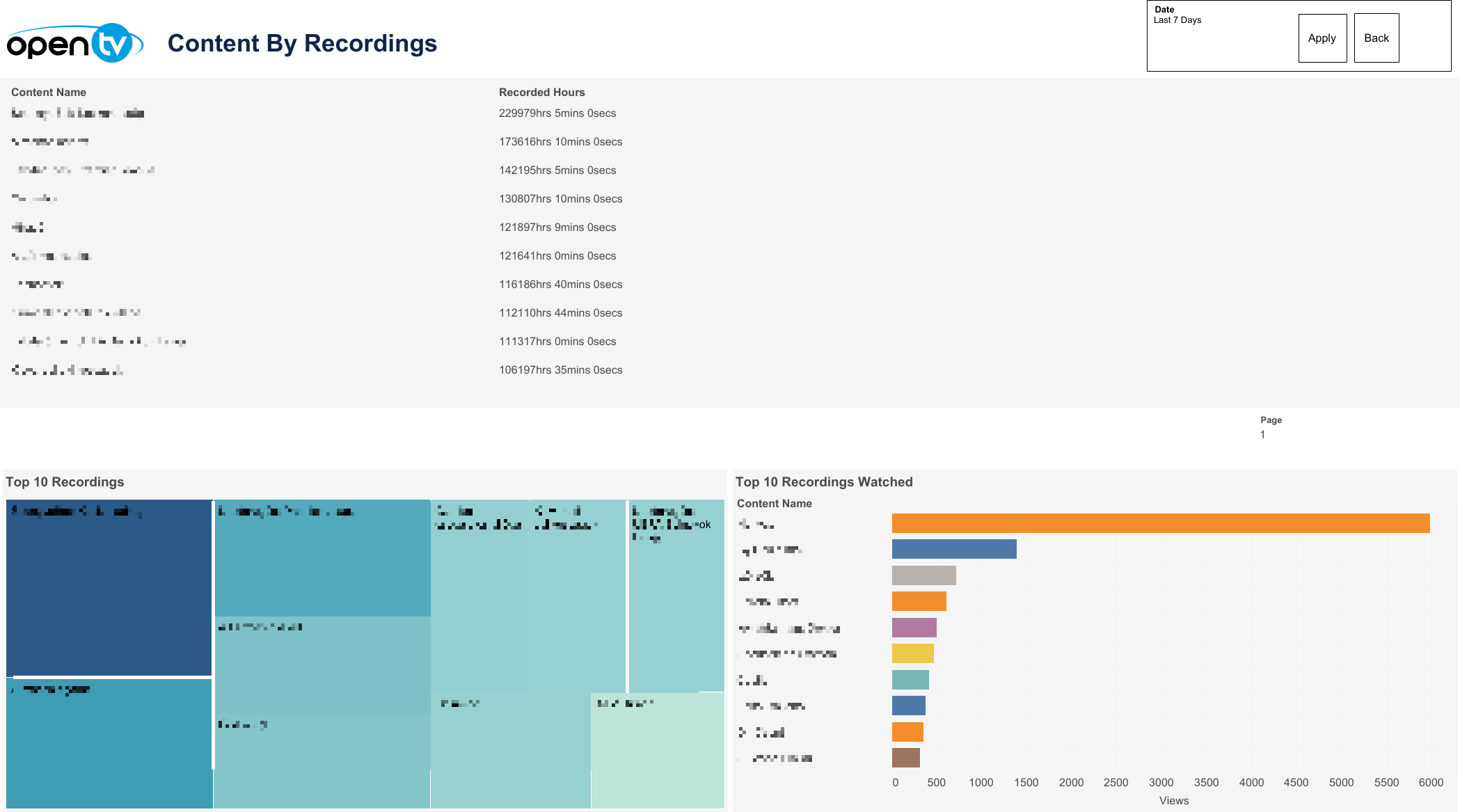
This page displays the Content By Recordings table, Top 10 Recordings table and Top 10 Recordings Watched table.
Date selection
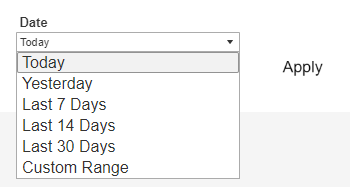
The top right of the page shows a Date drop-down menu, with preset time intervals for Today, Yesterday, Last 7 days, Last 14 days, and Last 30 days. Selecting one of these options then clicking Apply loads the data.
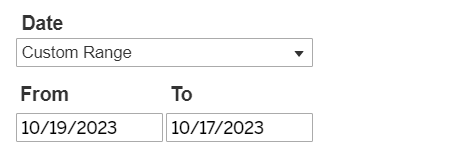
Users can also select Custom Range, which causes the From and To date fields to appear below, and allows users to specify any time interval (provided dates are not in the future). Users must then click Apply to load the data.
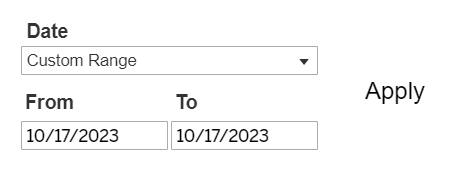
Selecting a From date that lies in the future causes the Apply button to disappear:
A Back button is also shown at the top right of this page. Clicking it returns the user to the Overview page.

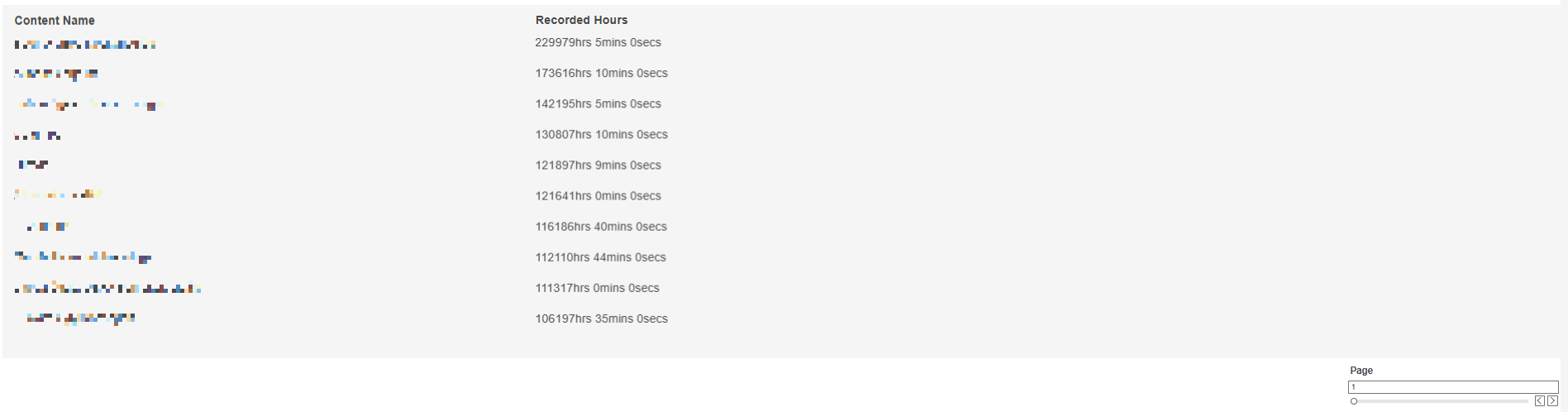
Content By Recordings Table
The table shows Content By Recordings. Users can navigate between pages using the navigation button at the bottom right of the table.
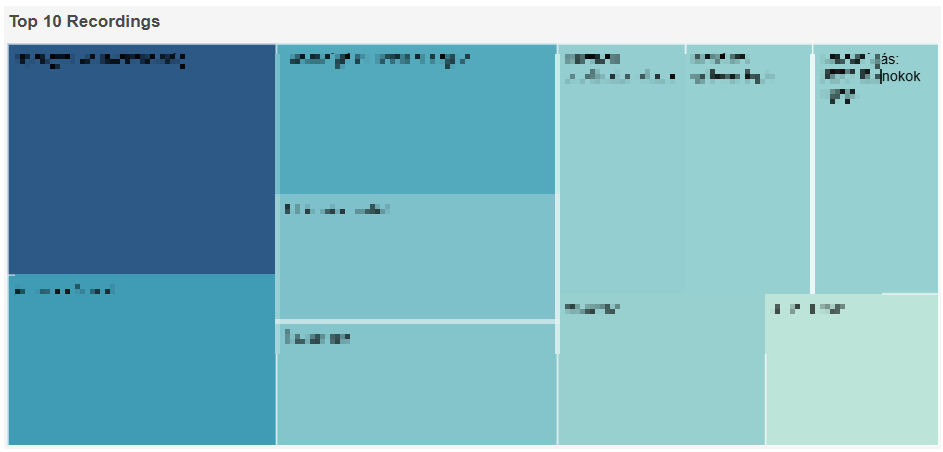
Top 10 Recordings Table
The table shows the Top 10 Recordings. Users can navigate between pages using the navigation button at the bottom right of the table.
Top 10 Recordings Watched Table
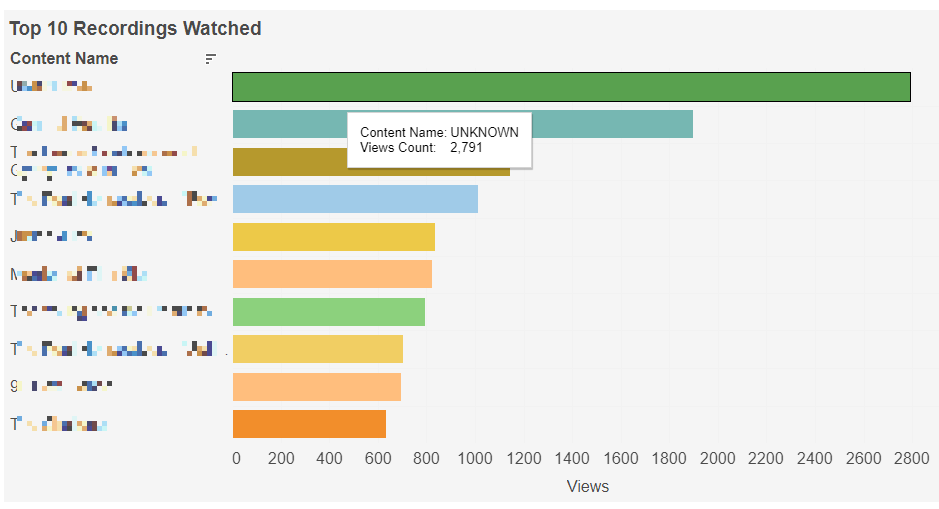
The table shows the Top 10 Recordings Watched sorted by view count in descending order.