
To test this feature and view the example code, please see the
Browsers and Connected TV SDK 5 Example Code Quick Start
guide. This feature is not supported by the Reduced Size SDK.
The CONNECT Player SDK can be extended to support WebVTT chapters. A description of the WebVTT format for the definition of a chapters file is available at https://www.w3.org/TR/webvtt1/.
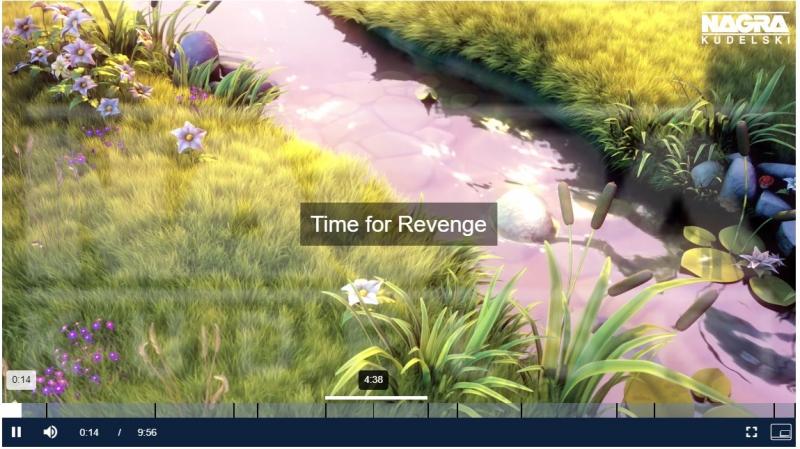
When chapters are added to the video player, chapter boundaries are shown as marks in the seek bar.
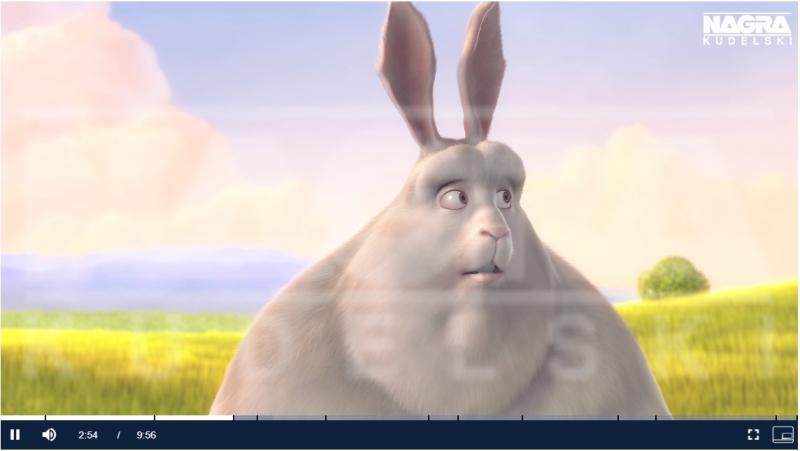
When a user hovers their pointer over the seek bar, the extent of the chapter will be highlighted and the chapter title displayed.
Example code
Once the player has been created, provideotvtoolkitwith the URL of the chapters file.
let playerInstance = otvplayer(
    "videoPlayer",
    // options
    {},
    // loaded callback
    function loadedCallback() {
        playerInstance.otvtoolkit().addChapters(<webvtt-url>)
    }
);
To disable chapters, call addChapters() with a null URL.
playerInstance.src(another_source);
playerInstance.otvtoolkit().addChapters(null);
The accepted format for a WebVTT chapters file is pairs of start/end times and chapter titles.
WEBVTT 1 00:00:00.000 --> 00:00:33.000 Opening scene 2 00:00:33.000 --> 00:01:55.000 The Bunny Himself 3 00:01:55.000 --> 00:02:54.000 The Bad Guys Appear