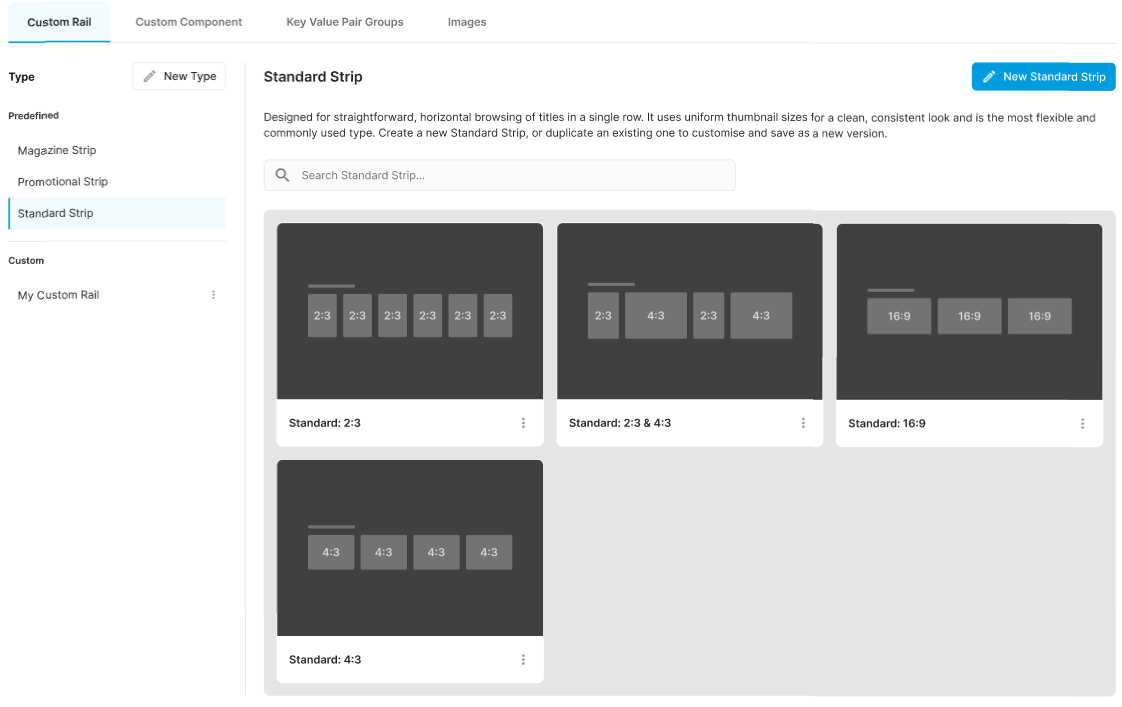
To create a new variant of a predefined rail blueprint:
-
Open the required rails layout.
-
Select the Add tab in the sidebar menu and then select the required predefined strip type to use as a basis. There are 3 types to choose from:
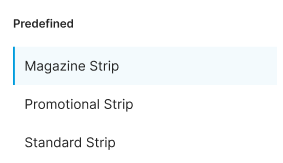
-
Click the blue New [xxx] Strip button on the right.
-
Configure the settings as required. For information and guidance on settings, see Rail strip blueprint configuration.
-
Click Save.
-
The new variant is added to the library.